Description
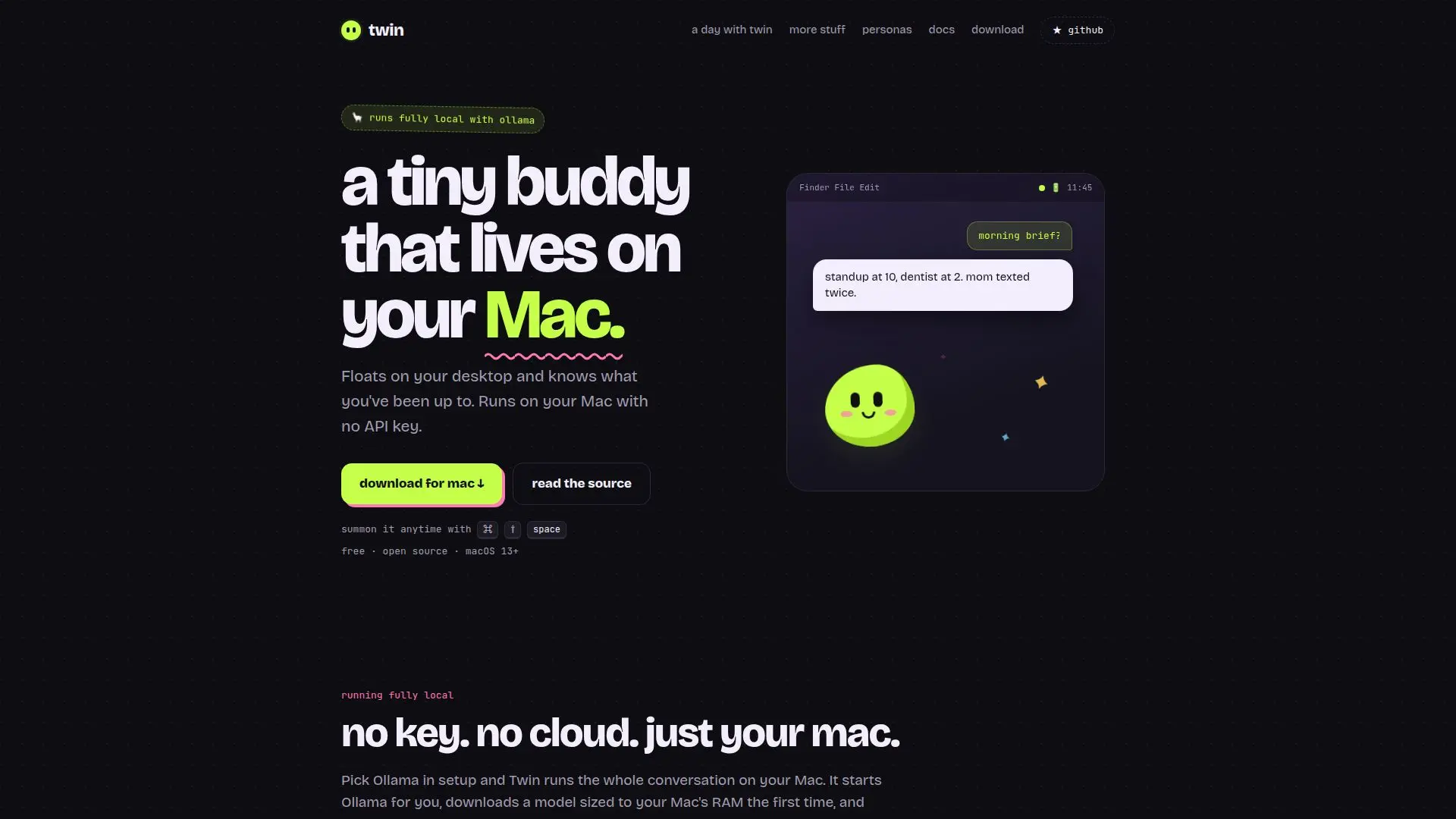
Twin is an innovative AI assistant designed specifically for Mac users, offering a local-first approach to managing daily tasks and interactions. Unlike many other digital assistants, Twin operates entirely on your Mac, ensuring that your data remains private and secure. It utilizes DuckDB to store information locally, meaning no data is sent to the cloud or external servers.
Read More
The application is designed to be user-friendly, with a simple setup process that allows users to choose between running the AI model locally with Ollama or using cloud providers like Anthropic, OpenAI, Google Gemini, or xAI. For those who prefer a fully local experience, Twin can operate without an API key, keeping all interactions on the device.
Twin offers a variety of features to enhance productivity and organization. It can remember your daily activities, catch you up on missed messages, and even provide voice interactions. The assistant is customizable, allowing users to choose from different personas that suit their style and preferences.
The application is open-source, with its code available on GitHub, allowing users to modify and adapt it to their needs. Twin is compatible with macOS 13 Ventura or later and is optimized for Apple silicon. It is free to use, providing a cost-effective solution for those seeking a reliable AI assistant.
Despite its many features, Twin maintains a focus on privacy and security. It does not require user accounts, synchronization, or cloud databases, ensuring that all data remains on the user's Mac. This makes Twin an ideal choice for privacy-conscious users who want the benefits of an AI assistant without compromising their data security.
- CategoryAI Personal Assistants
- Pricing ModelFree
- DeploymentLocal
- PlatformsmacOS
Twin's Core Features
Local-first operation
Voice interaction
Customizable personas
Open-source code
No cloud dependency
Privacy-focused
Supports multiple AI providers
Free and easy setup
How to use Twin?
Download: Get the .dmg file from the website.
Install: Drag Twin into the Applications folder.
Setup: Choose your AI provider and configure settings.
Use: Interact with Twin via hotkeys and voice commands.
Twin's Use Cases
- Daily Task Management
- Privacy-Conscious Assistance
- Voice Interaction
- Customizable Experience
- Offline AI Usage