
Description
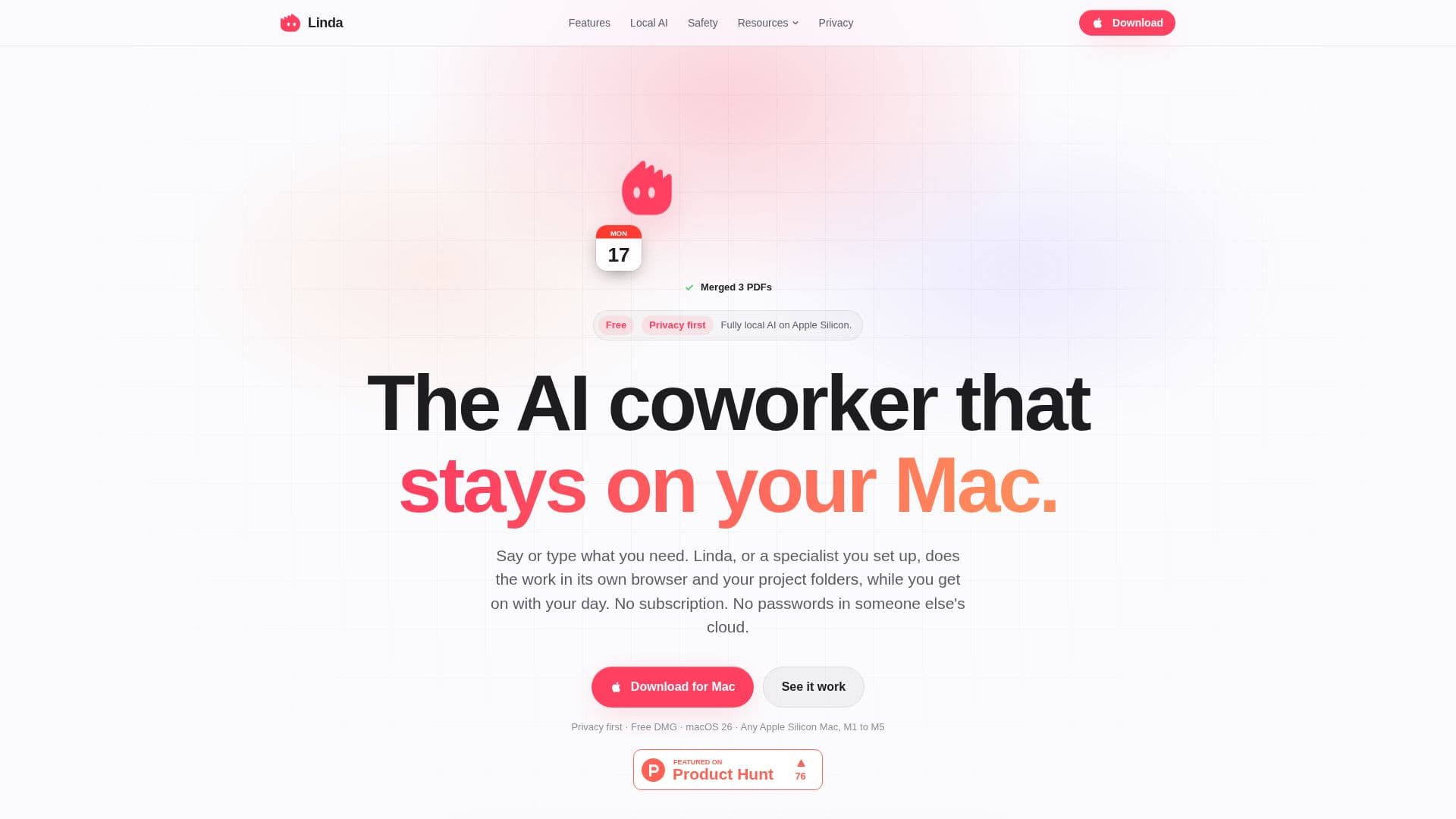
Linda is a private AI coworker designed specifically for Mac users, utilizing local AI models to automate tasks efficiently. It operates entirely on your device, ensuring that your data remains secure and private. Linda is free to use, with no account required, and offers the flexibility to integrate frontier models using your own key from providers like OpenRouter, OpenAI, Anthropic, or Google.
Read More
The tool is designed to work seamlessly with Apple Silicon, supporting models from Ollama, LM Studio, and mlx-lm. Users can choose to run tasks offline, with internet connectivity required only for web searches or tasks involving online data. Linda uses its own browser profile, ensuring that your personal browser data remains untouched.
Linda's architecture includes modules like LindaDaemon for task management, LindaLaya for prompt handling, and LindaMemory for data storage. It offers features such as project management, specialist roles for specific tasks, and routine automation. Users can create projects to organize tasks that share a common goal, like managing monthly bills or planning a trip.
Safety is a priority, with approvals required for actions like sending, buying, deleting, posting, or submitting personal data. Linda ensures that these actions are always visible and stoppable, providing users with control over their data and actions.
Linda integrates with various apps on your Mac, including Outlook, Teams, Numbers, Pages, and Notes, and supports plugins for services like Notion, Todoist, Linear, GitHub, and Stripe. It also offers web search capabilities through providers like Parallel, Brave, Tavily, Exa, and DuckDuckGo.
Overall, Linda provides a comprehensive AI coworker experience for Mac users, combining local AI processing with user-friendly features and robust privacy controls.
- CategoryAI Personal Assistants
- Pricing ModelFree
- DeploymentLocal
- PlatformsmacOS 26
Linda's Core Features
Local AI models
Free to use
No account required
Project management
Specialist roles
Routine automation
Privacy controls
App integrations
How to use Linda?
Install: Download and set up Linda on your Mac
Choose Assistant: Select local or online AI models
Configure: Set up projects and specialist roles
Use: Automate tasks with voice or text commands
Optimize: Integrate with apps and manage routines
Linda's Use Cases
- Task Automation
- Project Management
- Data Security
- Specialist Roles
- Routine Scheduling