
Description
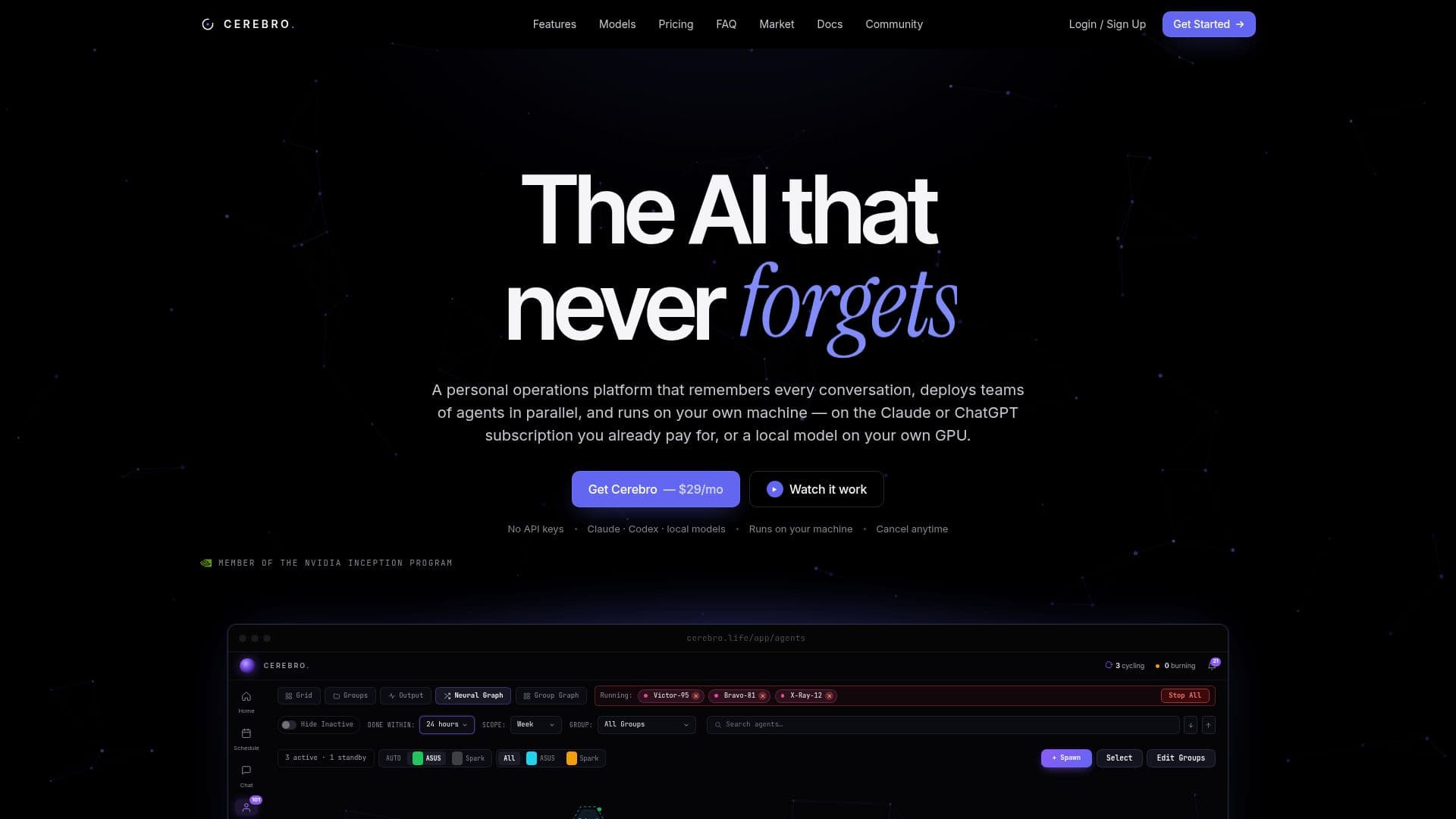
Cerebro Converse AI is a comprehensive AI operations platform designed to enhance productivity by integrating persistent memory, parallel agent deployment, browser control, and device mesh capabilities. It operates locally on your machine, ensuring privacy and eliminating the need for API keys or cloud services. Users can leverage their existing AI subscriptions, such as Claude or ChatGPT, or opt for local models, providing flexibility in model choice.
The platform is designed to remember every session, deploy teams of agents in parallel, and automate tasks seamlessly. It supports various models, including Claude, Codex, and local models, allowing users to switch between them per chat or agent. Data remains on the user's machine, with memory, conversations, and logs stored locally, ensuring complete privacy.
Cerebro Converse AI offers a flat pricing model with no tiers or add-ons, making it cost-effective compared to competitors. Users can cancel anytime, with their memory folder remaining functional with the free server. The platform is built by Professor Michael Anthony Lopez and is actively used by the company that developed it, showcasing its real-world application.
Designed for developers, Cerebro Converse AI provides an operations layer that maximizes the potential of existing AI subscriptions. It eliminates the need for repetitive explanations and ensures continuous operation, even when the user is away. The platform's capabilities include scheduled automations, SSH device mesh, and a real browser instance, making it a versatile tool for various tasks.
Cerebro Converse AI's Core Features
Persistent memory across sessions
Parallel agent deployment
Browser control
Scheduled automations
Device mesh (SSH)
Model-agnostic support
100% local and private
No API keys required
Flat pricing model
Claude and ChatGPT integration
Local model support
Real-time agent monitoring
Capability packs
Open source memory server
Priority support
How to use Cerebro Converse AI?
Create account: Sign up at cerebro.life
Download: Get Cerebro Desktop from your portal
Install: Run the setup wizard
Unlock: Use your passkey to activate
Configure: Set up models and paths
Use: Deploy agents and automate tasks
Monitor: Check real-time agent activity
Optimize: Adjust settings for efficiency
Cerebro Converse AI's Use Cases
- Team coordination
- Data privacy
- Model flexibility
- Automated workflows
- Real-time monitoring
- Cost-effective AI
- Developer operations
- Persistent memory
- Device integration
- Browser automation