Description
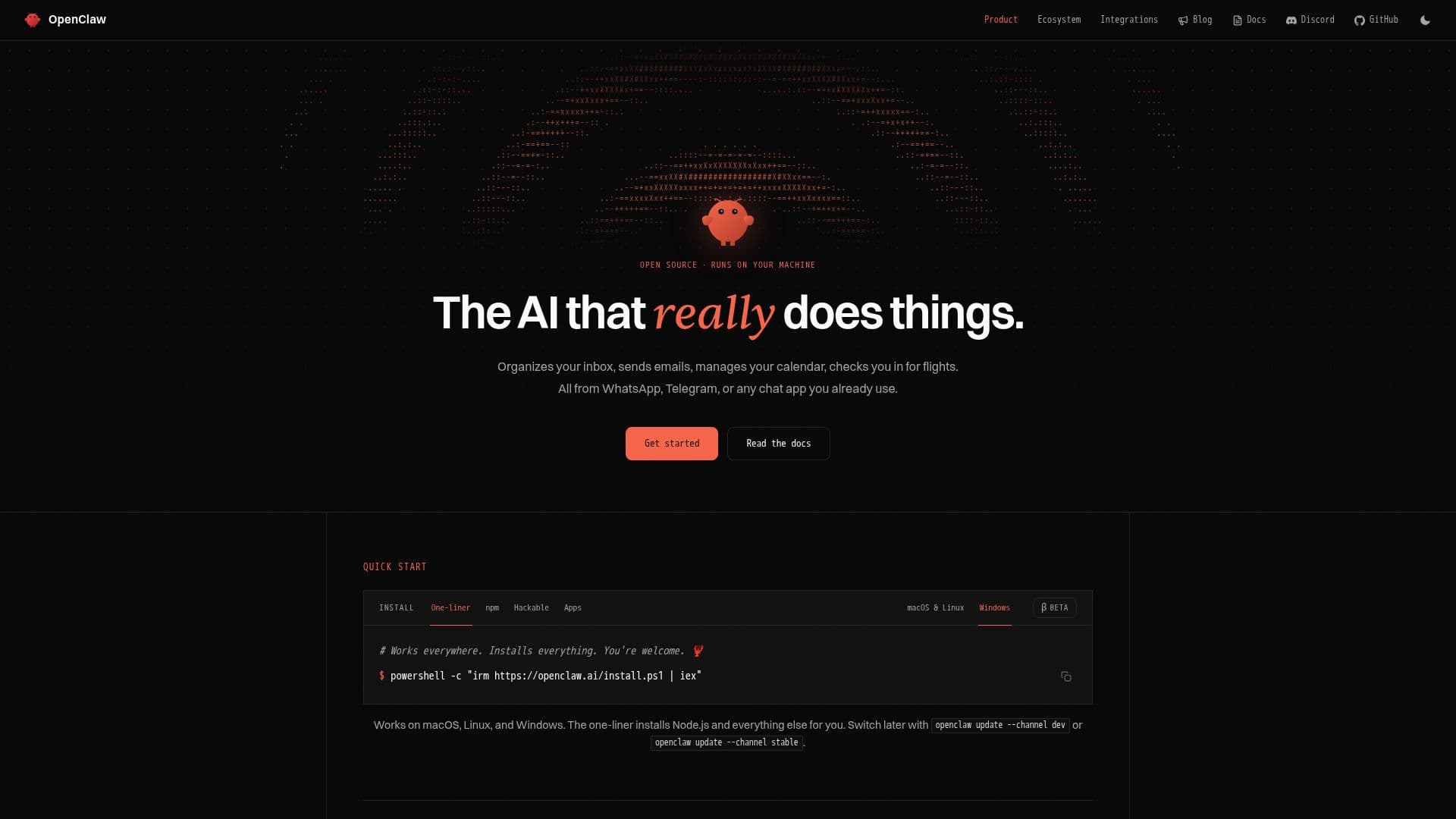
OpenClaw is an innovative open-source AI assistant designed to operate directly on your machine, allowing users to maintain control over their data and interactions. Unlike many cloud-based solutions, OpenClaw emphasizes user privacy and autonomy by running locally, ensuring that your information remains secure and within your control. This personal assistant integrates with various chat applications, enabling users to communicate and manage tasks effortlessly.
Read More
The assistant is built to work with a wide range of chat channels, including popular platforms like Discord, Slack, and WhatsApp, among others. This multi-channel capability allows users to interact with OpenClaw wherever they are, making it a versatile tool for both personal and professional use. With features like persistent memory and browser control, OpenClaw can assist with daily tasks, reminders, and even complex workflows, all while adapting to the user's preferences and habits.
OpenClaw's architecture supports a variety of skills and plugins, allowing users to customize their experience further. The platform is designed for developers and tech-savvy users who want to create and deploy their own AI agents. The community-driven nature of OpenClaw encourages collaboration and innovation, making it a dynamic choice for those looking to explore the capabilities of AI in their daily lives.
The assistant's unique selling proposition lies in its ability to provide a personal AI experience without the constraints of enterprise-level solutions. Users can build their own agent army, manage multiple tasks across different machines, and even create voice-guided workflows. OpenClaw is not just another AI tool; it represents a shift towards user-centric AI solutions that prioritize control, customization, and community engagement.
- CategoryAI Personal Assistants
- Pricing ModelFree
- DeploymentLocal
- PlatformsWindows, macOS, Linux
OpenClaw's Core Features
Open Source
Runs Locally
Multi-Channel Integration
Persistent Memory
Browser Control
Customizable Skills
Supports 29 Chat Channels
64 Model Providers
142 Official Plugins
Voice-Guided Production
How to use OpenClaw?
Install OpenClaw: Download and set up OpenClaw on your machine.
Connect to a Chat Channel: Integrate OpenClaw with your preferred chat application.
Configure Skills: Customize OpenClaw by adding or modifying skills and plugins.
Start Interacting: Use OpenClaw to manage tasks and receive assistance through your chat app.
OpenClaw's Use Cases
- Personal Assistant
- Team Collaboration
- Custom AI Development
- Voice-Guided Tasks
- Data Privacy Management