
Description
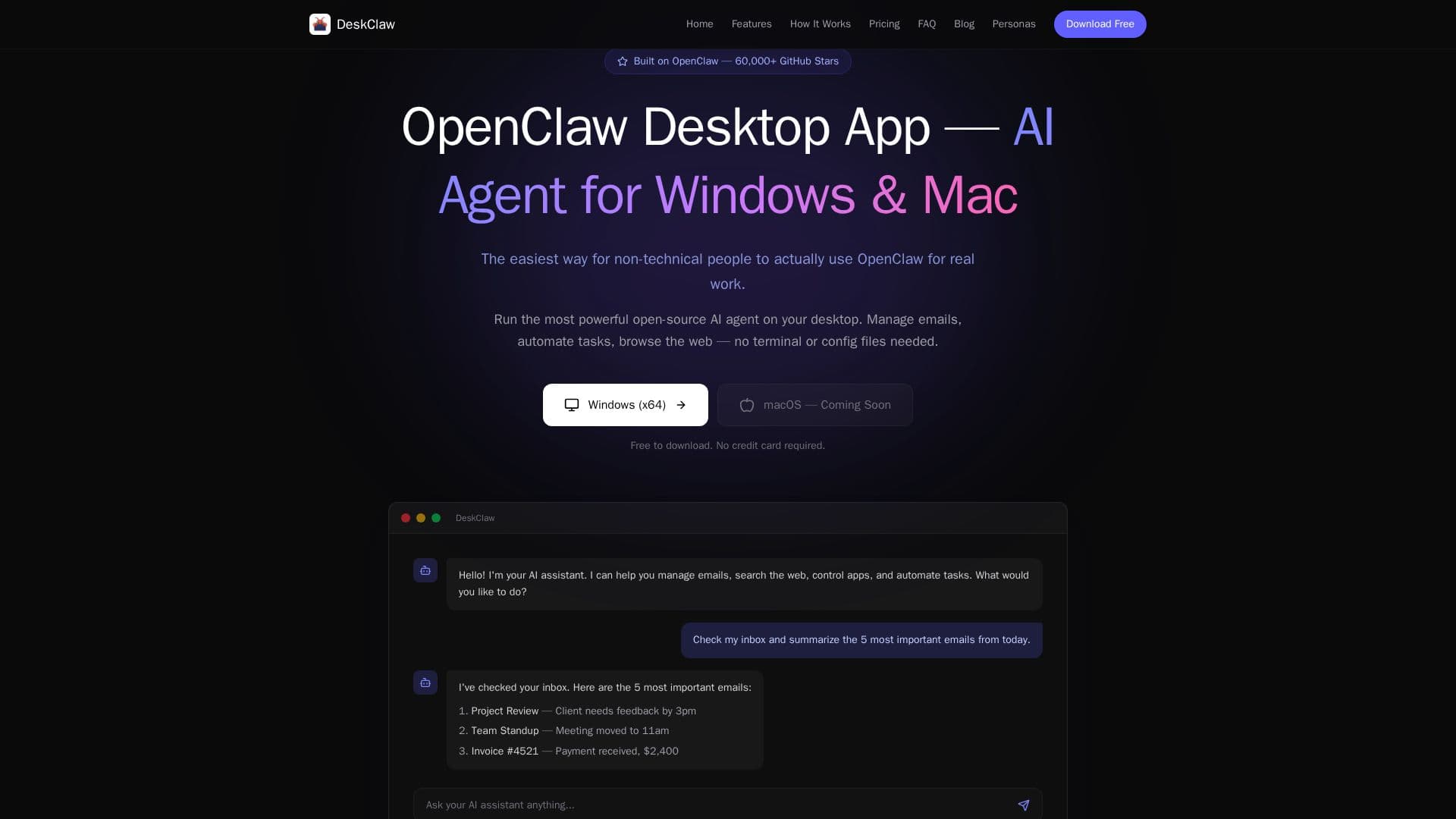
DeskClaw is a desktop application for Windows and macOS that wraps the open-source OpenClaw AI agent into a simple, no-config install, so non-technical users can run it for real work without terminals or configuration files. With DeskClaw, an AI agent can manage emails, automate tasks, and browse the web, all from one clean app that installs in under two minutes.
Read More
DeskClaw comes with everything built in: top AI models including Claude, GPT, Gemini, and Qwen with no API keys or separate subscriptions, multi-session chat for running parallel conversations, and connections to Telegram and WhatsApp so you can control your AI from your phone while your PC does the work. It includes real-time web search, ten pre-installed skills such as Gmail management, Spotify control, weather queries, and blog monitoring, and a usage dashboard for tracking spend and topping up via Stripe.
A large library of ready-to-use AI personas lets you drop in a role, such as a customer support agent, code reviewer, LinkedIn content strategist, or revenue analyst, and have the agent take it on instantly with no prompt engineering. Built on OpenClaw, one of the fastest-growing open-source AI projects on GitHub, DeskClaw is free to download with free credits on signup, offering pay-as-you-go top-ups or monthly subscription plans.
- CategoryAI Personal Assistants
- Pricing ModelFreemium
- DeploymentDesktop app
- PlatformsWindows, macOS
DeskClaw's Core Features
Runs the OpenClaw AI agent on desktop with no terminal or config
Built-in top AI models (Claude, GPT, Gemini, Qwen) with no API keys
Multi-session chat for parallel conversations
Telegram and WhatsApp control from your phone
Real-time web search
Ten pre-installed skills including Gmail and Spotify control
Large library of ready-to-use AI personas
Usage dashboard with Stripe top-ups
How to use DeskClaw?
Download and install: Get DeskClaw for Windows or macOS and double-click to install.
Create your account: Sign up with your email and receive free credits, no card required.
Pick a model or persona: Choose a built-in AI model or drop in a ready-made persona.
Connect messaging: Link Telegram or WhatsApp to control your agent from anywhere.
Get things done: Chat with the agent to manage email, automate tasks, and search the web.
DeskClaw's Use Cases
- Email management
- Task automation
- Web research
- Remote control
- Role-based agents