
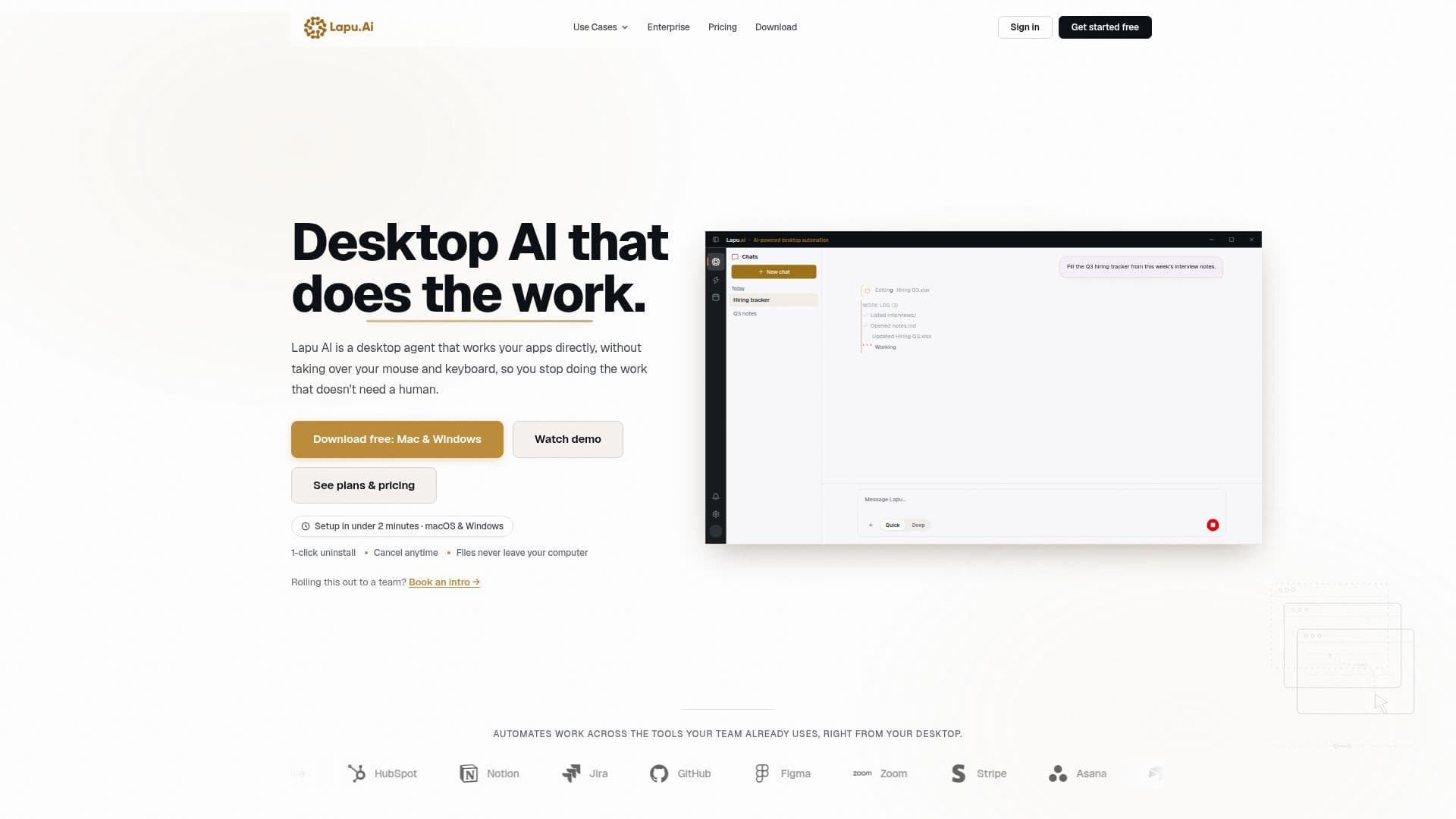
Description
Lapu AI is a desktop AI agent designed to automate a wide range of computer tasks on macOS and Windows platforms. By integrating frontier AI models with local tools, Lapu AI offers an efficient solution for executing multi-step tasks directly on your desktop. Unlike browser-based AI tools, Lapu AI provides direct access to your files, terminal, and applications, allowing it to perform complex operations without the need for constant user input.
The agent is equipped with features such as local file and workspace tools, desktop automation, and permission-based execution. This ensures that every sensitive action requires explicit user approval, maintaining a high level of security and control. Lapu AI's local-first architecture means that all files and data remain on your machine, with no cloud storage involved, enhancing data privacy.
Lapu AI supports a variety of repetitive desktop tasks, including document processing, data extraction, file management, and research synthesis. It can orchestrate cross-application workflows, allowing seamless data movement between different apps without the need for tab-switching. The agent's built-in AI reasoning capabilities enable it to plan tasks, execute them, and generate outputs efficiently.
Pricing for Lapu AI includes a free plan with core capabilities, and paid plans such as Premium ($20/month), Pro ($60/month), and Max ($100/month), each offering increased usage and additional features. Teams and Enterprise plans are also available for organizations requiring shared usage and advanced security controls.
Lapu AI is suitable for both non-technical users and developers, as it allows task descriptions in plain language while handling execution. It is particularly beneficial for teams looking to automate workflows across existing tools, reducing the need for multiple applications and improving productivity.
Lapu AI: Desktop AI Agent's Core Features
Desktop automation with native-driver integration
Permission-based execution for risky actions
Local file and workspace tools
Cross-application workflow orchestration
Streaming AI conversations with session management
Full audit trail with real-time action logging
Local-first architecture with no cloud storage
Context isolation for process separation
Reusable skills and structured workflows
Built-in frontier AI for reasoning and planning
How to use Lapu AI: Desktop AI Agent?
Download: Install Lapu AI on your desktop
Configure: Set up permissions and preferences
Use: Automate tasks using plain language commands
Optimize: Schedule workflows and reuse skills
Lapu AI: Desktop AI Agent's Use Cases
- Invoice extraction
- Document processing
- Spreadsheet automation
- Cross-app workflows
- File organization