Description
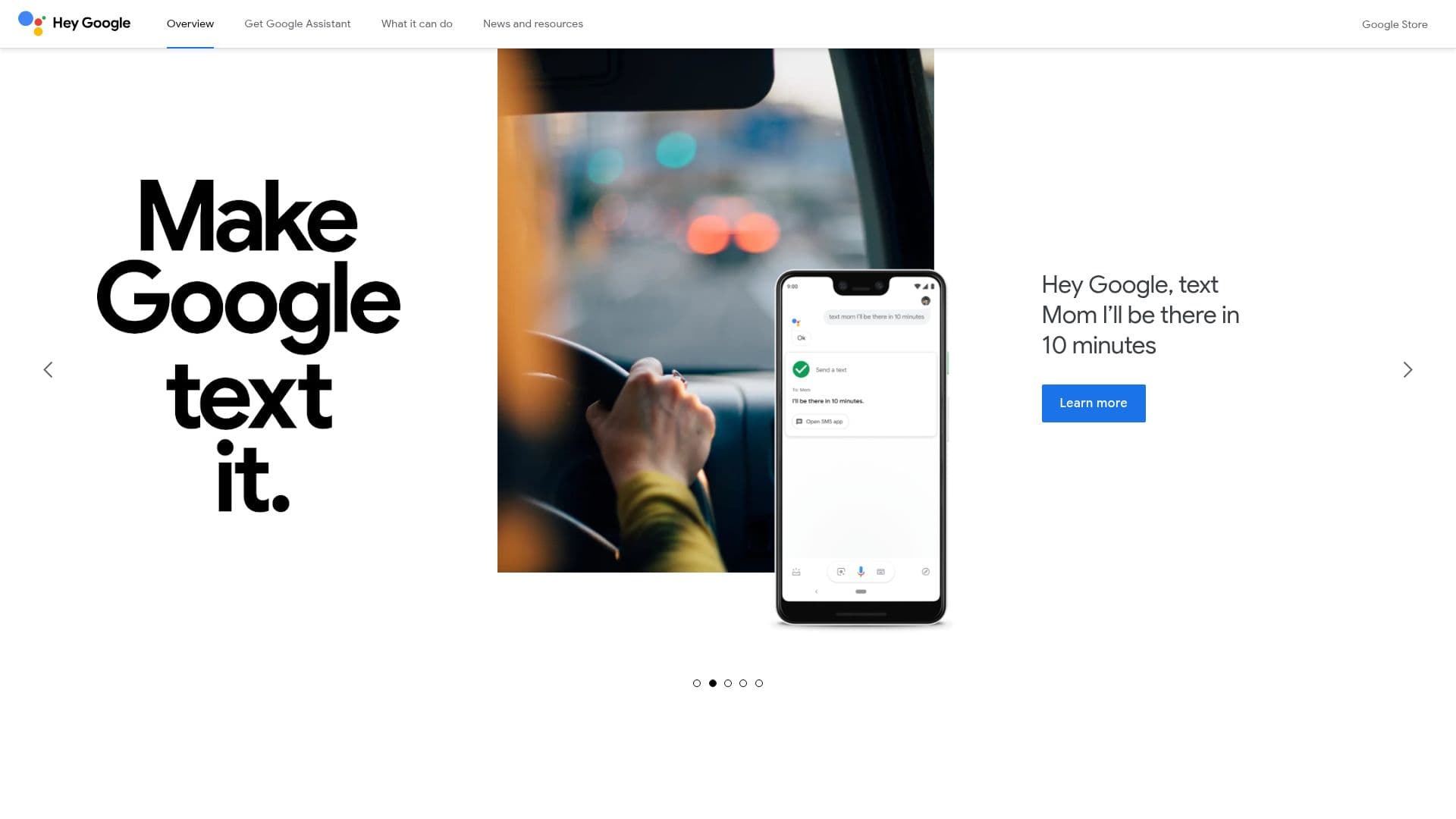
Google Assistant is a versatile AI-powered virtual assistant developed by Google. It is designed to help users perform a wide range of tasks, from setting reminders and sending texts to controlling smart home devices and playing music. Users can interact with Google Assistant through voice commands, making it a hands-free solution for managing daily activities.
Read More
Available on over a billion devices, including smartphones, smart speakers, and smart displays, Google Assistant is accessible to a global audience. It supports multiple languages, allowing users worldwide to benefit from its capabilities. The assistant integrates with popular apps such as Spotify, Twitter, and MyFitnessPal, enabling seamless interactions across different platforms.
Privacy and security are central to Google Assistant's design. Google provides users with simple privacy controls to manage their data, ensuring that personal information remains secure. The assistant is built to respect user privacy, offering transparency and control over data usage.
Developers can leverage Google Assistant's capabilities by integrating it into their applications. This allows businesses to enhance user engagement through voice interactions, providing a more dynamic and interactive experience. With features like App Actions and Built-in Intents, developers can create customized voice commands that align with their app's functionality.
Google Assistant's ability to operate across various devices, including smartphones, smart displays, and feature phones, makes it a versatile tool for users on the go. Whether at home, in the car, or on a run, users can rely on Google Assistant to help them get things done efficiently and effectively.
- CategoryAI Personal Assistants
- Pricing ModelFree
- DeploymentCloud
- PlatformsAndroid, iOS
Google Assistant's Core Features
Voice-activated assistance
Smart home control
App integration
Privacy controls
Multilingual support
Hands-free operation
Task management
Real-time answers
Entertainment control
Developer integration
Smartphone compatibility
Wear OS support
Smart display functionality
Feature phone support
Global availability
How to use Google Assistant?
Configure: Set up Google Assistant on your device
Use: Activate with 'Hey Google' to start commands
Optimize: Customize settings for personalized experience
Integrate: Connect with compatible apps and devices
Google Assistant's Use Cases
- Smart Home Control
- Task Management
- Entertainment
- Communication
- Information Retrieval
- Language Translation
- Navigation
- Shopping
- Fitness Tracking
- Business Integration