
Description
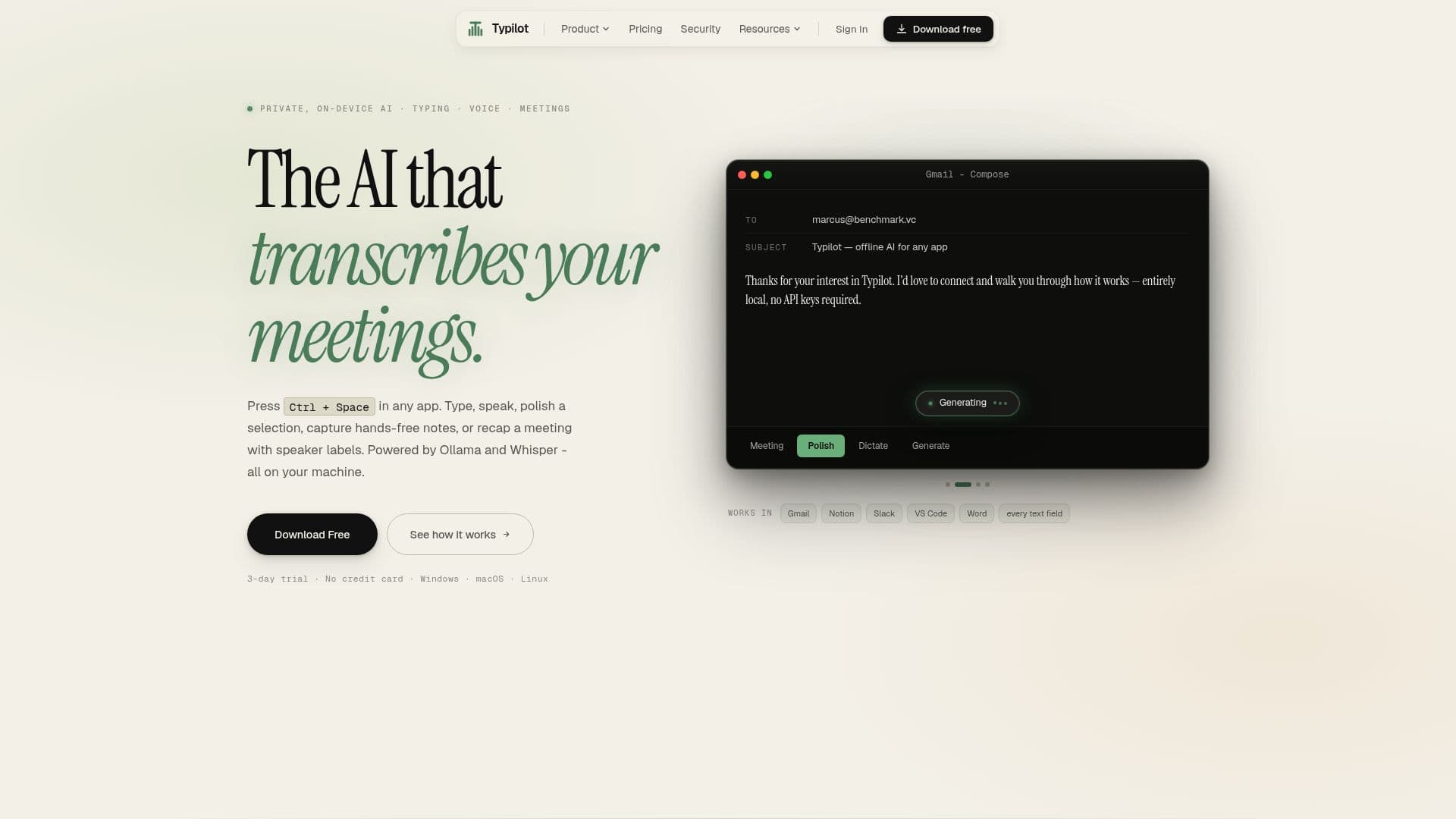
Typilot is a private, on-device AI assistant designed for macOS, Windows, and Linux. It enhances your desktop experience by providing voice dictation, autocomplete, writing polish, hands-free notes, and meeting recaps in every application. Unlike traditional cloud-based tools, Typilot operates entirely on your machine, ensuring that your data remains private and secure.
Read More
With Typilot, you can simply press Ctrl + Space in any app to activate its features. This allows you to speak, write, polish text, and summarize meetings without needing an internet connection. The AI models run locally, meaning your prompts, audio, and transcripts are never uploaded to the cloud. The only network call made is a periodic license check, ensuring that your data stays on your device.
Typilot offers various pricing options to suit different needs, including a one-time lifetime license for $199, a monthly subscription at $7.99, and a yearly plan at $83.88, which saves you 12% compared to the monthly rate. Additionally, a 3-day free trial is available, allowing users to explore all features without any commitment.
The application is built for a wide range of users, including developers, writers, lawyers, and students, providing tailored solutions for each profession. For instance, developers can use Typilot for stack-trace fixes and polished PR descriptions, while writers can rewrite paragraphs and summarize research efficiently.
Overall, Typilot is a versatile tool that combines multiple functionalities into one application, replacing the need for various cloud subscriptions. Its commitment to privacy and local processing makes it a unique choice for anyone looking to enhance their productivity without compromising data security.
- CategoryAI Personal Assistants
- Pricing ModelOne-time purchase or subscription
- DeploymentRuns locally
- PlatformsmacOS, Windows, Linux
Typilot's Core Features
Voice dictation in any text field
Inline autocomplete
One-shortcut writing polish
Hands-free voice notes
Meeting recording with speaker labels and recap
Custom AI commands
Local Whisper transcription
Screenshot and OCR context
Light and dark themes
Works offline
How to use Typilot?
Press Ctrl + Space: Activate Typilot in any application.
Speak or type: Use voice dictation or type commands.
Select text: Highlight any text you want to polish.
Press Polish key: Rewrite selected text in place.
Record meetings: Hit record to capture audio and notes.
Ask questions: Chat with the transcript for summaries.
Customize commands: Create your own commands as needed.
Typilot's Use Cases
- Developers
- Writers
- Lawyers
- Students
- Podcasters