Description
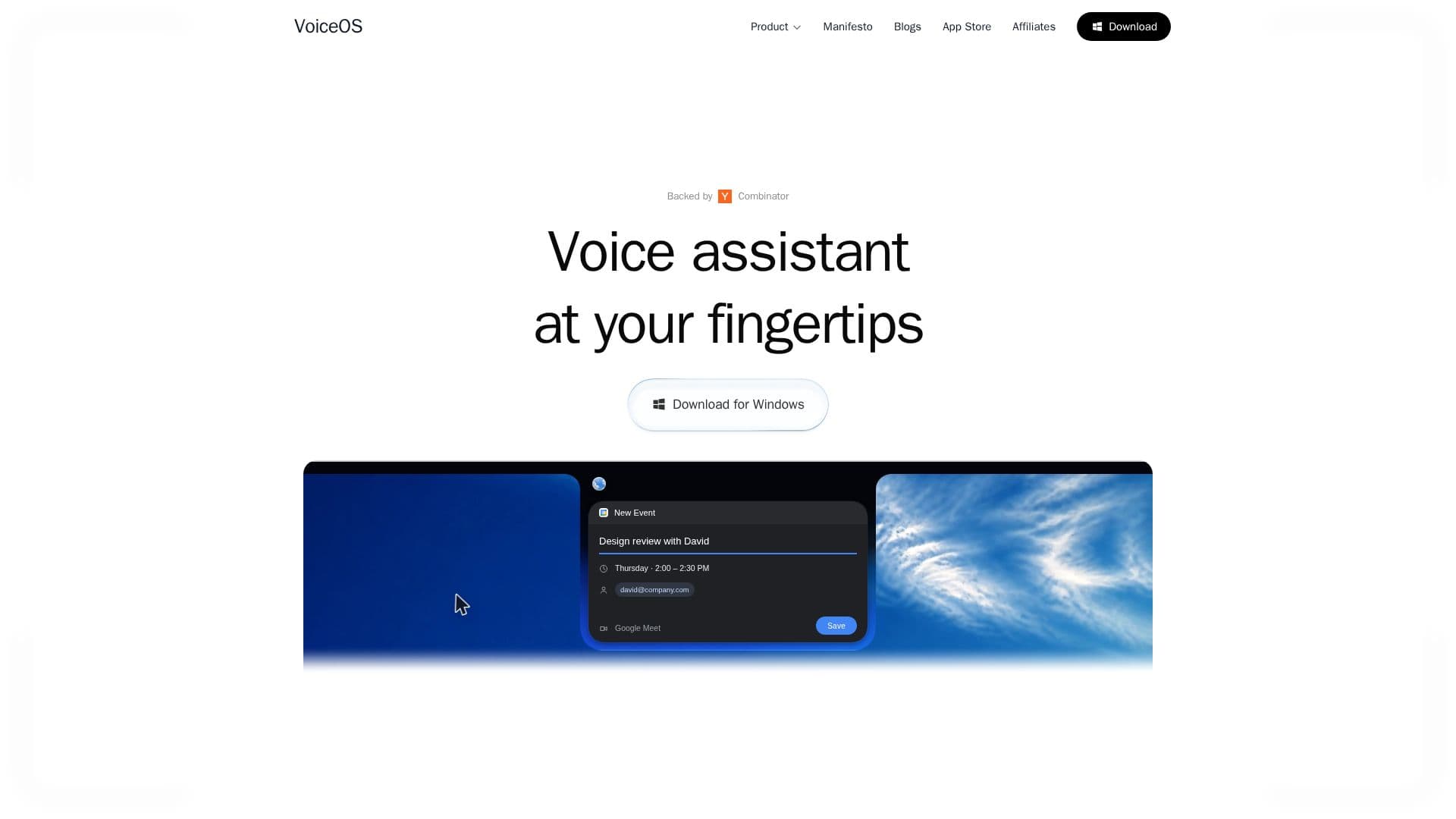
VoiceOS, built by WakoAI Inc., is a voice operating system and AI voice assistant for Mac and Windows that turns voice into action. It goes beyond dictation: you can send messages, search the web, schedule meetings, and automate tasks across apps by speaking, with your on-screen cursor providing context.
Read More
VoiceOS includes a Dictation Mode with auto-formatting and 100+ languages, an Agent Mode for multi-step actions across apps, an Edit mode, custom dictionary, context awareness, and style adaptation. Its Agent Mode connects to 21 official integrations such as Gmail, Slack, Notion, iMessage, Linear, and Google Calendar, adding up to 176 voice actions, and it also supports connecting your own MCP servers. Actions that write or send something stop and confirm before executing.
VoiceOS keeps audio on your device and does not store it on servers or use it to train models. It starts with a 7-day Pro trial (card required), after which users drop to a limited free tier with weekly dictation and Agent Mode limits, with Pro and Enterprise plans adding unlimited usage, priority support, and enterprise security features like SSO/SAML and SOC 2 Type II.
- CategoryAI Personal Assistants
- Pricing ModelFreemium
- DeploymentCloud
- PlatformsmacOS, Windows
VoiceOS's Core Features
Voice dictation with auto-formatting in 100+ languages
Agent Mode for multi-step actions across apps
21 official app integrations with 176 voice actions
Web search from voice commands
Cursor and screen context awareness
Custom dictionary and style adaptation
Bring-your-own MCP server support
Audio processed on-device and never stored on servers
How to use VoiceOS?
Install VoiceOS: Download the app for Mac or Windows and start the trial.
Connect your apps: Turn on integrations like Gmail, Slack, Notion, and Google Calendar in Settings.
Press and speak: Press the hotkey and say what you want to dictate or do.
Review before it acts: For actions that send or change something, confirm the previewed action before it runs.
VoiceOS's Use Cases
- Voice dictation
- Cross-app actions
- Finding files and notes
- Web search
- Task reminders