Description
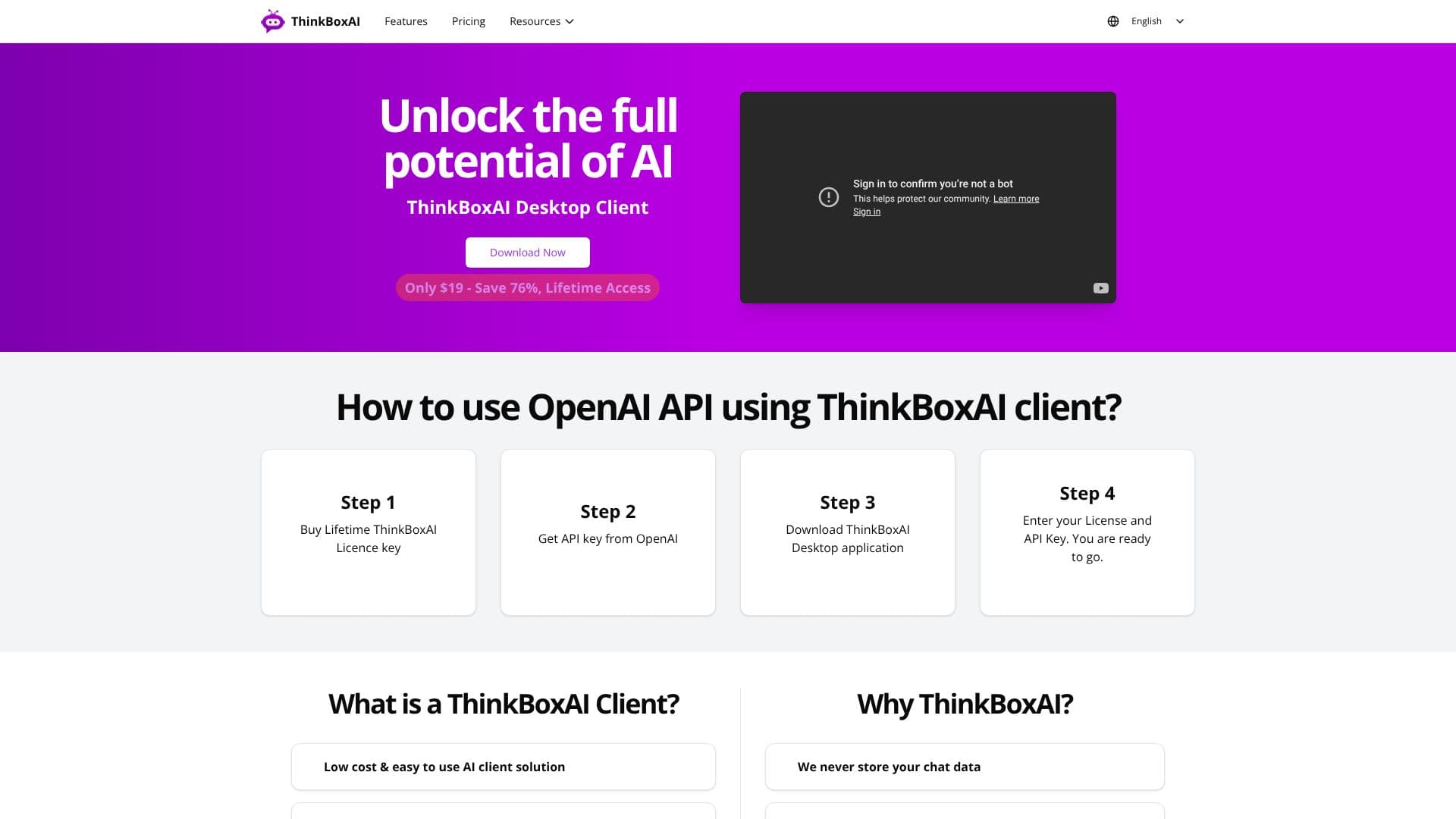
Unlock the full potential of AI with the ThinkBoxAI Desktop Client, a powerful yet accessible solution designed for users on Mac, Windows, and Linux. This client empowers you to harness the capabilities of AI providers by utilizing your existing API keys, offering a flexible and cost-effective alternative to traditional subscription models.
Read More
Getting started is straightforward. After purchasing a lifetime ThinkBoxAI license key for a one-time fee of $19, users simply need to obtain an API key from their preferred AI provider, such as OpenAI. Once the ThinkBoxAI desktop application is downloaded and your license and API keys are entered, you are ready to begin.
The ThinkBoxAI client is built with the user in mind, offering a low-cost and easy-to-use interface. It supports a pay-as-you-go model for services like ChatGPT, allowing you to manage your AI usage expenses efficiently. Advanced settings enable customization of GPT output, and a pre-built prompt library provides quick access to useful AI prompts.
Security and user experience are paramount. ThinkBoxAI ensures that your chat data is never stored, providing a private environment for your AI interactions. The cross-platform compatibility means you can use the client seamlessly across your preferred operating systems. Users have praised its user-friendliness, extensive features, and minimal one-time license fee, highlighting its value compared to recurring subscription costs.
For freelance content writers and professionals, the ThinkBoxAI client is an invaluable tool. It streamlines AI integration into workflows and even includes an image generation feature, adding another layer of utility. This makes it an affordable and feature-rich way to utilize AI APIs effectively.
- CategoryAI Personal Assistants
- Pricing ModelOne-time purchase
- DeploymentDesktop app
- PlatformsWindows, macOS, Linux
ThinkBoxAI Desktop Client's Core Features
Lifetime access license
One-time purchase model
Cross-platform compatibility (Windows, macOS, Linux)
Supports AI provider API keys
Customizable GPT output via advanced settings
Ready-made prompt library
Pay-as-you-go pricing for AI services
Secure chat data handling (no storage)
Image generation feature
User-friendly interface
Regular updates included with lifetime license
How to use ThinkBoxAI Desktop Client?
Purchase Lifetime ThinkBoxAI License key
Obtain API key from AI provider (e.g., OpenAI)
Download ThinkBoxAI Desktop application
Enter License and API Key
Configure advanced settings for GPT output
Utilize prompt library for quick access
Start using AI features and generate content/images
ThinkBoxAI Desktop Client's Use Cases
- Content Creation
- Coding Assistance
- Research & Summarization
- Creative Writing
- Image Generation
- Cost-Effective AI Usage
- Personalized AI Interaction