Description
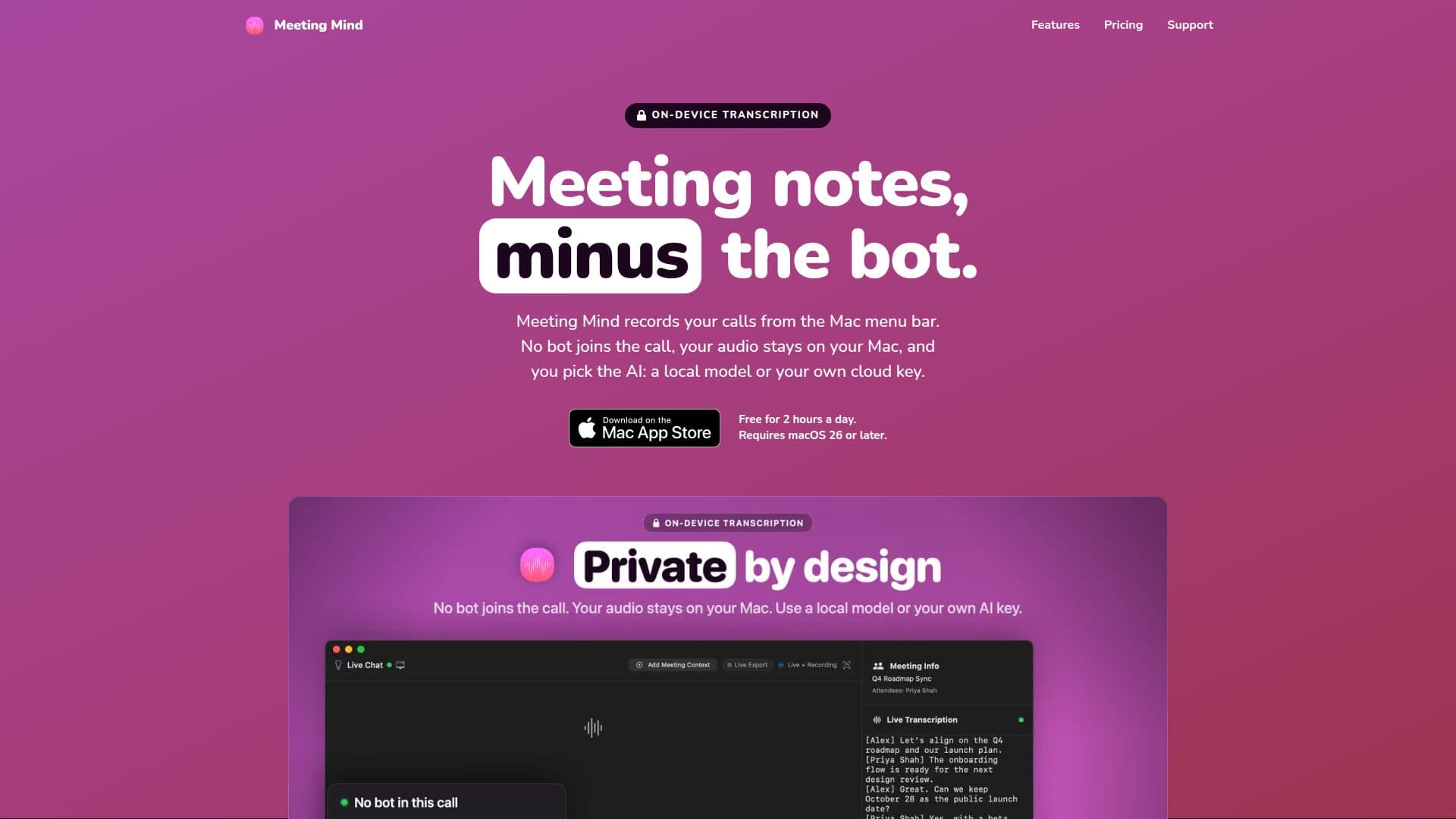
Meeting Mind is a powerful application designed for Mac users to efficiently manage and transcribe their online meetings. It supports popular platforms such as Zoom, Microsoft Teams, Google Meet, and Webex, allowing users to record calls directly from their Mac menu bar without the need for a bot to join the call. This ensures that all audio remains private and secure on the user's device.
Read More
The tool offers live transcription capabilities, enabling users to read transcripts in real-time with accurate speaker identification. Meeting Mind also provides instant summaries, highlighting key decisions and action items, which are saved in Markdown format for easy sharing and integration with other applications like Obsidian and Notion.
Users have the flexibility to choose between using a local AI model or their own cloud AI key for transcription and summaries. The application supports various AI models, including OpenAI, Anthropic, and OpenRouter, ensuring adaptability to different user preferences.
Meeting Mind is free to download, offering up to two hours of recording per day. For those requiring more extensive use, an unlimited recording option is available through a one-time in-app purchase, eliminating the need for ongoing subscriptions. This makes it an ideal solution for professionals seeking a cost-effective and efficient way to manage their meeting notes.
The application is designed for macOS 26 or later, and it automatically detects meetings from Zoom, Teams, and Google Meet. Users can manually start recordings for other platforms, ensuring comprehensive coverage of all meeting types. Meeting Mind also supports exporting notes to Obsidian and Notion, enhancing productivity and organization.
- CategoryAI Meeting Assistants
- Pricing ModelFreemium
- DeploymentLocal
- PlatformsmacOS
Meeting Mind's Core Features
On-device transcription
AI-driven summaries
Real-time speaker identification
Markdown notes export
Local AI model support
Cloud AI key integration
Automatic meeting detection
Unlimited recording option
How to use Meeting Mind?
Configure: Set up AI model preferences
Use: Start recording from the Mac menu bar
Transcribe: View live transcripts during calls
Summarize: Receive Markdown notes post-call
Meeting Mind's Use Cases
- Meeting Transcription
- Instant Summaries
- Privacy Assurance
- AI Model Flexibility
- Productivity Integration