Description
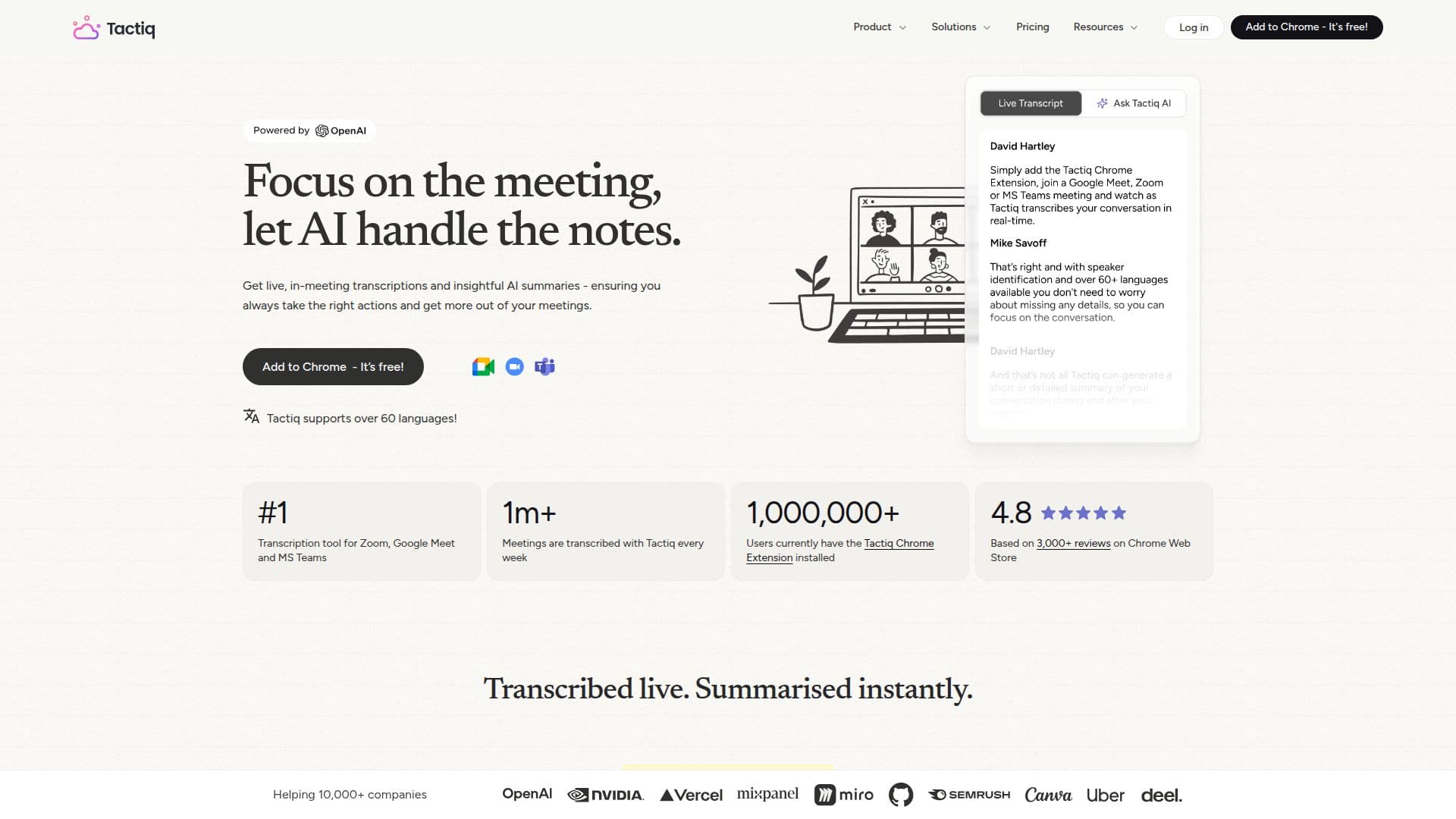
Tactiq is an AI note taker and meeting assistant for Google Meet, Zoom, and Microsoft Teams. It captures live transcriptions in real time without an AI bot joining the meeting, so users leave a call with notes, action items, and summaries already prepared. Tactiq is available as a Chrome extension that covers all three platforms in the browser and as a Mac app for transcribing Zoom desktop calls.
Read More
During and after meetings, Tactiq generates AI summaries, drafts action items, and lets users ask AI questions about their transcripts in one click. Custom AI prompts can be saved and reused across future meetings, and meeting insights can feed workflow automations and AI agents. Transcripts can be highlighted, searched, exported, and shared to tools such as Google Docs, Notion, Slack, and Confluence.
On privacy and security, Tactiq transcribes rather than records, so it does not store meeting audio, and the transcript is displayed only to the user. It uses OpenAI's enterprise API, which does not train on submitted data, and holds SOC 2 Type II attestation. Enterprise features include team spaces, data retention controls, SAML SSO, and account management.
Tactiq offers a free plan with 10 transcripts and 5 AI credits per month, plus Pro, Team, Business, and Enterprise plans that add unlimited transcripts, more AI credits, and team and security features. Trusted by over one million users.
- CategoryAI Meeting Assistants
- Pricing ModelFreemium
- DeploymentCloud, Browser extension
- PlatformsWeb, Chrome, macOS
Tactiq's Core Features
Real-time transcription without a bot joining the meeting
Works with Google Meet, Zoom, and Microsoft Teams
AI meeting summaries and action items
Ask AI questions about transcripts in one click
Saved, reusable custom AI prompts
Export and share to Google Docs, Notion, Slack, and more
Transcribes without recording or storing audio
SOC 2 Type II attestation, SSO, and enterprise controls
How to use Tactiq?
Install Tactiq: Add the Chrome extension or download the Mac app.
Start a meeting: Tactiq pops up automatically when your meeting begins.
Transcribe live: Watch the real-time transcript and highlight key moments.
Generate insights: Get AI summaries and action items, or ask AI questions in one click.
Share and act: Export or share transcripts and summaries to the tools you already use.
Tactiq's Use Cases
- Meeting notes
- Action item tracking
- Meeting search and recall
- Workflow automation
- Team knowledge base