
Description
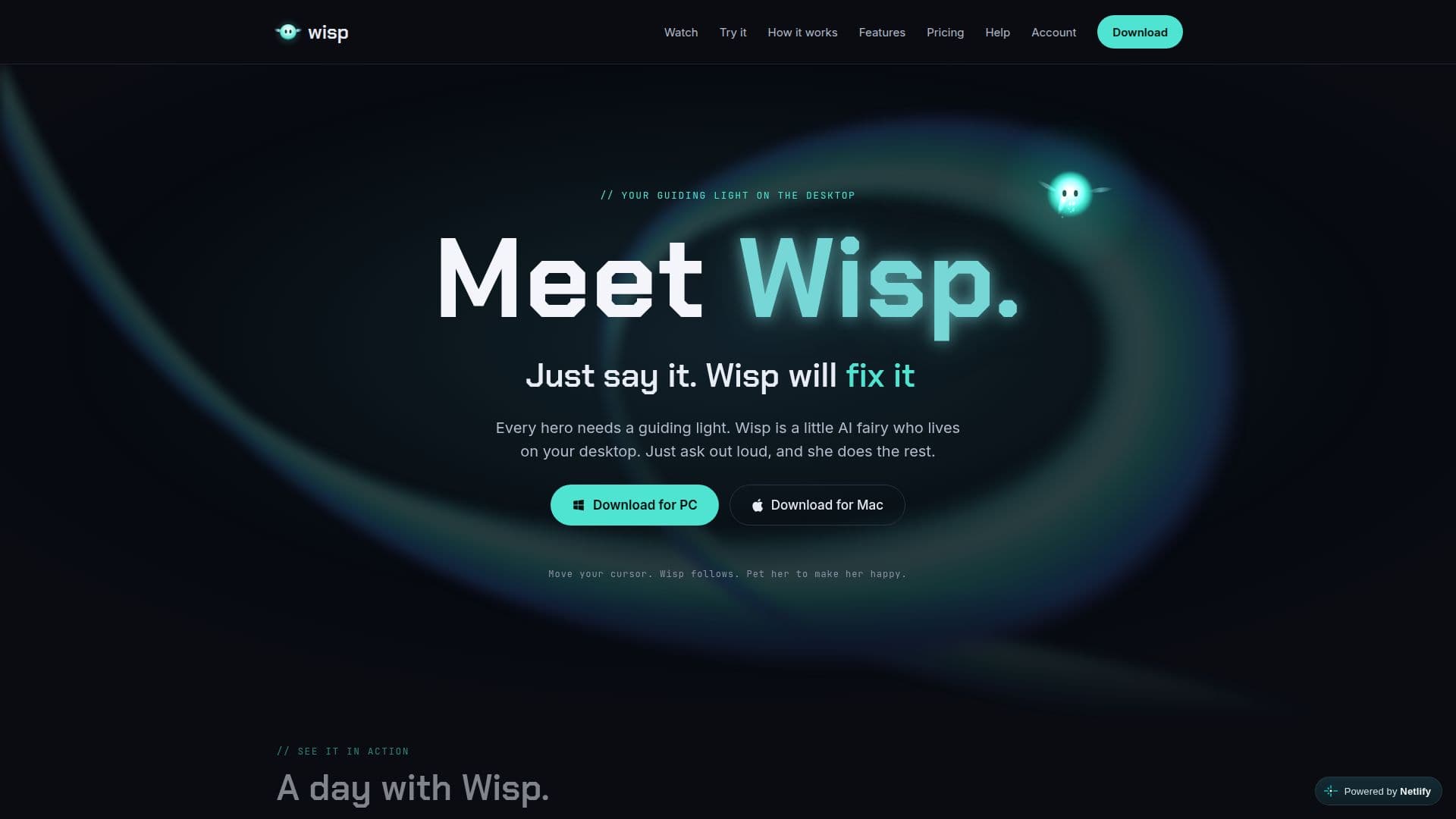
Wisp is a versatile desktop AI assistant that acts as a guiding light for users on both Windows and macOS. It functions as a hands-free interface for your entire computer, allowing you to interact with applications and perform tasks simply by speaking aloud or typing. The core idea behind Wisp is to streamline complex digital processes into natural, conversational commands, much like a personal assistant for every app on your computer.
Read More
This AI fairy can handle a wide array of tasks, from opening browsers and navigating websites to managing emails, calendars, and documents. Wisp integrates with popular applications such as Slack, Google Drive, Notion, GitHub, and HubSpot, enabling it to read, write, and organize information across your connected services. For instance, you can ask Wisp to summarize a report from your downloads, draft an email reply, or even organize your desktop files into logical folders. It remembers your preferences and learns from your corrections, developing "skills" to perform tasks exactly as you prefer.
Wisp also offers advanced capabilities like building software, designing visual assets, and generating comprehensive documents with cited sources. Users can describe an app or game, and Wisp will build it, or request a logo, poster, or pitch deck, which it will design. For larger, more complex jobs, Wisp can hand off tasks to Claude Code, providing a finished result rather than a list of steps. It supports a "Live mode" where it can observe your screen to offer contextual help, such as explaining an error message or comparing flight prices.
The platform operates on a freemium model, offering a free tier with standard voice, unlimited quick commands, and a limited number of smart tasks. Paid plans (Plus and Pro) provide premium voice minutes, more smart tasks, and long-term memory, allowing Wisp to develop a deeper understanding of your habits and preferences. Users can also connect their own Anthropic and ElevenLabs API keys to continue using premium features for free, paying the providers directly. Wisp prioritizes user control and privacy, ensuring that it only acts with permission and does not store sensitive data like screen content or connected app data beyond what is explicitly saved by the user.
- CategoryAI Personal Assistants
- Pricing ModelFreemium
- DeploymentDesktop app
- PlatformsWindows, macOS
Wisp's Core Features
Voice and Text Command Interface
Hands-Free Computer Control
Cross-Application Automation
Personalized Memory and Learning (Skills)
Calendar Management and Event Scheduling
Email Reading, Replying, and Organization
Document Research and Generation with Citations
Graphic Design and Visual Asset Creation
Software and Game Building
Live Mode for Contextual On-Screen Assistance
Integration with Third-Party Applications (e.g., Slack, Google Drive)
Customizable Permissions and Work Style
Undo Functionality for Recent Actions
Interactive Games and Play Features
Multi-Platform Support (Windows and macOS)
How to use Wisp?
Install Wisp: Download and install the Wisp application for Windows or macOS from the official website.
Grant Permissions: Allow Wisp necessary permissions like Microphone, Accessibility (Mac), and Screen Recording for full functionality.
Interact with Wisp: Use push-to-talk (double-tap Left Command/Alt) or say "Hey Wisp" (with Always listening on) to speak, or double-tap Right Command/Alt to type.
Manage Your Day: Ask Wisp to brief you, add calendar events, or handle emails using natural language commands.
Connect Apps: Link Wisp to your existing applications like Google Calendar, Slack, or Notion to extend its capabilities.
Create Content: Request Wisp to write documents, design logos, or build simple software by describing your needs.
Customize Settings: Adjust Wisp's personality, permission mode, and other settings through its menu to tailor its behavior.
Utilize Smart Tasks: Use smart tasks for building, designing, and researching, topping up or upgrading your plan as needed.
Wisp's Use Cases
- Desktop Automation
- Calendar Management
- Email Handling
- Document Creation
- Graphic Design
- Software Development
- Information Retrieval
- Task Management
- Contextual Assistance
- Personalized Learning