
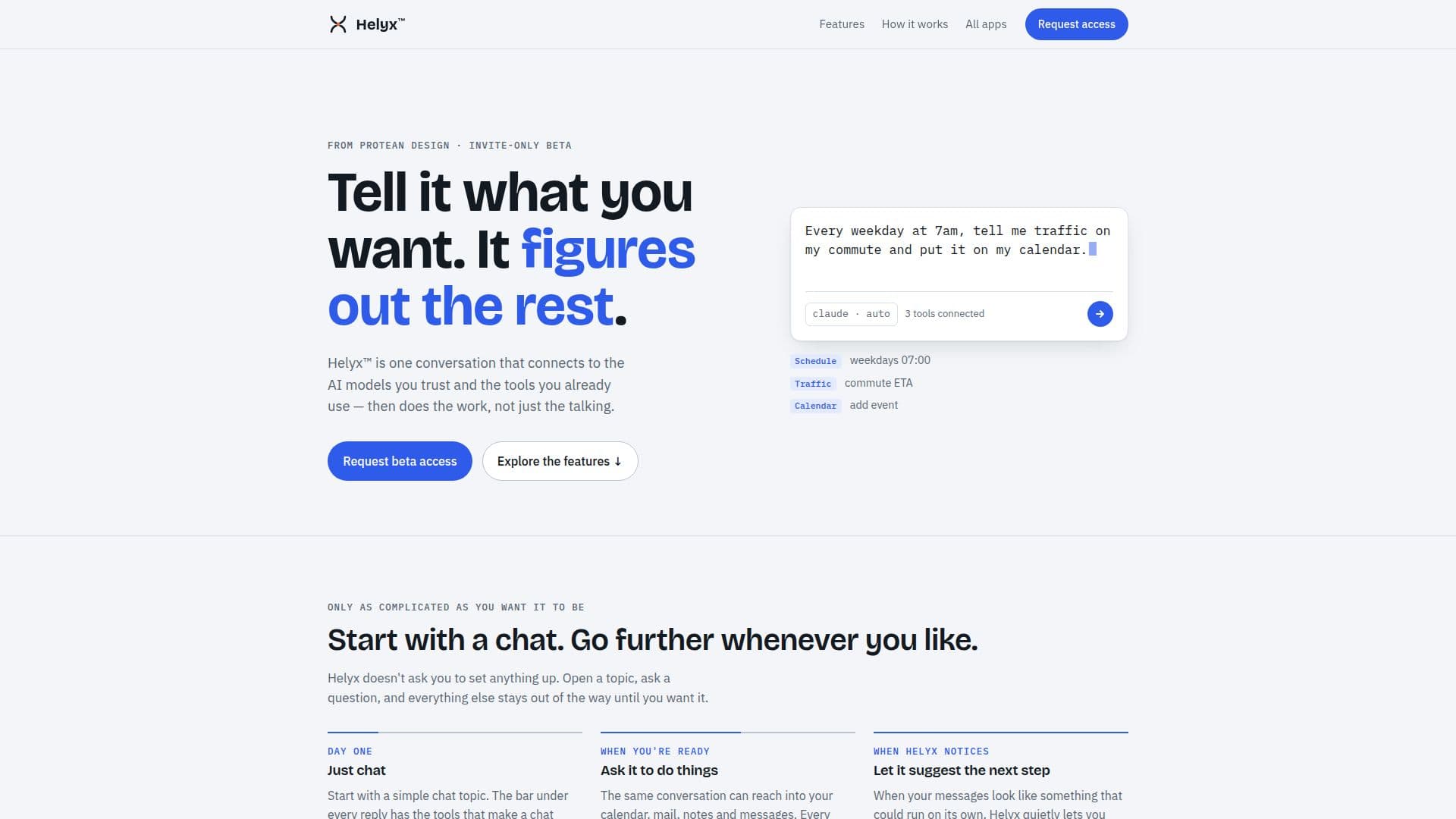
Description
Helyx is an innovative AI assistant designed to streamline your workflow by connecting to the AI models you trust and the tools you already use. Unlike other conversational AI, Helyx goes beyond just talking; it actively performs tasks and integrates with your existing digital ecosystem. The platform is currently in an invite-only beta, offering limited spots to early adopters.
Read More
Starting a conversation with Helyx is straightforward. Users can open a topic and ask a question, with the interface designed to stay out of the way until needed. Each reply in a chat includes a bar with tools to make the conversation more useful, such as options to copy, email, save to Drive or calendar, print, or send to a notepad. This allows users to easily manage and utilize the information generated.
A core capability of Helyx is its ability to interact with various personal and professional tools. The same conversation can extend into your calendar, mail, notes, and messages, enabling the AI to perform actions directly within these applications. Every step Helyx takes is meticulously listed, providing transparency and allowing users to see exactly what actions were executed.
One of Helyx's unique features is its ability to quietly suggest the next steps when your messages indicate a potential for automation. Without intrusive pop-ups, it offers a small suggestion that, if accepted, can transform a conversation into an automated workflow. Users can also add frequently used prompts to "My Prompts" for quick access and repeated use. The beta program is free, covering AI usage up to a daily limit, which can be removed by adding your own Anthropic, OpenAI, or Google API key. Access is granted via a Google account, with a note about Google's unverified app warning during the beta phase.
- CategoryAI Personal Assistants
- Pricing ModelFree during Beta
- DeploymentCloud
- PlatformsWeb
Helyx's Core Features
Connects to trusted AI models
Integrates with existing user tools
Performs actions beyond conversation
Simple chat interface
Tools bar for managing chat replies (copy, email, save, print)
Interacts with calendar, mail, notes, and messages
Lists every action taken for transparency
Suggests automations based on conversations
Allows saving custom prompts
Invite-only beta access
Free during beta phase
Supports Anthropic, OpenAI, or Google API keys for extended use
Google account sign-in
How to use Helyx?
Request Access: Apply for the invite-only beta program.
Sign In: Use your Google account to sign in once approved.
Start Chatting: Open a topic and ask a question to begin a conversation.
Utilize Tools: Use the tools bar under replies to copy, email, save, or print chat content.
Delegate Tasks: Ask Helyx to perform actions within your calendar, mail, or notes.
Automate Workflows: Accept Helyx's suggestions to automate recurring tasks.
Customize Prompts: Save frequently used prompts to "My Prompts" for quick access.
Helyx's Use Cases
- Automated Scheduling
- Email Management
- Note Taking & Organization
- Task Automation
- Information Archiving