
Description
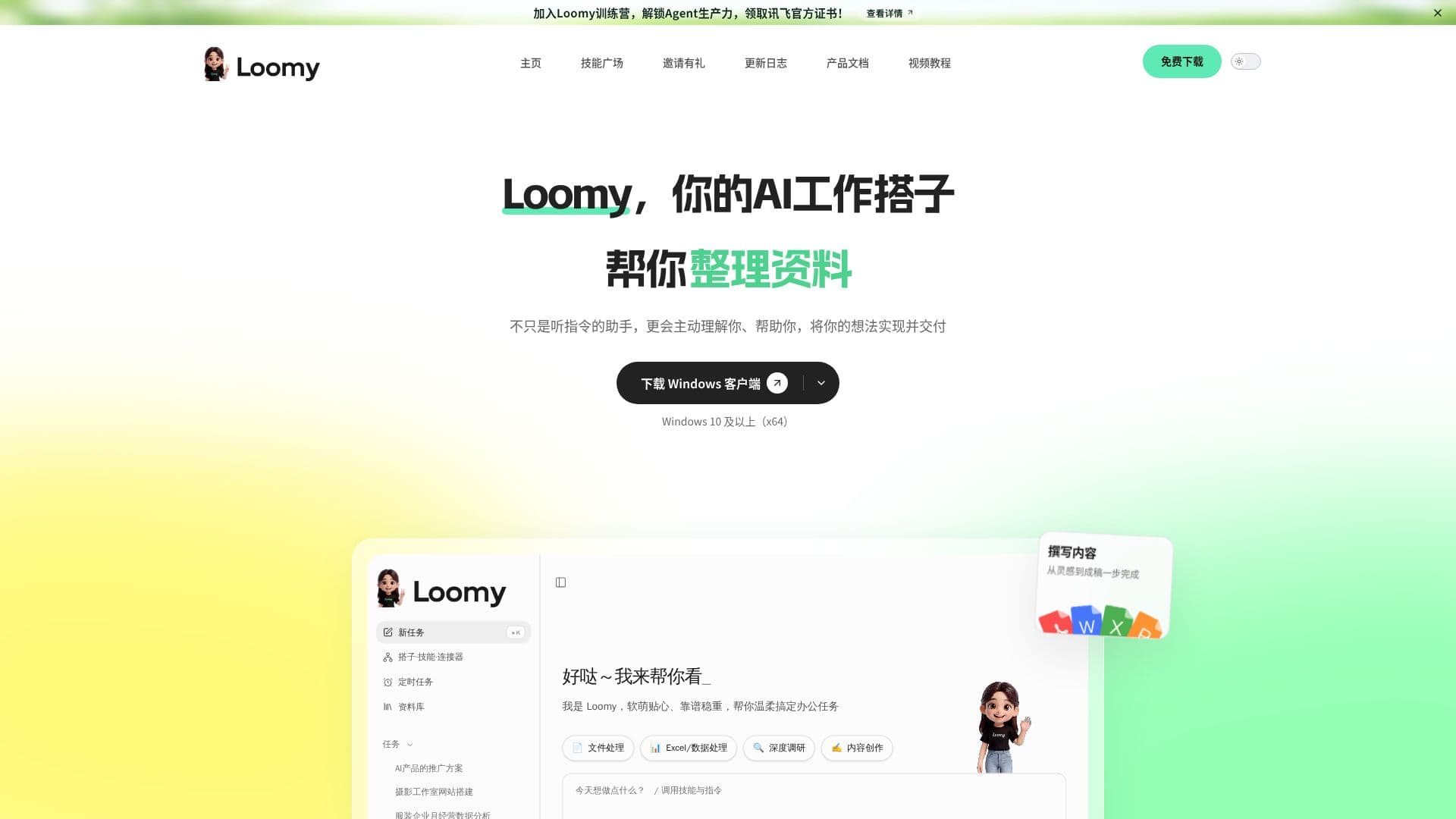
Loomy is a desktop-level AI assistant developed by iFLYTEK, aimed at enhancing productivity across various work scenarios. It is designed to be compatible with Openclaw skills and can be used immediately upon installation. Loomy is particularly beneficial for self-media operations, remote work, schedule management, file organization, and e-commerce operations, making work more manageable.
Read More
Loomy is not just a passive assistant that follows instructions; it actively understands user needs and helps implement ideas. It is compatible with Windows 10 and above (x64) and is designed for various work environments. Loomy can streamline office collaboration by organizing emails, meetings, and chat records, reducing information omissions. It can generate meeting summaries by extracting key points, conclusions, and disagreements, and it identifies responsible parties, deadlines, and tasks, providing continuous reminders for follow-up.
The tool allows users to summarize daily emails, meetings, and group chats, extracting tasks and generating work briefs that can be forwarded directly. Loomy also supports professional needs such as event planning and data analysis, matching suitable partners for immediate work commencement. Complex projects can be divided among teams for collaborative advancement.
Loomy ensures data security by operating on local files, only working within authorized folders, and not transmitting data to the cloud. It integrates with familiar tools like Feishu, DingTalk, WeChat, and Xiaohongshu, allowing users to work within their usual environments. Loomy supports multiple mainstream models, including iFLYTEK Spark, DeepSeek, and Tongyi Qianwen, allowing users to switch models based on task requirements.
Loomy is available on desktop, web, mini-program, and mobile app platforms, providing flexibility for users to work from anywhere. The desktop version is ideal for tasks requiring higher computational power and complete context, while the web version allows for quick cloud task initiation without downloads. The mini-program offers a lightweight entry within WeChat for task progress monitoring and notifications, and the mobile app serves as a portable intelligent partner for managing progress and decision nodes.
- CategoryAI Personal Assistants
- Pricing ModelPaid
- DeploymentDesktop, Web, Mobile
- PlatformsWindows, macOS
Loomy's Core Features
Desktop AI assistant
Compatible with Openclaw skills
Integrates with Feishu, DingTalk, WeChat
Supports iFLYTEK Spark, DeepSeek models
Local file operation for data security
Generates meeting summaries
Task and schedule management
Available on desktop, web, mini-program, mobile app
How to use Loomy?
Install: Download and install Loomy on your device
Authorize: Complete basic authorization and tool binding
Integrate: Connect with familiar tools like Feishu and WeChat
Use: Start managing tasks, schedules, and files with Loomy
Loomy's Use Cases
- Content Creation
- Remote Work
- Schedule Management
- File Organization
- E-commerce Operations