
Description
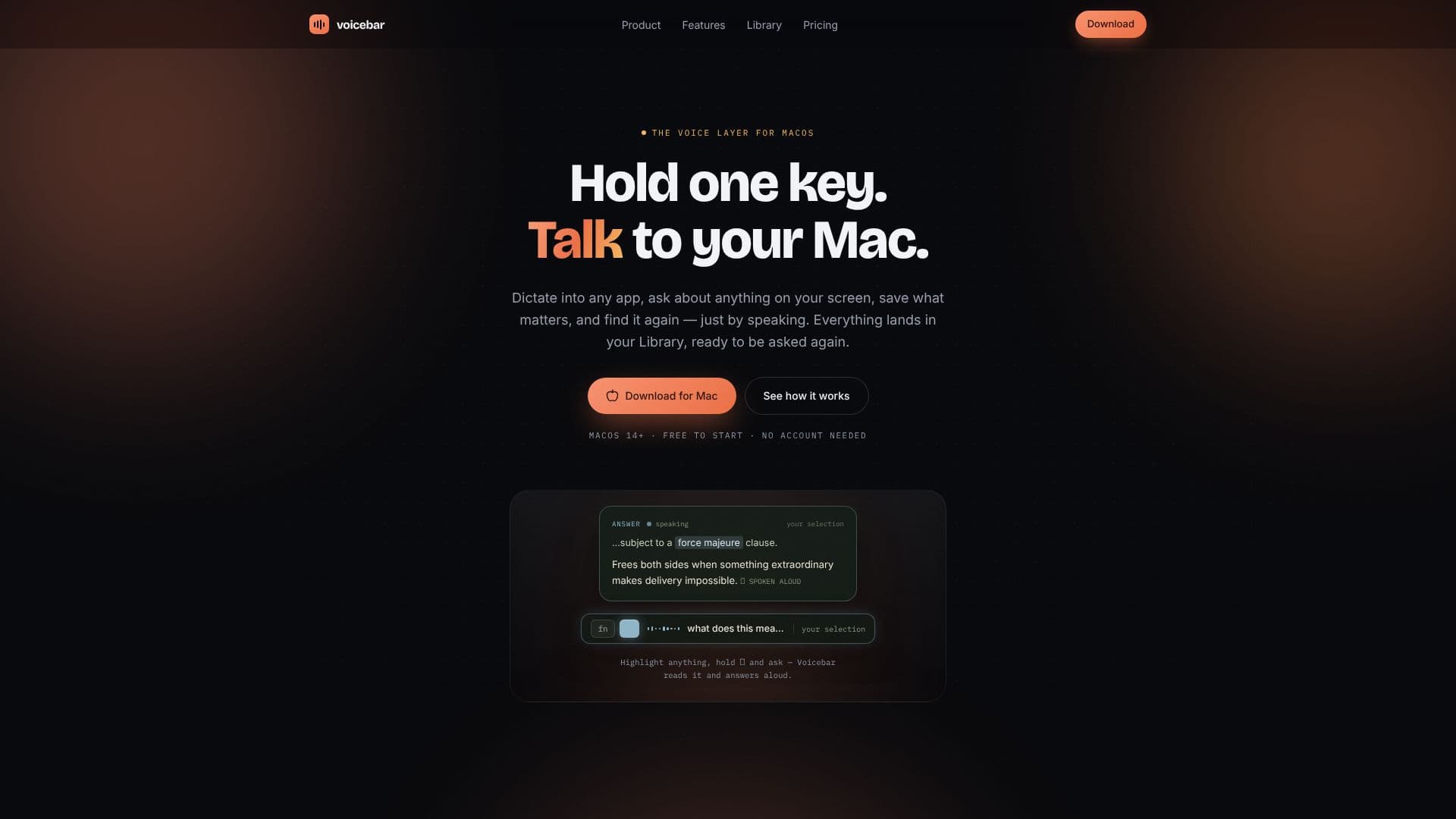
Voicebar transforms your Mac into a voice-activated assistant, acting as the voice layer for macOS. With a simple key press, you can dictate text into any application, ask questions about content on your screen, save important information, and retrieve it later, all through spoken commands. Everything you say is automatically organized and stored in your personal Library, making it easily searchable and accessible.
Read More
Operating with a minimalist interface, Voicebar features a single floating bar and two primary keys: 'fn' for dictation and '⌥' for asking questions. Holding 'fn' activates dictation, streaming clean text into your active application, while holding '⌥' allows you to highlight content and ask questions aloud. Voicebar can read selections, provide answers, and even execute quick actions like opening applications or performing web searches. The tool runs on-device using Fennec 2, ensuring instant performance and offline functionality.
The 'Library' is the central hub for all your saved voice interactions, including dictations, questions, notes, and web pages. Each entry is labeled by type and sorted chronologically, with the entire history stored locally on your Mac. This allows you to search through everything you've ever said, making it a powerful personal knowledge base. Voicebar also offers 'Insights' that track your usage, such as words spoken per day and time saved compared to typing, providing a quiet testament to the efficiency of voice interaction.
Voicebar offers a tiered pricing model, starting with a free plan that includes on-device dictation and a limited number of asks and saves per week, along with a 30-day history. For users requiring more extensive capabilities, the 'Pro' plan offers unlimited words, asks, and saves, full history access, custom vocabulary, and the ability to ask across all your saved collections. This makes Voicebar suitable for a wide range of users, from students and professionals to anyone looking to enhance their productivity and streamline their workflow on macOS.
- CategoryAI Transcription Tools
- Pricing ModelFreemium
- DeploymentDesktop app
- PlatformsmacOS
Voicebar's Core Features
On-device dictation into any application
Voice-activated questioning of on-screen content
Save and retrieve notes, pages, and selections by voice
Centralized 'Library' for all voice interactions
Offline functionality powered by Fennec 2
Minimalist, unobtrusive user interface
Quick actions executed via voice commands
Answers spoken aloud
Usage insights and productivity tracking
Free tier available with core features
Pro plan for unlimited usage and advanced features
How to use Voicebar?
Activate: Hold the 'fn' key to dictate text into any app.
Ask: Highlight content, hold the '⌥' key, and ask a question aloud.
Save: Use voice commands to save notes, web pages, or selections to your Library.
Retrieve: Ask questions about your saved content in the Library.
Execute Actions: Use voice commands for quick actions like opening apps or searching.
Review Insights: Monitor your voice usage and time saved in the Insights tab.
Voicebar's Use Cases
- Hands-free dictation
- Screen content querying
- Personal knowledge management
- Quick information retrieval
- Streamlined workflow
- Offline productivity