
Description
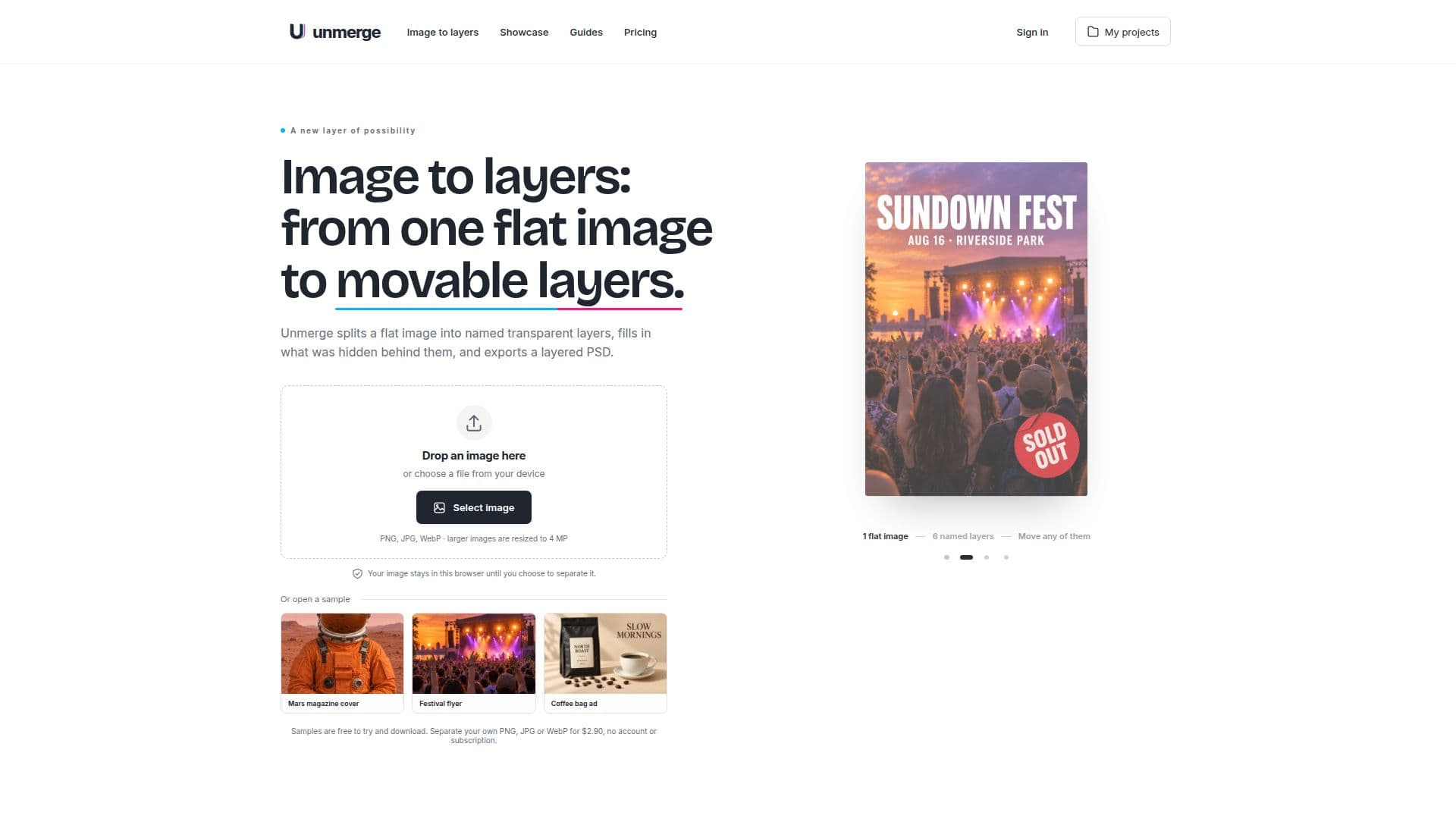
Unmerge is an innovative AI application designed to convert flat images into a series of named, transparent layers. This tool goes beyond simple background removal by identifying and separating every distinct element within an image, such as objects, text, and backgrounds. A key feature is its ability to intelligently fill in areas that were hidden behind objects, generating plausible details to complete the scene.
Read More
The process involves uploading a PNG, JPG, or WebP image up to 10 MB and 4 megapixels. Users can optionally provide a description of what they want to separate. Unmerge then processes the image, returning up to 17 individual layers, each with a name, position, and stacking order. These layers can be exported as a layered PSD file, a ZIP archive of transparent PNGs, or a composite PNG.
Unlike traditional background removal tools that isolate a single subject, Unmerge provides a comprehensive breakdown of all detected elements, allowing for greater flexibility in post-processing. The generated layers are raster images, meaning text and shapes are returned as pixels rather than editable design objects. The tool does not recover original design files but creates a new layered document from the visible pixels.
Unmerge offers flexible pricing options, including one-time payments for single image separations and credit-based plans for more frequent use. Users can try samples for free and receive a low-resolution, watermarked preview of their own image after email confirmation. Refunds are available for single splits that yield no layers after multiple attempts or if users are unsatisfied with the results. Projects are stored on the platform or via an emailed link for a limited time, ensuring user data privacy and control.
- CategoryAI Photo Editors
- Pricing ModelFreemium
- DeploymentCloud
- PlatformsWeb
Unmerge's Core Features
Splits flat images into named transparent layers
Fills in hidden areas behind objects plausibly
Exports layered PSD, PNG ZIP, or composite PNG
Supports PNG, JPG, and WebP image formats
Processes images up to 10 MB and 4 megapixels
Generates up to 17 layers per image
Provides raster layers with names, stacking order, and visibility
Offers one-time payment for single image separation
Credit-based system for multiple image processing
Includes a free low-res, watermarked preview for own images
Automatic refunds for failed splits (no layers returned)
API available for programmatic image splitting
Allows users to move and hide individual layers
Stores separated images and layers on account or via link
How to use Unmerge?
Upload Image: Choose a PNG, JPG, or WebP image up to 10 MB and 4 megapixels.
Describe Separation (Optional): Provide a text description of what to separate, or leave it empty.
Process Image: Pay for a single split or use credits to initiate the layer generation.
Review Layers: Access the generated layers, which include names, positions, and filled-in hidden areas.
Export Result: Download the layers as a layered PSD, a PNG ZIP, or a composite PNG.
Unmerge's Use Cases
- Image Dissection for Editing
- Asset Extraction
- Photo Manipulation
- Poster & Product Shot Layering
- Graphic Element Isolation
- Background Reconstruction