Description
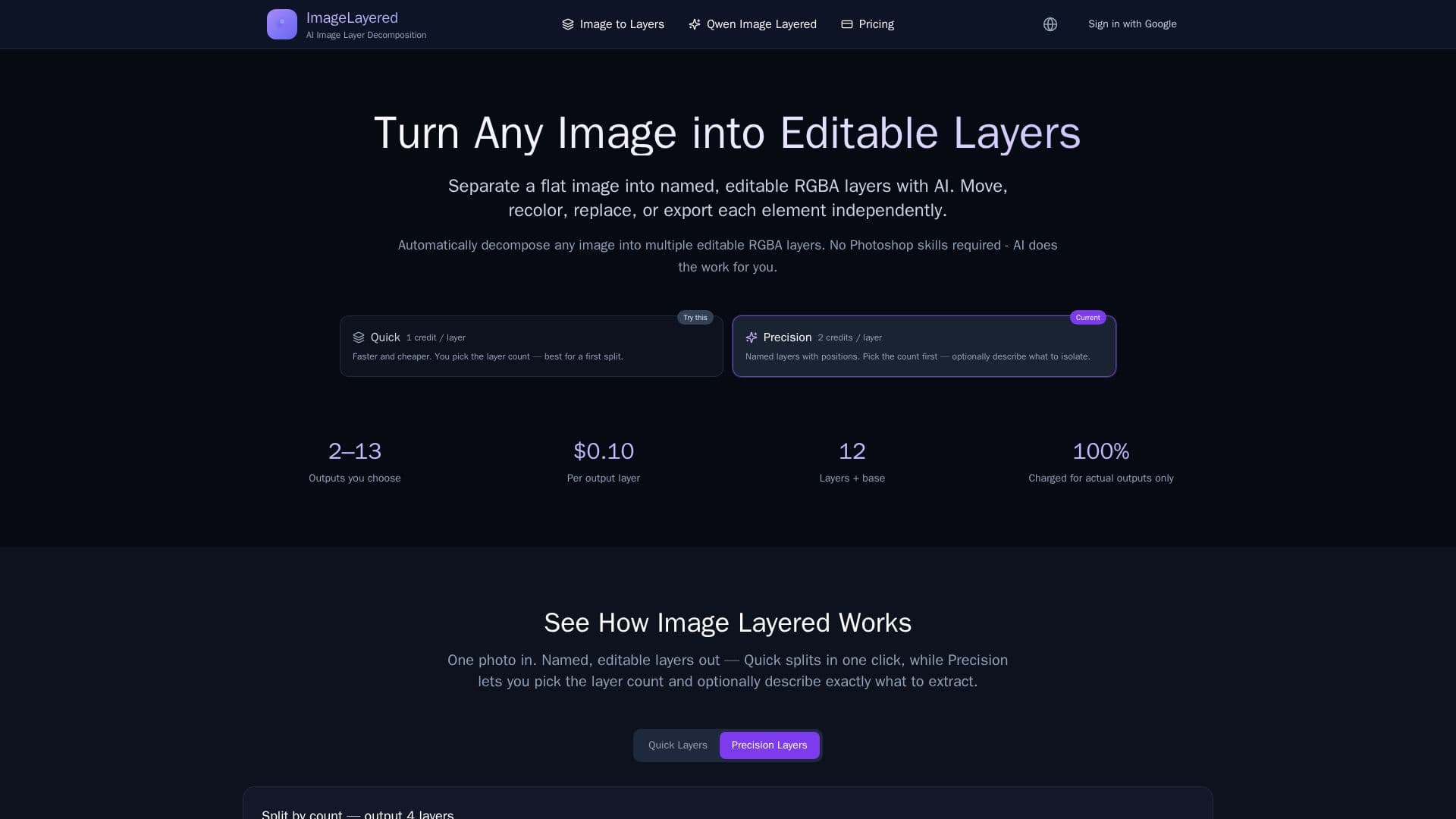
ImageLayered is an innovative AI tool designed to transform flat images into editable transparent layers. By utilizing advanced AI algorithms, it automatically separates an image into multiple RGBA layers, each representing different elements like subjects, text, objects, and backgrounds. This process eliminates the need for manual selection or masking, making it accessible for users without extensive editing skills.
Read More
The tool offers flexible layer control, supporting 3 to 8+ layers depending on the complexity of the image. Users can recursively decompose layers for infinite refinement and precision. ImageLayered also features smart background reconstruction, which intelligently fills hidden areas behind objects, creating complete layers ready for editing. This is particularly useful for object removal and replacement tasks.
ImageLayered supports various image types, including product photos, posters, screenshots, illustrations, and more. It accepts JPG, PNG, WebP, and GIF formats up to 5MB in Quick mode, while Precision mode supports PNG and JPEG up to 10MB with a minimum size of 512x512px. Each layer is output as a standalone transparent PNG, allowing users to download them individually or collectively.
The pricing model is straightforward, with Quick mode costing $0.05 per layer and Precision mode costing $0.10 per layer. Users can choose the number of layers they wish to output, providing flexibility and cost-effectiveness. ImageLayered is powered by the open-source Qwen Image Layered model, which enhances its capability to split images into transparent, editable layers efficiently.
ImageLayered is ideal for e-commerce, design, and content creation, offering a faster and cheaper alternative to traditional tools like Photoshop. It allows users to quickly decompose existing images, making it perfect for creating social media content variations, product photography, and more.
- CategoryAI Photo Editors
- Pricing ModelPay-per-layer
- DeploymentCloud
- PlatformsWeb
ImageLayered's Core Features
Automatic Layer Decomposition
Smart Background Reconstruction
Flexible Layer Control
Easy Editing Operations
Quick Mode
Precision Mode
Standalone Transparent PNG Output
Supports Various Image Formats
Powered by Qwen Image Layered
Cost-Effective Pricing Model
How to use ImageLayered?
Upload: Choose your image
Select Layers: Decide the number of layers
Process: AI analyzes and decomposes the image
Download: Retrieve individual or all layers
ImageLayered's Use Cases
- E-commerce Product Shots
- Design & Mockups
- Content & Marketing
- Game & Illustration Assets
- Social Media Content