Description
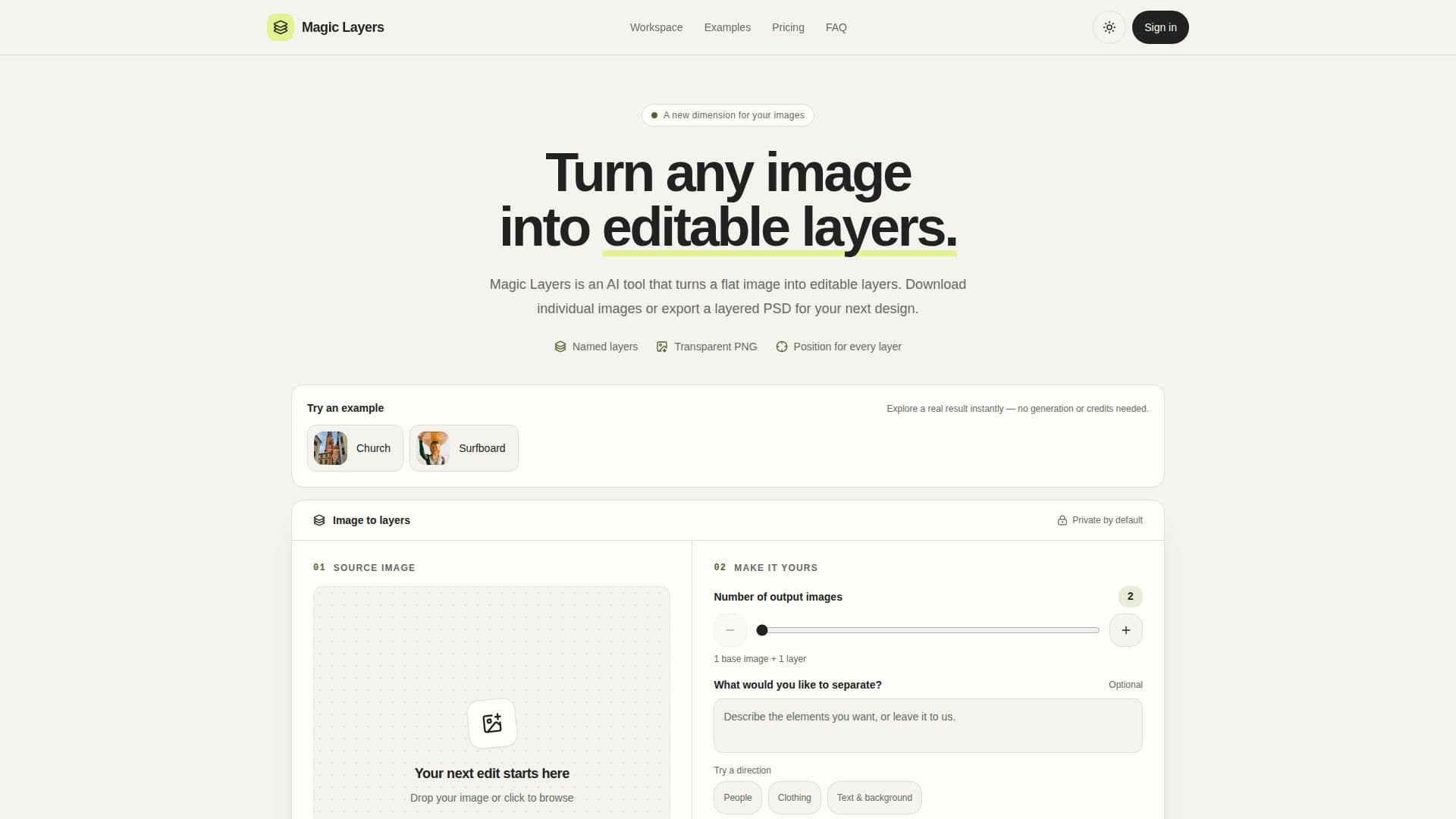
Magic Layers is an AI-powered web tool designed to transform flat PNG or JPEG images into editable, layered compositions. It intelligently analyzes a single image and separates its major visual elements—such as text, subjects, decorations, and background—into distinct, transparent PNG layers. Each layer is automatically named, described, and retains its original position, allowing users to download them individually or export them as a new layered PSD file.
Read More
Unlike traditional background removers that isolate a single subject and discard the rest, Magic Layers provides a comprehensive separation of all major elements. This means headlines, products, badges, and backgrounds are all returned as independent layers, ready for separate editing and manipulation. This functionality is particularly useful for creative professionals who need to repurpose existing graphics for new layouts, presentations, or product pages without access to the original project files.
The tool operates entirely in the browser, eliminating the need for software installation or advanced design skills. Users simply upload an image, choose a target layer count between 2 and 15 (including one base image), and optionally describe the desired split. Processing occurs in the background, allowing users to leave the page after submission. Each account can run one task at a time, with up to 10 unfinished tasks in the queue.
Magic Layers supports PNG and JPEG formats, with images up to 10 MB automatically downscaled if larger. Input images must be at least 512x512 pixels and within the model's supported aspect-ratio range. While it generates raster layers and can export to PSD, it's important to note that original project elements like fonts, editable text, vectors, or effects cannot be recovered. Layers without positioning data may require manual adjustment.
Pricing is credit-based, with each output image (including the base image) costing 2 credits. Users are billed only for the images actually returned, and failed jobs are never charged. Successful source images and generated layers are stored privately until deleted by the user. Launched in November 2026, Magic Layers offers a free web tool experience, providing a new dimension of flexibility for image editing and graphic design workflows.
- CategoryAI Graphic Design Tools
- Pricing ModelFree
- DeploymentCloud
- PlatformsWeb Browser
Magic Layers's Core Features
AI-powered image layer separation
Separates flat PNG/JPEG into transparent layers
Extracts text, subject, decorations, and background
Outputs individual named transparent PNG layers
Exports as layered PSD file
Retains original layer position and stacking order
User-selectable target layer count (2-15 images)
Browser-based, no installation required
Supports PNG and JPEG image formats
Handles images up to 10 MB (auto-downscales larger)
Minimum image size 512x512 pixels
Background processing for tasks
Credit-based billing per output image
Private storage of source images and layers
How to use Magic Layers?
Upload Image: Drop a PNG or JPEG file into the tool. Larger images are automatically resized.
Choose Layers & Submit: Select a target of 2-15 images and optionally describe the desired split. Submit the task.
Monitor Progress: Follow the task's progress in the 'My tasks' section.
Review & Download: Once complete, preview individual layers, download them, or export a layered PSD.
Magic Layers's Use Cases
- Marketing Creative Variations
- Social Posts & Thumbnails
- Presentation Assets
- Game & UI Prototyping
- E-commerce Imagery
- Studying Design Composition