
Description
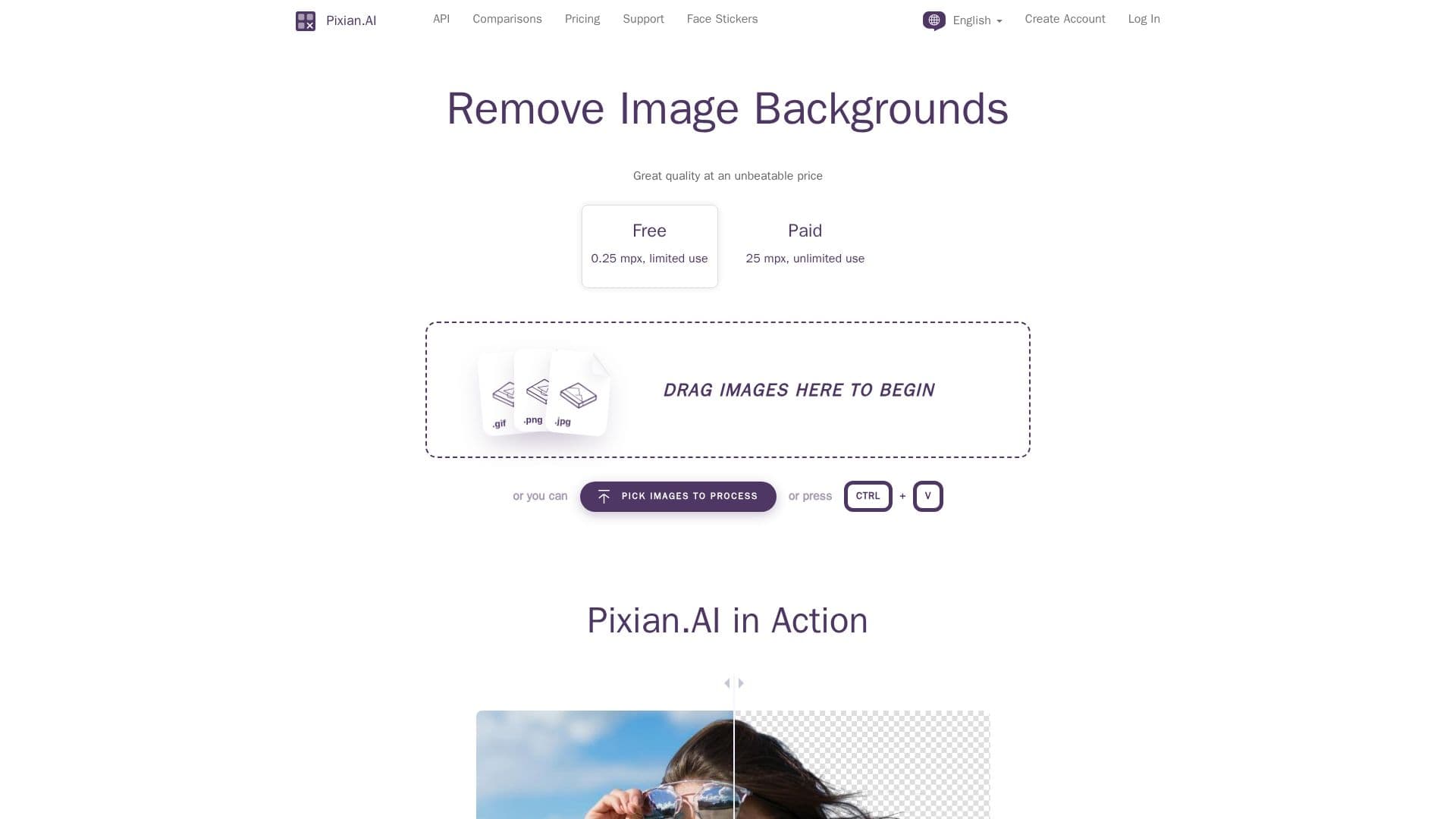
Pixian.AI is a dedicated platform for removing backgrounds from images, providing a user-friendly experience without the need for subscriptions. The service allows users to upload images and quickly remove backgrounds using advanced AI technology. The process is straightforward: users simply drag and drop their images onto the site, and powerful GPUs and multi-core CPUs analyze the images to deliver results. Users can inspect a preview of the output before downloading, ensuring satisfaction with the final product.
Read More
The platform supports various image formats, including JPEG, PNG, BMP, GIF, and WebP, and produces PNG for transparent results or JPEG/PNG for opaque outputs. Pixian.AI is designed to handle a wide range of image types, excelling particularly with photos of people, objects, artworks, logos, and scans. The AI model has been trained on a large dataset, ensuring high fidelity in background removal, even preserving intricate details like hair and fur.
Pixian.AI also offers an API for developers looking to integrate background removal capabilities into their applications. The API is free to test and integrates seamlessly, allowing for high-priority processing and flexible usage without monthly fees. Users can purchase credit packs for API usage, with costs based on image megapixels, making it an economical choice for businesses and developers alike.
With a commitment to quality and affordability, Pixian.AI stands out in the competitive landscape of image processing tools. The platform's philosophy embraces the rapid commoditization of AI technology, focusing on delivering outstanding value without the overhead of traditional sales teams. This approach allows Pixian.AI to offer competitive pricing while maintaining high service quality, making it an ideal solution for both casual users and professionals seeking efficient background removal.
- CategoryBackground Removers
- Pricing ModelFreemium
- DeploymentCloud
- PlatformsWeb
Pixian.AI Background Remover's Core Features
Free Tier: Yes
API Available: Yes
Supported Formats: JPEG, PNG, BMP, GIF, WebP
Max Image Size: 25 Megapixels
Max File Size: 30 Megabytes
Processing Speed: High priority processing
Image Comparison Tool: Yes
Data Retention: 24 hours for uploaded images
How to use Pixian.AI Background Remover?
Pick: Select an image to remove the background from.
Upload: Drag and drop the image onto the Pixian.AI webpage.
Process: Allow the AI to analyze and remove the background.
Preview: Inspect the preview of the background-removed image.
Download: Save the final image if satisfied with the result.
Pixian.AI Background Remover's Use Cases
- E-commerce
- Marketing
- Social Media
- Graphic Design
- Personal Use