
Description
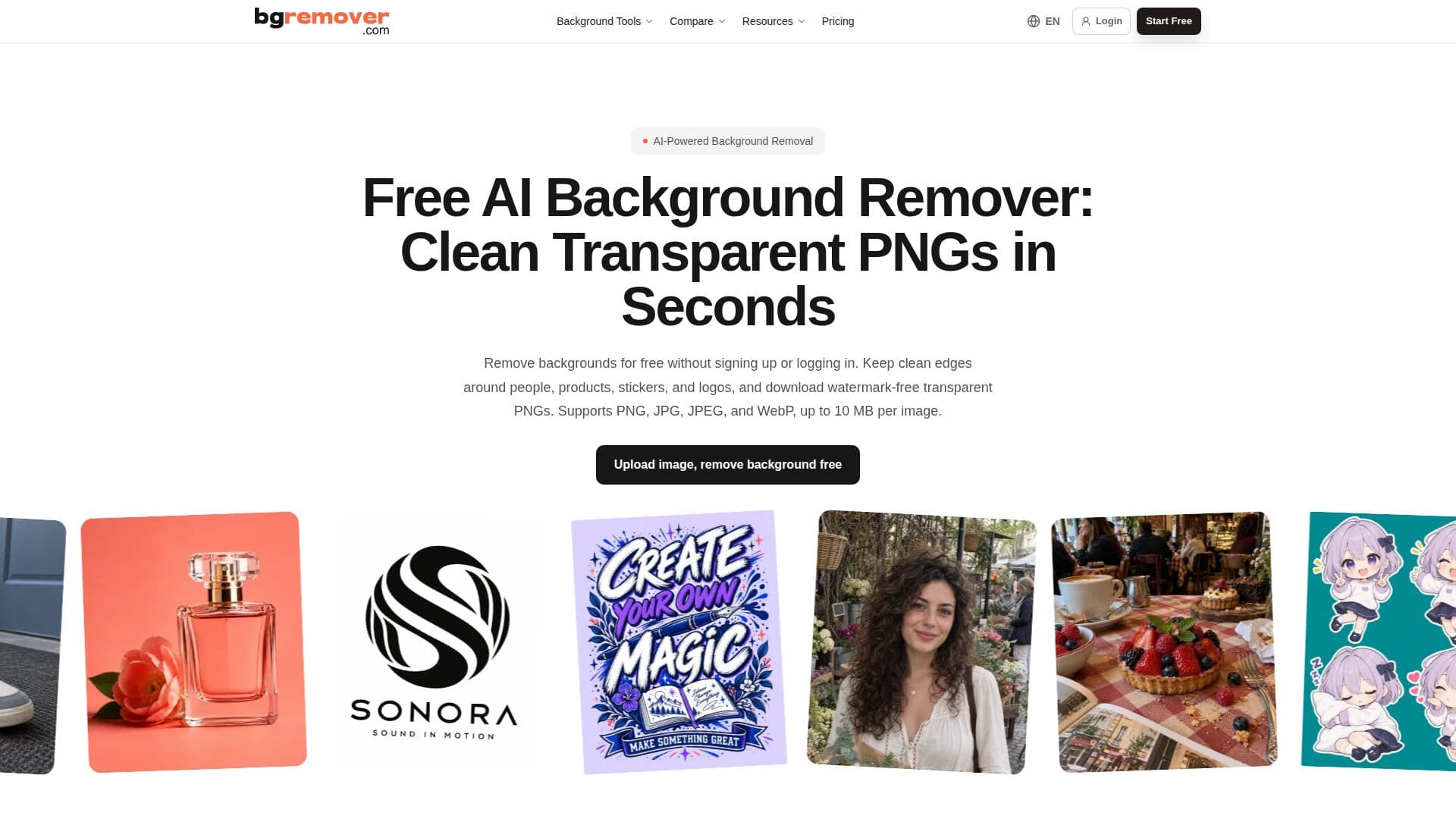
BGRemover is an AI-powered tool designed to make background removal from images quick and accessible. It allows users to upload images in PNG, JPG, JPEG, and WebP formats, with a maximum file size of 10 MB. The tool processes images locally in the browser, ensuring privacy and security, and does not store images after processing.
Read More
The primary function of BGRemover is to separate the main subject of an image from its background, creating a clean cutout that can be downloaded as a transparent PNG. This is particularly useful for e-commerce sellers, photographers, and marketing agencies who need to prepare product photos, campaign assets, and other visual content.
BGRemover's AI technology excels at handling complex edges, such as hair, fur, and transparent objects, which are often challenging for traditional background removal tools. Users can inspect the cutout at 100% to ensure edge quality before downloading the final image.
The tool is entirely free to use, with no sign-up or login required, making it accessible to individual creators and small businesses. For those who require more advanced processing capabilities, BGRemover offers a Pro workspace with additional features, available through subscriptions or one-time credits.
BGRemover is ideal for creating transparent PNGs for websites, presentations, and design files. It also supports the creation of white or solid backgrounds for marketplace listings, catalogs, and ID photos. Users can choose the appropriate background for their specific needs, ensuring that the final image meets platform requirements.
- CategoryBackground Removers
- Pricing ModelFree
- DeploymentBrowser
- PlatformsWeb
BGRemover's Core Features
AI-powered background removal
Supports PNG, JPG, JPEG, WebP formats
Processes images up to 10 MB
Creates transparent PNGs
No sign-up or login required
Local processing for privacy
Handles complex edges
Free to use
How to use BGRemover?
Upload: Add a PNG, JPG, JPEG, or WebP image up to 10 MB
Generate: Let the AI create the cutout
Inspect: Check the cutout at 100% for edge quality
Download: Save the transparent PNG or choose a background
BGRemover's Use Cases
- E-commerce Photos
- Profile Pictures
- Marketing Assets
- ID Photos
- Social Media Graphics