
Description
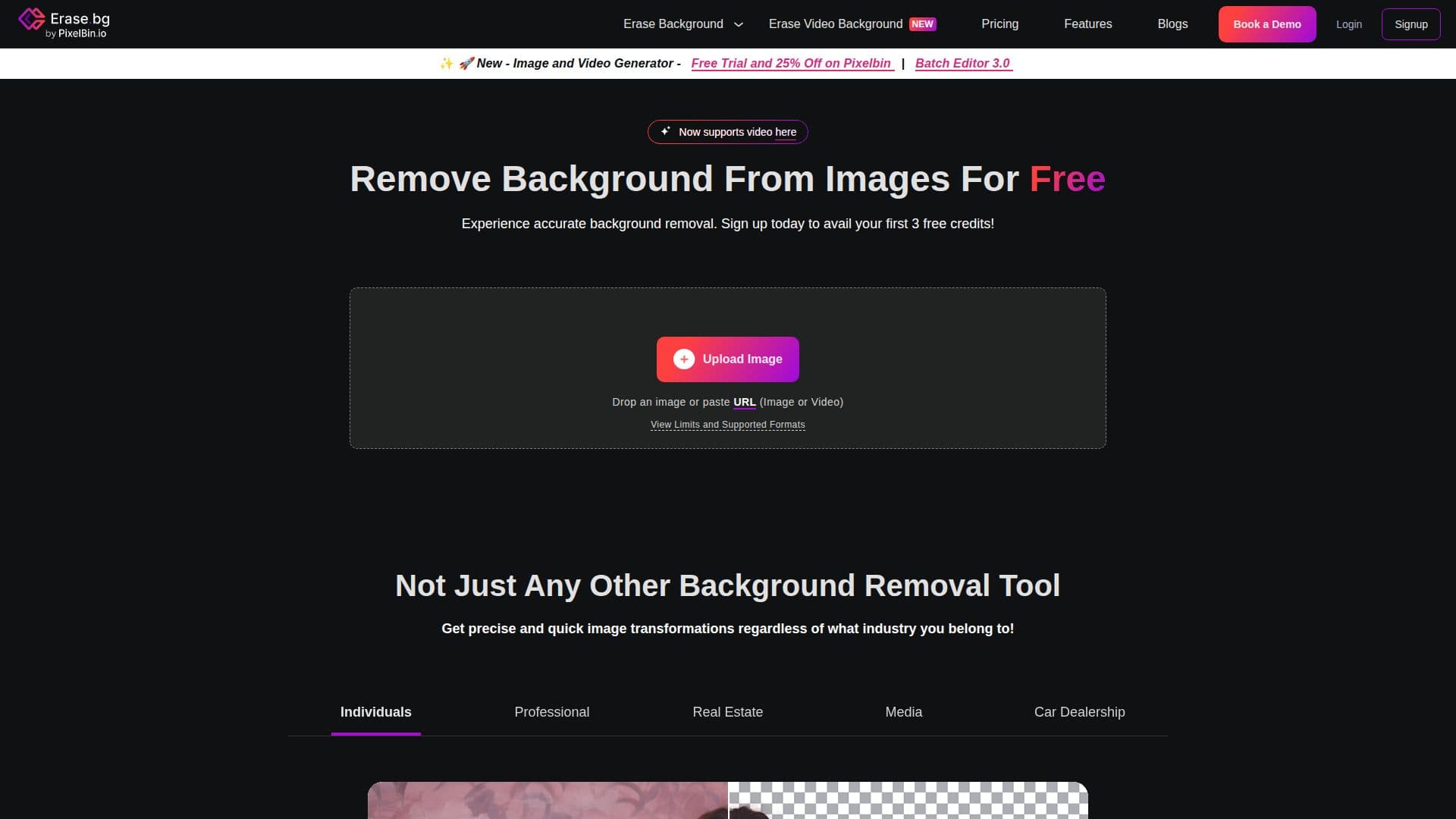
Erase.bg is an AI-powered tool designed to automatically remove backgrounds from images in just a few seconds. This tool is particularly useful for individuals, agencies, and e-commerce businesses looking to enhance their productivity and streamline their image editing processes. Users can easily upload images featuring clearly defined subjects, such as people, animals, or products, and the AI technology will process the images to deliver a transparent background.
Read More
The platform supports multiple image formats, including PNG, JPG, JPEG, WEBP, and HEIC, making it versatile for various user needs. Erase.bg is completely free for personal use, allowing users to download high-resolution images without any hidden fees or credit card requirements. For those needing bulk processing or commercial use, Erase.bg offers integration with PixelBin.io, which provides subscription plans tailored for professional needs.
Using Erase.bg is straightforward. Users simply upload their images, and within seconds, they receive a background-removed version. The tool is designed to be user-friendly, requiring no technical skills, making it accessible to everyone from novice photographers to seasoned professionals. Additionally, users can edit the background color or add new backgrounds to their images, providing flexibility in how they present their visuals.
The maximum output resolution supported by Erase.bg is 5000 x 5000 pixels, with a file size limit of 25 MB. This ensures that users can work with high-quality images suitable for various applications, including e-commerce listings, social media posts, and personal projects. Overall, Erase.bg is a powerful solution for anyone looking to enhance their images quickly and efficiently, making it a valuable tool in the digital age.
- CategoryBackground Removers
- Pricing ModelFree
- DeploymentCloud
- PlatformsWeb, iOS, Android
Erase.bg's Core Features
AI Background Removal
Supports PNG, JPG, JPEG, WEBP, HEIC formats
Free for personal use
Bulk processing available via PixelBin.io
Maximum resolution: 5000 x 5000 px
Maximum file size: 25 MB
User-friendly interface
Edit background color options
How to use Erase.bg?
Upload your image: Click on the 'Upload Image' button to select your photo.
Wait for processing: The AI will automatically remove the background in seconds.
Edit if necessary: Use the edit option to change the background color or add a new one.
Download your image: Click on 'Download Original Size' to save your edited image.
Erase.bg's Use Cases
- E-commerce Product Images
- Social Media Graphics
- Personal Projects
- Bulk Image Processing
- Professional Photography