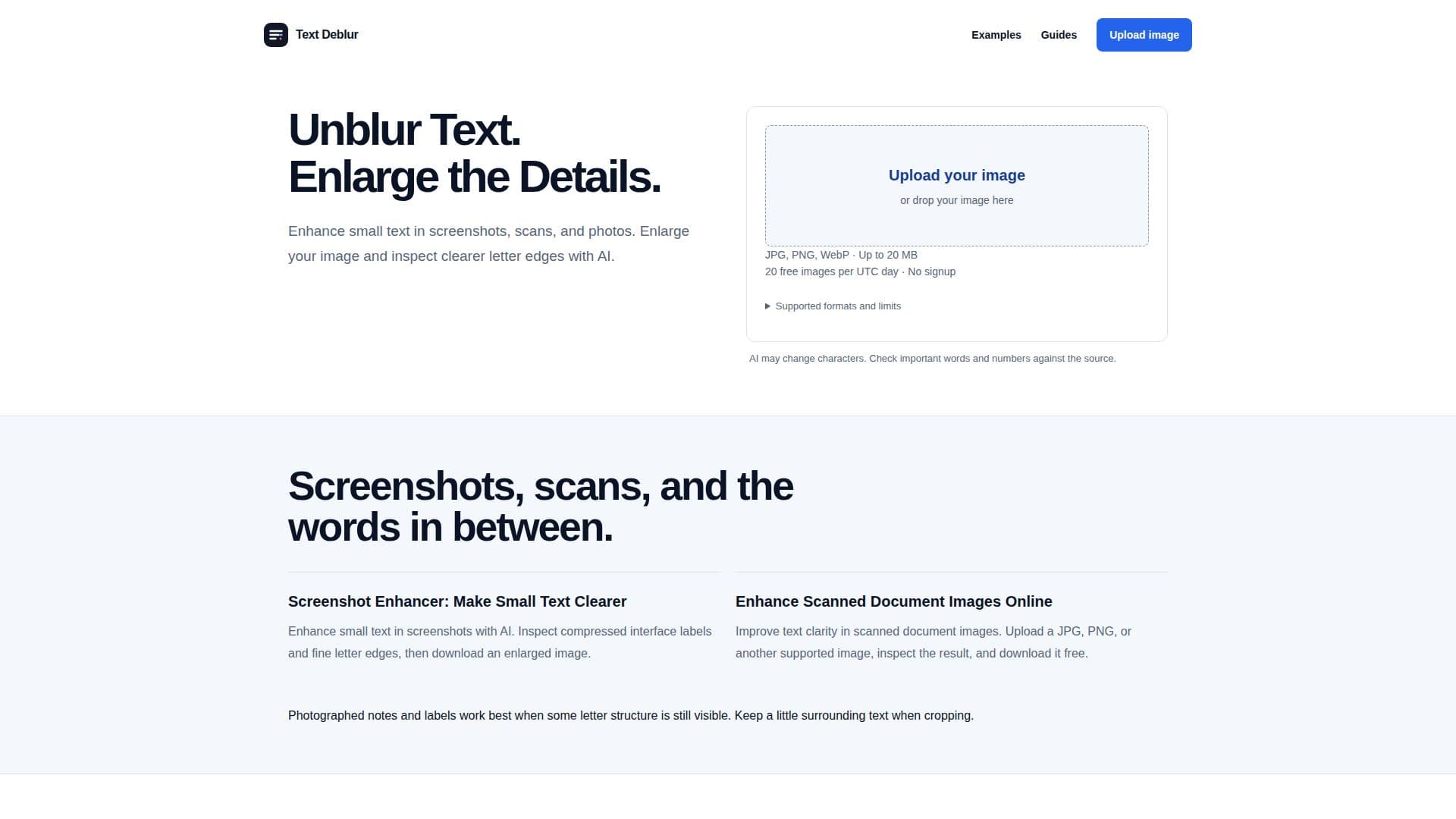
Description
Text Deblur is an online tool designed to enhance text clarity in images, including screenshots, scans, and photographs. Utilizing AI technology, it refines contrast and letter edges to make blurry writing easier to inspect. Users can upload supported static images in formats like JPG, PNG, WebP, and more, with a maximum size of 20 MB. The tool allows for image enlargement up to 4×, providing a clearer view of small text. Text Deblur is free to use, enabling up to 20 image enhancements per UTC day without requiring an account. The process involves uploading an image, completing a human verification check, and then running the enhancer. Users can compare the original and enhanced images, zoom into the letters, and download the results. The tool does not extract text or guarantee character accuracy, especially for intentionally blurred or redacted text. It is most effective for images where some letter structure is visible, such as screenshots, notes, and labels. Uploaded images and results are stored privately, with download links expiring after 24 hours. Text Deblur is a practical solution for improving text readability in various image types, offering a straightforward enhancement process without the need for OCR transcription.
- CategoryAI Image Upscalers
- Pricing ModelFree
- DeploymentCloud
- PlatformsWeb
Text Deblur's Core Features
AI-powered text enhancement
Supports JPG, PNG, WebP, and more
Up to 4× image enlargement
Free to use with no signup required
Enhance up to 20 images per day
Private storage with 24-hour link expiration
Original and enhanced image comparison
No OCR transcription provided
How to use Text Deblur?
Upload: Choose a supported static image up to 20 MB
Verify: Complete the human check
Enhance: Run the enhancer to process the image
Download: Compare and download the enhanced image
Text Deblur's Use Cases
- Screenshot enhancement
- Scanned document clarity
- Photographed notes
- Label inspection
- Sign text enhancement