
ToolPotion

Unpixelate AI

Unpixelate AI is a free online tool that depixelates and sharpens blurry, pixelated images using advanced AI technology. It enhances faces, old photos, and screenshots, providing clear, high-resolution results without requiring signup.

Visit Website
Share
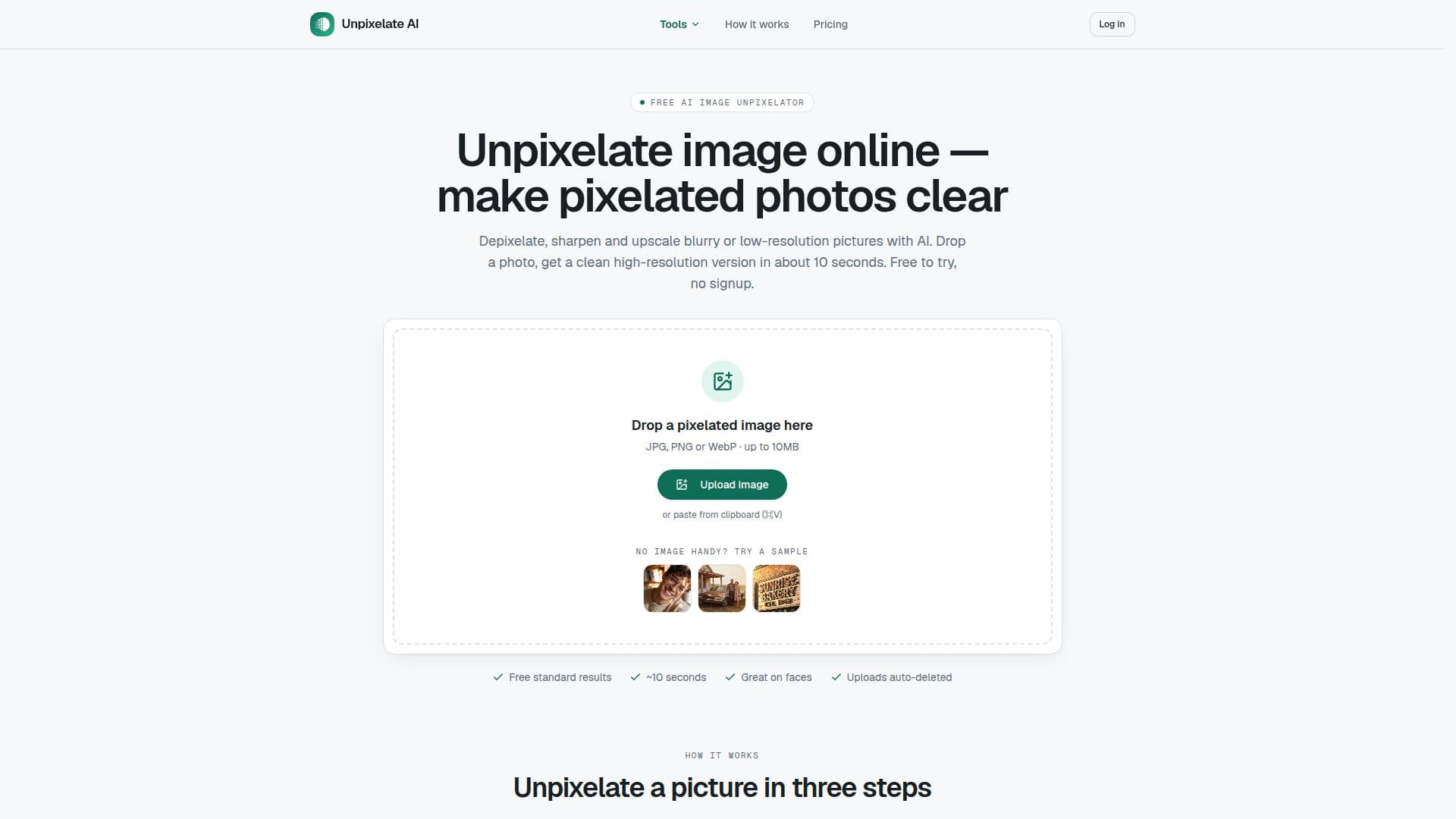
Unpixelate AI screenshot

Description

Unpixelate AI is an innovative online tool designed to transform pixelated and blurry images into sharp, high-resolution pictures. Utilizing advanced AI technology, it effectively depixelates and enhances various types of images, including faces, old photos, and screenshots. The tool operates without requiring user signup, offering a straightforward process to improve image quality.

Users can upload JPG, PNG, or WebP images up to 10MB, and choose between Standard and HD processing tiers. The Standard tier is free, allowing two runs per day without an account, while HD quality requires credits, which can be purchased as one-time packs or monthly plans. HD processing focuses on facial detail, providing superior results for images of people.

Unpixelate AI is particularly effective for images with more pixels, as it can reconstruct plausible details. However, it cannot recover heavily censored or blurred-out text, as pixelation destroys original information. The tool is designed to rebuild photo detail, not reverse redactions.

Safety and privacy are prioritized, with uploads processed in memory and automatically deleted. Users can delete their history if signed in, and images are never used for model training. Unpixelate AI is ideal for enhancing low-resolution images, making them suitable for printing or streaming, but it does not offer an API yet.

Unpixelate AI's Core Features

  • AI depixelation

  • Image sharpening

  • Face enhancement

  • 4x upscale

  • Free Standard tier

  • HD quality with credits

  • No signup required

  • Privacy-focused processing

  • Commercial use allowed

  • Daily free credits for signed-in users

  • Auto-deletion of uploads

  • No watermark on downloads

  • Generative super-resolution

  • Dedicated facial detail model

  • Supports JPG, PNG, WebP

How to use Unpixelate AI?

  1. Upload: Drag and drop your image

  2. Choose: Select Standard or HD tier

  3. Process: AI enhances the image

  4. Download: Save the high-resolution result

Unpixelate AI's Use Cases

  • Profile photo enhancement
  • Old photo restoration
  • Screenshot clarity
  • Game capture upscaling
  • Compressed image repair

FAQ from Unpixelate AI

Unpixelate AI Reviews

Loading...

Popular AI Tools Like Unpixelate AI

A free online AI image enhancer that upscales, sharpens, unblurs, and denoises photos up to 4K. No signup is required and the first enhancement is free, aimed at anyone wanting…

AI Image Upscalers

Free online AI image upscaler and enhancer that enlarges photos 2x, 4x, or 8x while preserving detail. Built for individuals, designers, photographers, and businesses.

FeaturedAI Image UpscalersMarketing & Creative Agencies

Free online AI image upscaler that enlarges photos up to 16K, fixes pixelation, and sharpens details with no signup. Built for e-commerce sellers, designers, and creators.

AI Image UpscalersRetail & Consumer Goods

BetterImage.AI is an online AI image upscaler that enhances photos, unblurs images, and denoises old pictures. It allows users to increase image resolution up to 4K, improving…

AI Image Upscalers

Free online AI image upscaler with three quality modes that enlarge photos up to 4K and restore faces. Built for e-commerce sellers, photographers, and designers.

AI Image UpscalersRetail & Consumer Goods

An online AI tool that removes blur and sharpens photos in one click, also upscaling, reducing noise, and enhancing detail, aimed at photographers, designers, e-commerce sellers,…

AI Image UpscalersRetail & Consumer Goods

AI Apps

Free browser-based AI image upscaler powered by Real-ESRGAN that enlarges photos 2x or 4x and restores faces, with no watermarks. Built for anyone improving photo resolution.

AI Image Upscalers

A free online AI tool that fixes blurry photos in the browser. It detects and removes motion, out-of-focus, and Gaussian blur, with face enhancement and quality upscaling, using a…

AI Image Upscalers