


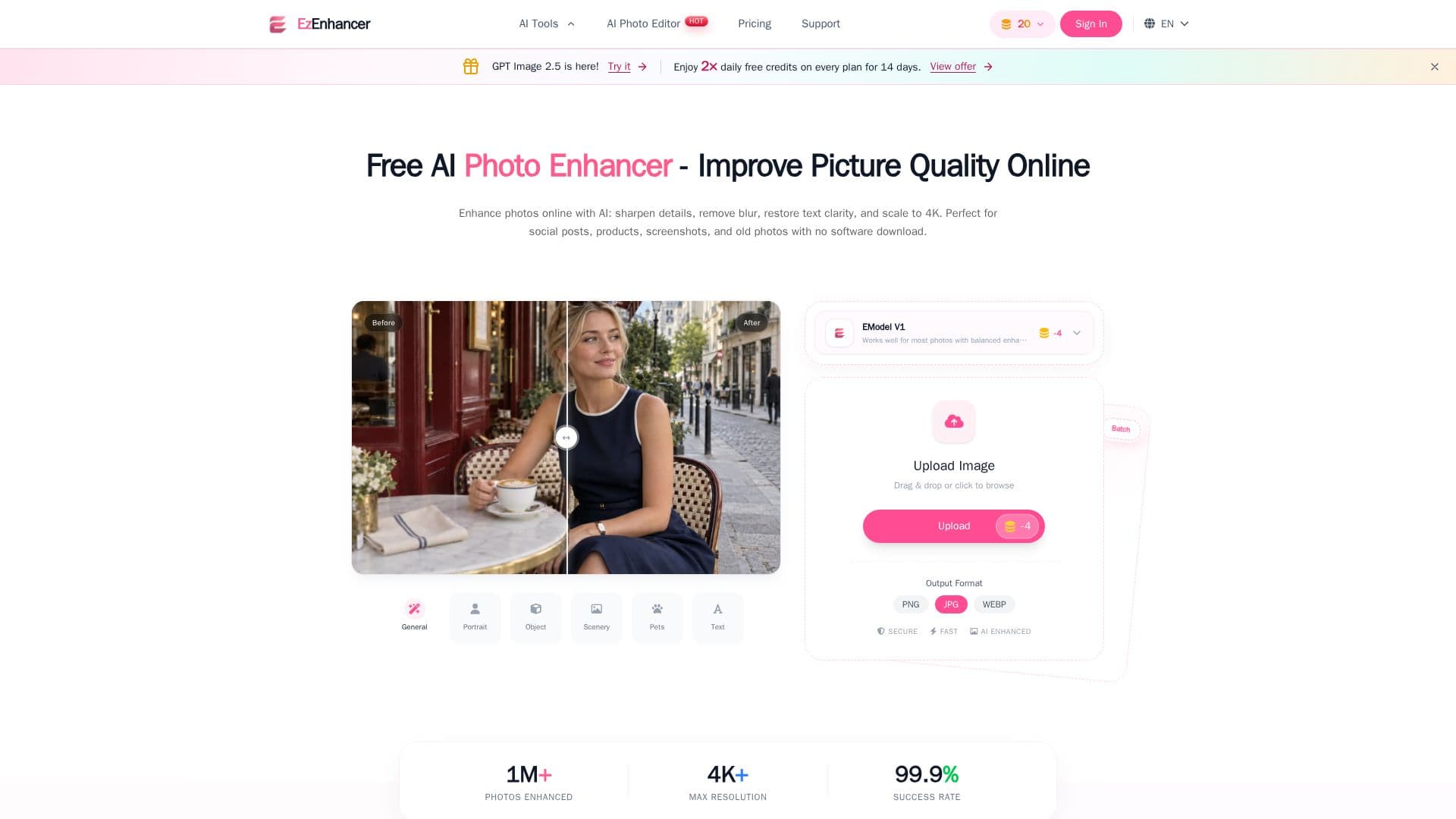
Description
EzEnhancer is an online AI photo enhancement tool designed to improve image quality without the need for software installation or registration. It offers a suite of features including sharpening, deblurring, and detail restoration, allowing users to process images online with watermark-free output within available credits.
The tool provides various enhancement capabilities such as photo upscaling, background removal, and photo restoration. Users can convert images between formats like JPG, PNG, and WebP, and utilize batch processing for efficiency. EzEnhancer supports upscaling images to resolutions of 4K, 8K, and 16K, making it suitable for wallpapers, printing, and professional use.
EzEnhancer offers a free tier with daily credits and several subscription plans. The free plan includes 10 daily credits, while paid plans like Starter, Pro, and Ultra offer increased monthly credits and daily quotas. Subscription credits can roll over within plan limits, providing flexibility for users with varying needs.
The tool is ideal for photographers, content creators, and anyone looking to enhance image clarity and quality. Its advanced AI algorithms ensure that upscaling and sharpening processes maintain natural appearance and avoid artifacts. EzEnhancer's user-friendly interface allows for quick and professional results, making it a valuable resource for image enhancement tasks.
EzEnhancer AI Photo Enhancer's Core Features
AI photo enhancement
Image sharpening
Deblurring
Detail restoration
Photo upscaling to 4K, 8K, 16K
Background removal
Photo restoration
Batch processing
Format conversion
Free daily credits
How to use EzEnhancer AI Photo Enhancer?
Upload: Select your photo
Process: AI smart processing
Download: Get enhanced results
Optimize: Use advanced features
EzEnhancer AI Photo Enhancer's Use Cases
- Social Media Posts
- Product Photography
- Family Photos
- Professional Printing
- Digital Art