
Description
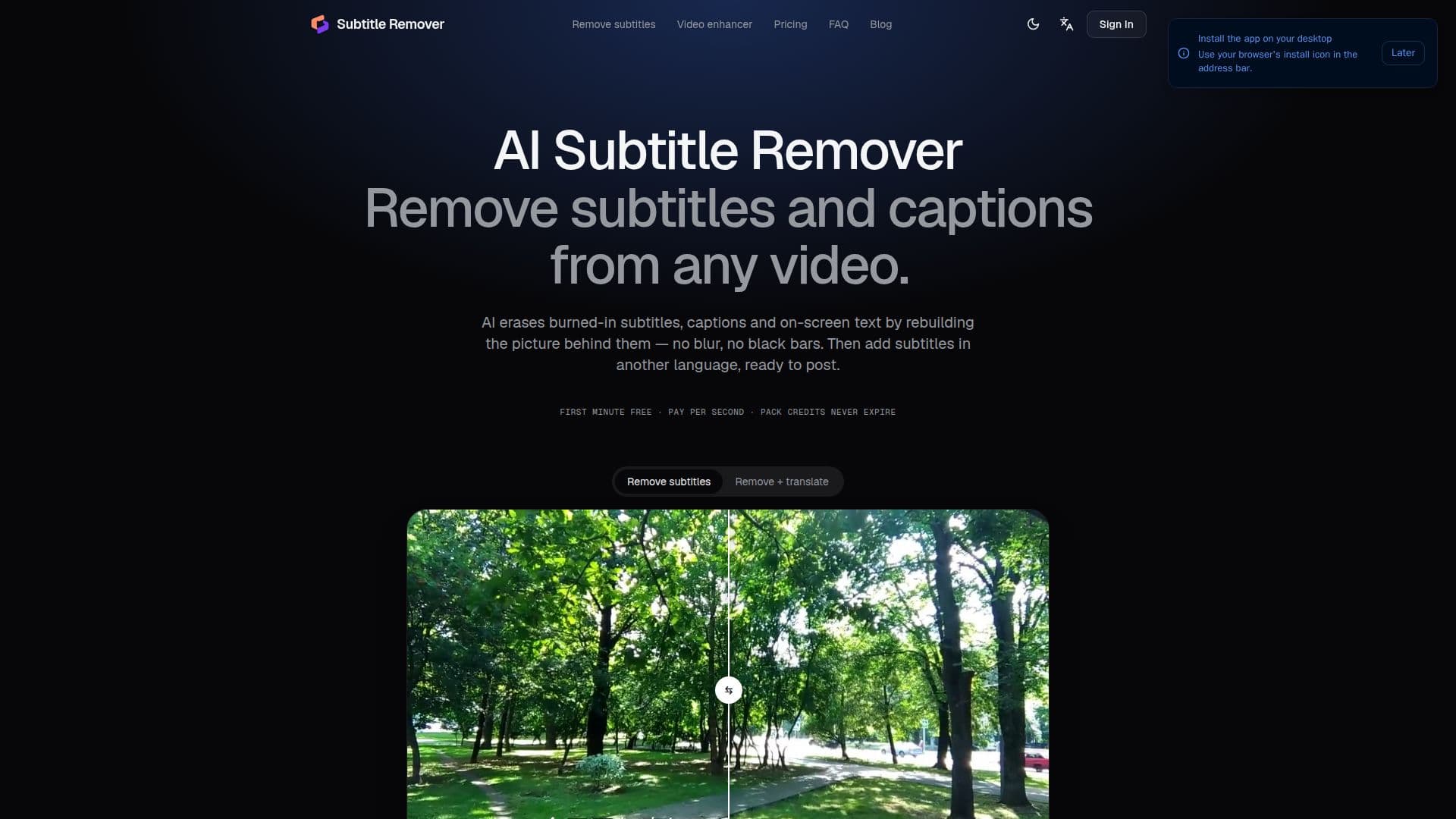
Subtitle Remover is a specialized online AI tool that allows users to seamlessly remove hard-coded subtitles, captions, and other on-screen text from videos. Unlike traditional video editors that might blur or cover the text area, this tool employs advanced AI to reconstruct the background behind the text frame by frame, ensuring a clean and natural-looking result. It's particularly useful for videos where subtitles are permanently embedded and cannot be simply turned off.
Read More
The tool offers two primary modes for text removal: Auto and Precise. Auto mode automatically detects captions typically found in the lower half of the video frame, providing a quick and cost-effective solution. For more specific or challenging text, such as text watermarks, usernames, or titles located anywhere in the frame, Precise mode allows users to draw custom boxes over the text and define specific time ranges for removal. This mode utilizes a finer AI model for optimal results, even on busy or fast-moving backgrounds.
Beyond removal, Subtitle Remover also facilitates the addition of new, translated subtitles. It can read original subtitles directly from the video picture or even from speech (for Chinese and English), translate them into 19 different languages, and then burn them into the cleaned video. Users have the flexibility to edit every line of the translated subtitles, download SRT files, and re-burn edits with custom fonts, colors, and positions. This feature is invaluable for creators, localization teams, and businesses looking to adapt their video content for global audiences.
Supported video inputs include MP4, MOV, and MKV files, with a maximum length of 10 minutes, a file size limit of 2 GB, and up to 2K resolution. The output resolution is capped at 1080p, while the original audio track is preserved. The service operates on a credit-based system, with new accounts receiving 60 free credits for a trial. Pricing is per second of video processed, with different rates for Auto removal, Precise removal, and translated subtitles. Subscription plans and one-time credit packs are available, offering flexibility for various usage needs. The platform emphasizes user privacy, ensuring uploads and results are visible only within the user's account and are deleted automatically after five days.
- CategoryAI Video Editors
- Pricing ModelFreemium
- DeploymentCloud
- PlatformsWeb
Subtitle Remover's Core Features
Remove burned-in subtitles, captions, and on-screen text
AI rebuilds background behind text without blurring or black bars
Automatic detection of captions in lower frame
Precise box drawing for custom text removal anywhere in frame
Translated subtitles in 19 languages
Reads original subtitles from picture or speech
Editable subtitles with live preview
SRT file download and re-burn functionality
Supports MP4, MOV, MKV video formats
Preserves original audio track
Handles videos up to 10 minutes, 2 GB, and 2K input
Output resolution up to 1080p
Credit-based pricing with free trial
Automatic refunds for failed jobs
Private video processing and deletion after 5 days
How to use Subtitle Remover?
Upload Video: Drop an MP4, MOV, MKV, or other video file up to 10 minutes long.
Choose Removal Method: Select Auto mode for automatic caption detection or Precise mode to draw boxes over specific text, watermarks, or names.
Add Translated Subtitles (Optional): Turn on translated subtitles, pick a language, and the tool will read, translate, and burn in new captions.
Review and Edit: Edit every line of translated subtitles with a live preview and download SRT files if needed.
Download Clean Video: Get the clean MP4, the subtitled MP4, and SRT files once processing is complete.
Subtitle Remover's Use Cases
- Short Drama Localization
- E-commerce and Ads
- Content Repurposing
- Educational Content
- Personal Video Editing
- Social Media Content