Description
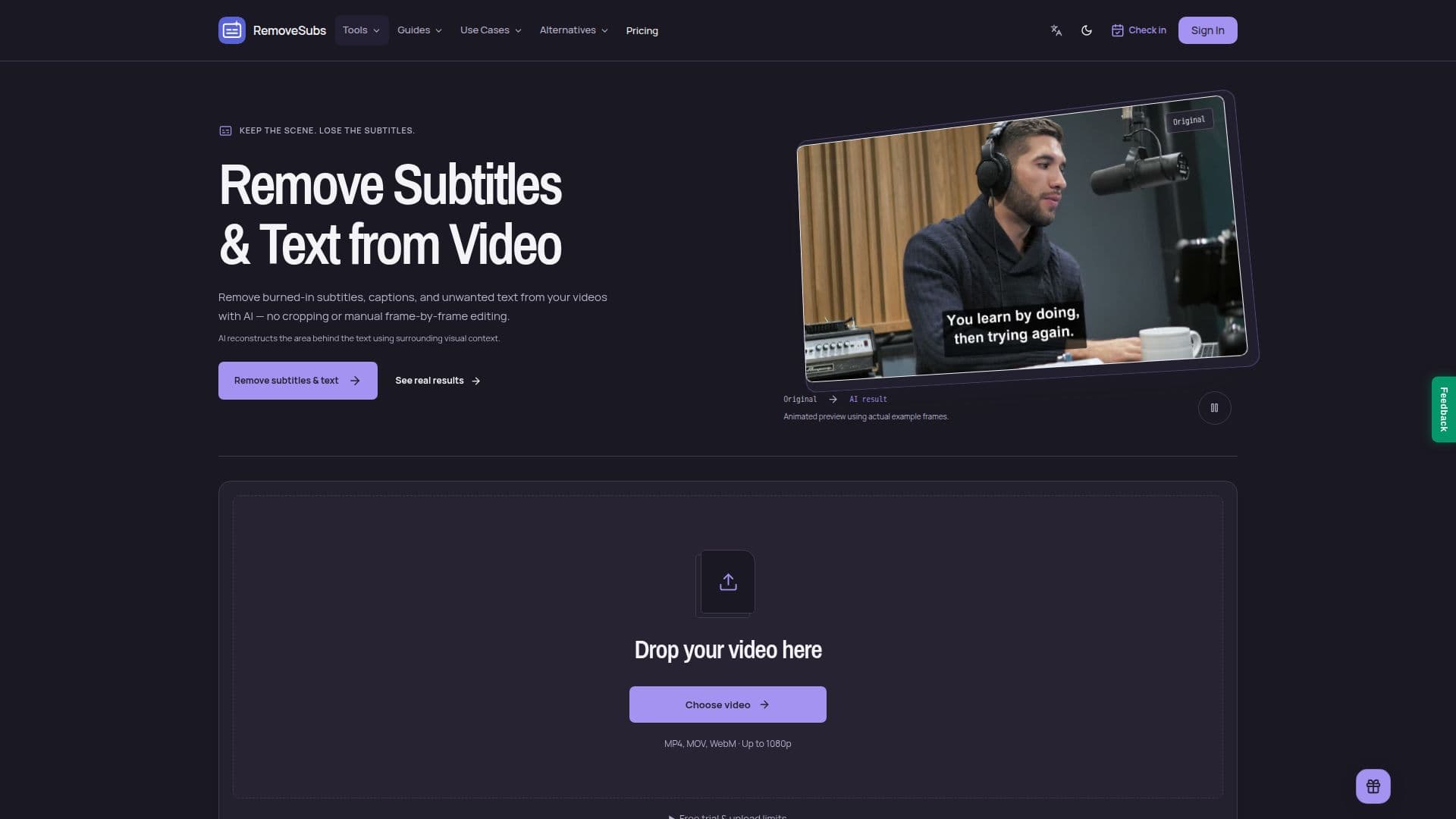
RemoveSubs is a web-based application designed to help users remove unwanted text from videos, including burned-in subtitles, captions, timestamps, and other text overlays. The tool leverages AI technology to automatically detect visible text and reconstruct the areas it covers using the surrounding visual context. This process eliminates the need for manual frame-by-frame editing or cropping, preserving the original framing of the video.
Read More
Users can upload videos in MP4, MOV, or WebM formats, with free accounts supporting up to 50MB and paid accounts up to 100MB. The tool operates on a credit system, where one credit is used per started second of video processing, with a minimum of three credits per video. RemoveSubs offers a free trial with three credits upon email verification.
The platform provides three subscription plans: Starter, Creator, and Studio, catering to different user needs from short social clips to extensive production workloads. Each plan varies in terms of credits, concurrent jobs, and result retention periods. For instance, the Starter plan costs $16.06 per month and covers up to 225 seconds of video, while the Studio plan costs $121.31 and covers up to 1700 seconds.
RemoveSubs is ideal for content creators, video editors, and anyone looking to repurpose video content by removing existing subtitles or text. It is particularly useful for preparing videos for new language subtitles or updated transcripts. However, users should be aware that the AI's reconstruction may introduce artifacts like blur or flicker, especially in videos with large text, fast motion, or complex backgrounds.
- CategoryAI Video Editors
- Pricing ModelFreemium
- DeploymentCloud
- PlatformsWeb
RemoveSubs's Core Features
AI-based text removal
Supports MP4, MOV, WebM formats
Credit-based processing system
Free trial with 3 credits
Three subscription plans
No manual editing required
Preserves original video framing
Preview before download
How to use RemoveSubs?
Upload: Choose an MP4, MOV, or WebM file
Process: AI detects and removes visible text
Preview: Compare original and processed video
Download: Save the cleaned video
RemoveSubs's Use Cases
- Podcast Subtitles
- Social Media Clips
- Tutorial Updates
- Interview Edits
- Video Repurposing