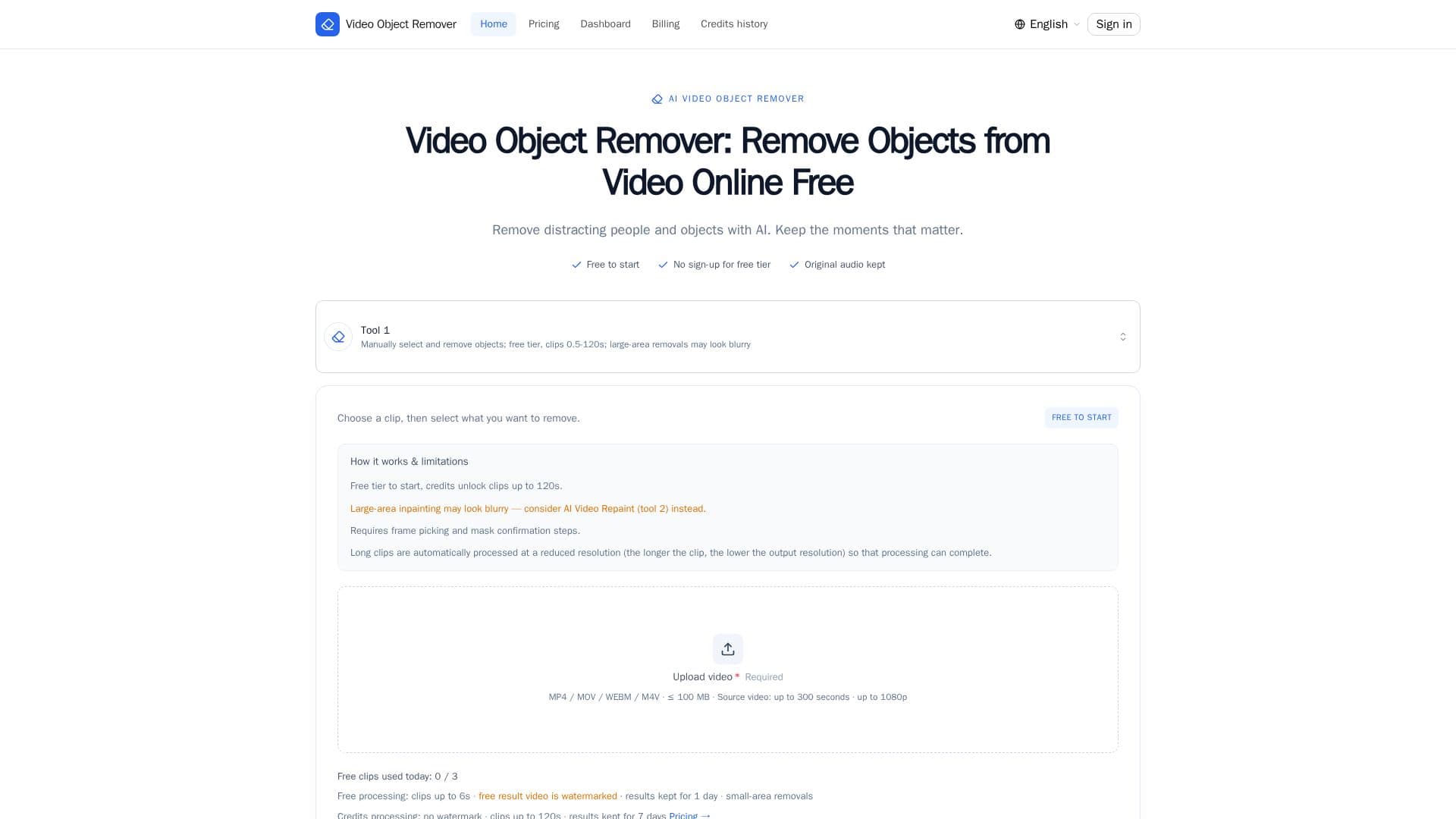
Description
Video Object Remover is an innovative online tool designed to help users remove unwanted objects, people, and logos from their videos. Utilizing advanced AI technology, it seamlessly rebuilds the background frame by frame, ensuring that the removed areas appear as if they were never there. This tool is particularly beneficial for content creators, marketers, and anyone looking to enhance their video content by eliminating distractions.
Read More
The process is straightforward: users upload their video, select a frame, and describe the object they wish to remove. The AI then locks onto the described object, applies a green mask for confirmation, and processes the video to remove the object while preserving the original audio. This ensures that the final output is both visually and audibly coherent.
Video Object Remover offers a free tier that allows users to process up to three short clips (up to 6 seconds each) per day without the need for an account. For those requiring longer clips or watermark-free outputs, credits can be purchased. The pricing is flexible, with packs starting at $2.99 for 2 credits, allowing users to pay only for what they need without any subscription commitments.
The tool is designed to be user-friendly, operating entirely within a web browser with no software installation required. This makes it accessible to users across different platforms and devices. Additionally, the tool supports descriptions in any language, automatically translating non-English inputs to ensure accurate object recognition.
Overall, Video Object Remover provides a powerful and accessible solution for video editing, enabling users to enhance their content by removing unwanted elements efficiently and effectively.
- CategoryAI Video Editors
- Pricing ModelFreemium
- DeploymentCloud
- PlatformsWeb
Video Object Remover's Core Features
AI-powered object removal
Frame-by-frame background reconstruction
Original audio preservation
Free tier with no sign-up
Supports multiple languages
Watermark-free output on paid tiers
Browser-based, no installation required
Flexible credit-based pricing
How to use Video Object Remover?
Upload & trim: Choose a video and trim your clip
Pick a frame & describe: Select a frame and describe the object
Confirm the green mask: Preview and confirm the AI mask
Download the clean video: Download the processed video
Video Object Remover's Use Cases
- Content Creation
- Marketing Videos
- Social Media
- Corporate Presentations
- Personal Projects