
Description
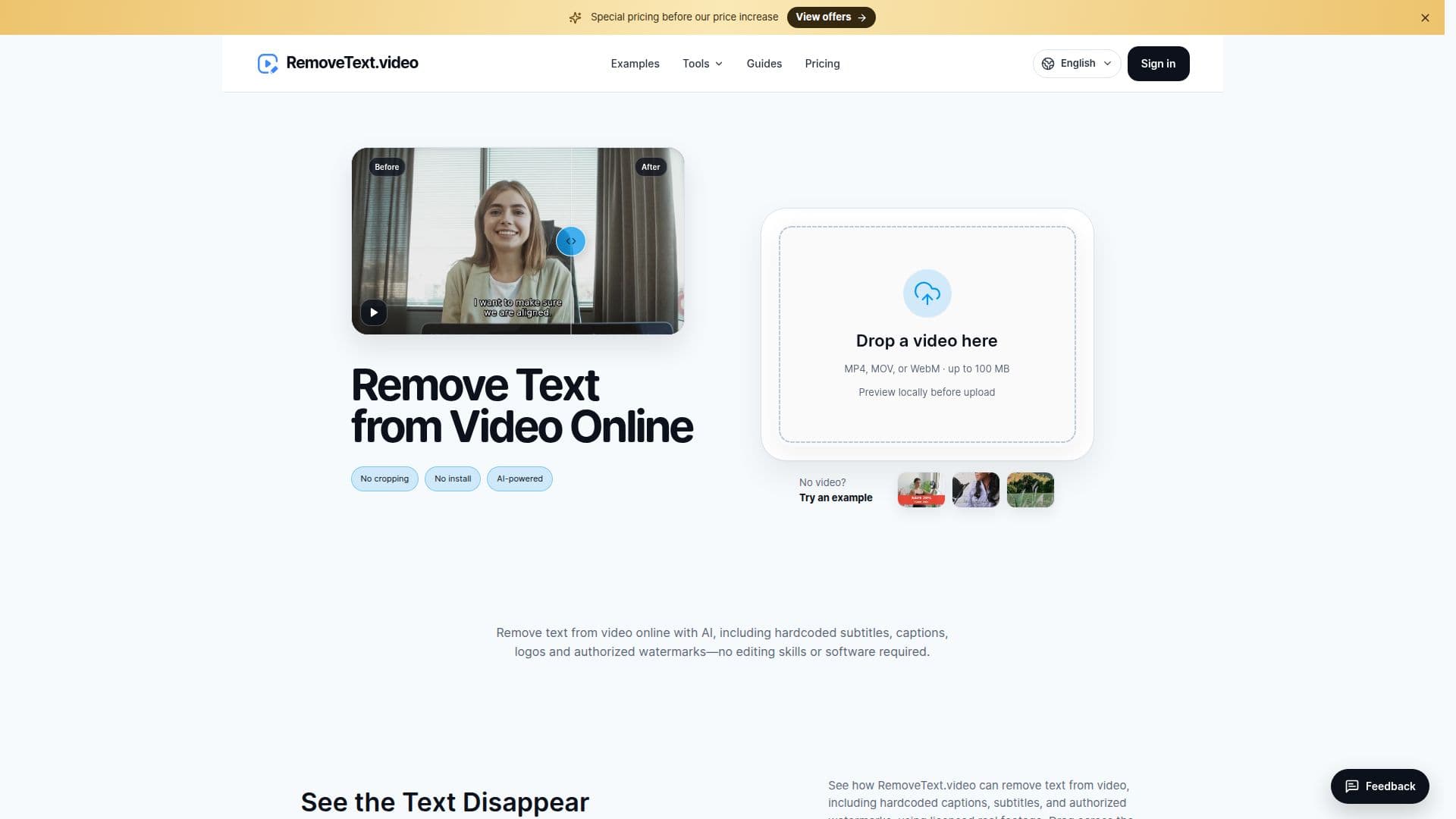
RemoveText.video is an online tool designed to help users remove unwanted text, hardcoded subtitles, captions, logos, and authorized watermarks from videos. It provides a user-friendly interface where users can select specific areas of a video to clean up, ensuring that the background is reconstructed without the need for complex editing software. This tool is particularly useful for content creators who need to update or repurpose video content by removing outdated or unauthorized overlays.
Read More
The platform supports various video formats, including MP4, MOV, and WebM, and allows users to process videos with resolutions up to 4K, depending on their account type. Free accounts can process videos with a short side up to 1080p and mark up to three areas manually, while paid accounts can handle up to ten areas and higher resolutions.
RemoveText.video operates on a credit-based system, where users start with 20 free credits upon signing up with Google. These credits allow for initial testing and processing of videos. Additional credits can be purchased in packs or through monthly subscriptions, with options tailored to different usage needs. The tool ensures that users only pay for the credits they use, with unused credits remaining valid for 12 months.
The tool's AI-driven capabilities allow for precise removal of static and moving text, ensuring that the selected areas are reconstructed naturally. It offers different modes for removing captions, subtitles, logos, and watermarks, each tailored to handle specific types of overlays. Users can preview their selections locally before uploading, ensuring that the processing meets their expectations.
RemoveText.video emphasizes user privacy and data security, retaining original and processed videos for a limited time and ensuring that payment information is handled securely through third-party providers like Stripe and PayPal. The platform is ideal for video editors, content creators, and anyone needing to clean up video content without extensive editing skills.
- CategoryAI Video Editors
- Pricing ModelFreemium
- DeploymentCloud
- PlatformsWeb
RemoveText.video's Core Features
Remove text, subtitles, and captions
Remove logos and watermarks
Supports MP4, MOV, and WebM formats
Process videos up to 4K resolution
Credit-based pricing model
Free trial with 20 credits
Local preview before upload
Secure payment processing
How to use RemoveText.video?
Upload: Choose an MP4, MOV, or WebM file
Select: Draw boxes over unwanted text or overlays
Review: Check the selected areas and estimated credits
Process: Sign in and start processing the video
RemoveText.video's Use Cases
- Video Cleanup
- Content Repurposing
- Logo Removal
- Subtitle Editing
- Watermark Removal