


Description
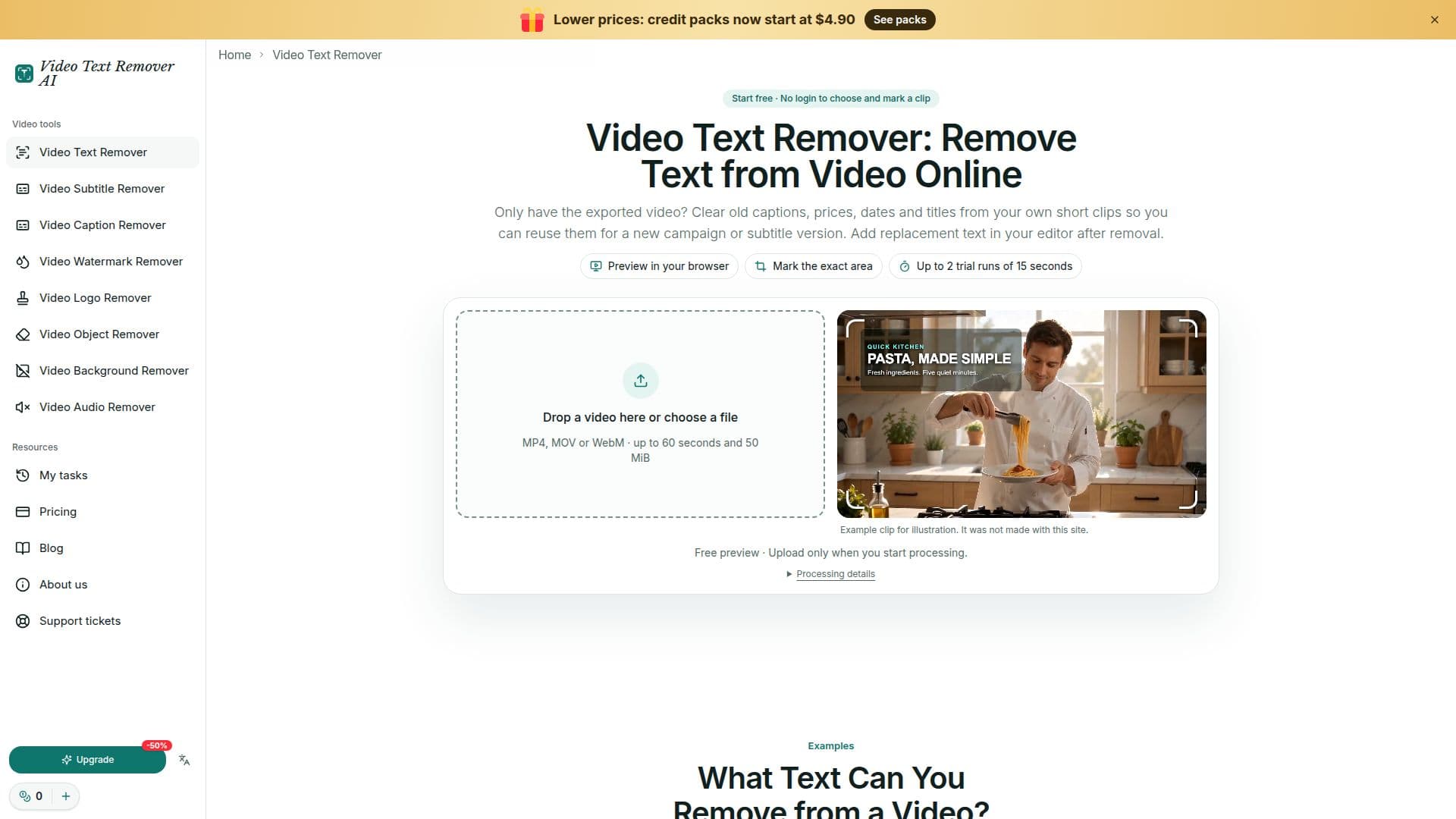
Video Text Remover AI is an online tool designed to remove burned-in text from videos. It supports popular video formats such as MP4, MOV, and WebM, with a maximum file size of 50 MB and a duration of up to 60 seconds. Users can mark up to three areas on the video where text appears and set the time range for each box. The AI technology behind the tool aims to reconstruct the image behind the text rather than simply blurring it, providing a cleaner result.
Read More
The tool is particularly useful for creators, marketing teams, and trainers who need to update or repurpose video content. It can handle subtitles, captions, watermarks, logos, and other objects, making it versatile for various editing needs. Users can preview their edits for free and are offered two trial runs for clips up to 15 seconds without needing to log in.
Pricing is flexible, with credit packs starting at $4.90 for 100 credits, which equates to 1 minute and 40 seconds of text removal. Larger packs and subscriptions are available for those with regular editing needs. The tool also includes a free audio remover feature, allowing users to create silent video copies directly in their browser.
Video Text Remover AI is designed to be user-friendly, requiring no software installation. Videos are only uploaded for processing after the user submits a task, ensuring privacy and security. The tool is ideal for those looking to refresh old video content by removing outdated text, prices, or subtitles, and it supports a wide range of use cases from social media clips to professional training videos.
- CategoryAI Video Editors
- Pricing ModelFreemium
- DeploymentCloud
- PlatformsWeb
Video Text Remover AI's Core Features
Burned-in text removal
Supports MP4, MOV, WebM
Free preview and trial runs
AI-based image reconstruction
Handles subtitles and captions
Watermark and logo removal
No software installation required
Credit-based pricing model
How to use Video Text Remover AI?
Choose your video: Select a clip for free, no login needed.
Mark the text: Drag boxes over the text areas and set time ranges.
Process and check: Review the credit estimate, submit, and download.
Download result: Check the processed video and save it.
Video Text Remover AI's Use Cases
- Update Campaign Videos
- Localize Subtitles
- Refresh Training Clips
- Edit Social Media Clips
- Remove Watermarks