Description
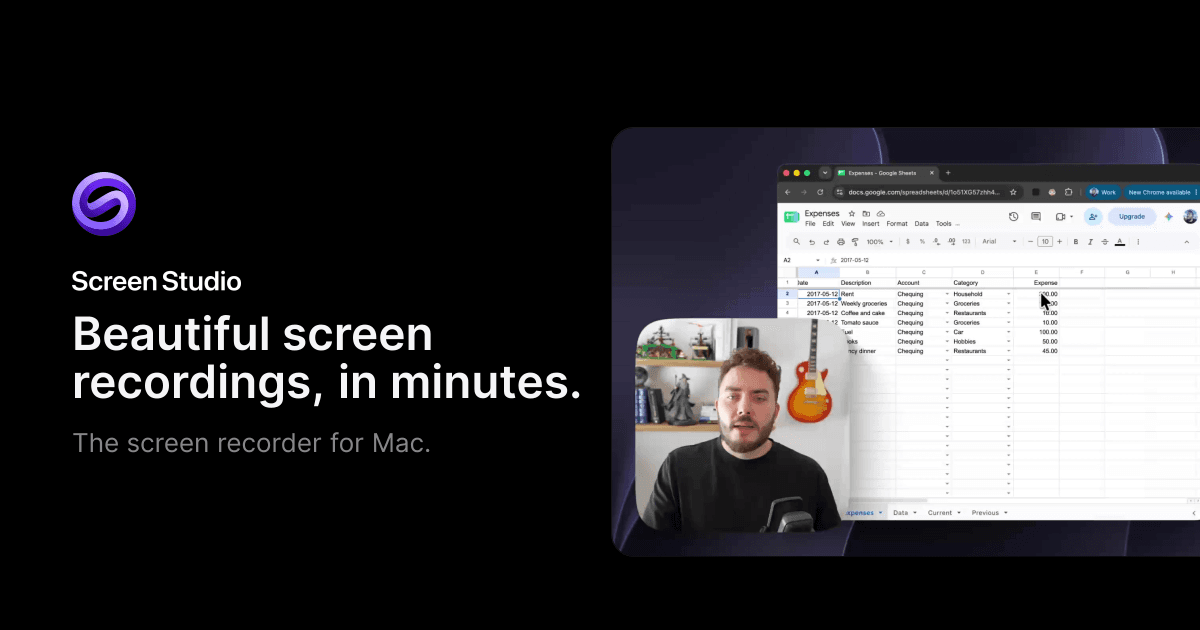
Screen Studio is a professional screen recording tool tailored for macOS users, enabling the creation of high-quality product demos, tutorials, courses, and social media videos. It simplifies the recording process by automating complex tasks such as zooms, motion, sound, and framing, ensuring every video appears polished and professional.
Read More
The tool offers a range of features, including automatic zoom on mouse actions, smooth cursor movement, and the ability to export videos in 4K at 60FPS. Users can also record screen, webcam, and per-app system audio, and generate transcripts locally on their Mac. Screen Studio supports iPhone and iPad recording via USB, complete with device frames, making it versatile for various recording needs.
Editing is made intuitive with transcript-based video editing, allowing users to cut filler words and pauses effortlessly. The tool also provides noise reduction and voice enhancement features, ensuring clear audio quality. Captions are generated quickly and can be styled to fit the video’s aesthetic.
Screen Studio is designed to work offline, with most processing done locally on the user's Mac. This ensures privacy and security, as recordings and projects are stored on the device. The tool offers shareable links for easy distribution and supports exporting in multiple formats, including MP4 and GIF.
Pricing for Screen Studio starts at USD 29 per month, with a yearly plan available at USD 9 per month. Students and educators can avail a 40% discount. The tool is recommended for macOS Ventura 13.1 or higher and is optimized for Apple silicon, ensuring smooth performance even on large displays.
- CategoryVideo Generation & Editing
- Pricing ModelPaid
- DeploymentRuns locally
- PlatformsmacOS
Screen Studio's Core Features
Automatic zoom on mouse actions
Smooth cursor movement
4K 60FPS video export
Screen, webcam, and per-app audio recording
Transcript generation
iPhone/iPad recording via USB
Noise reduction and voice enhancement
Local processing and storage
How to use Screen Studio?
Configure: Set up recording preferences
Use: Record screen, webcam, and audio
Edit: Use transcript-based editing
Export: Share or export in desired format
Screen Studio's Use Cases
- Product Demos
- Tutorial Videos
- Social Media Content
- Course Creation
- App Demos