
Description
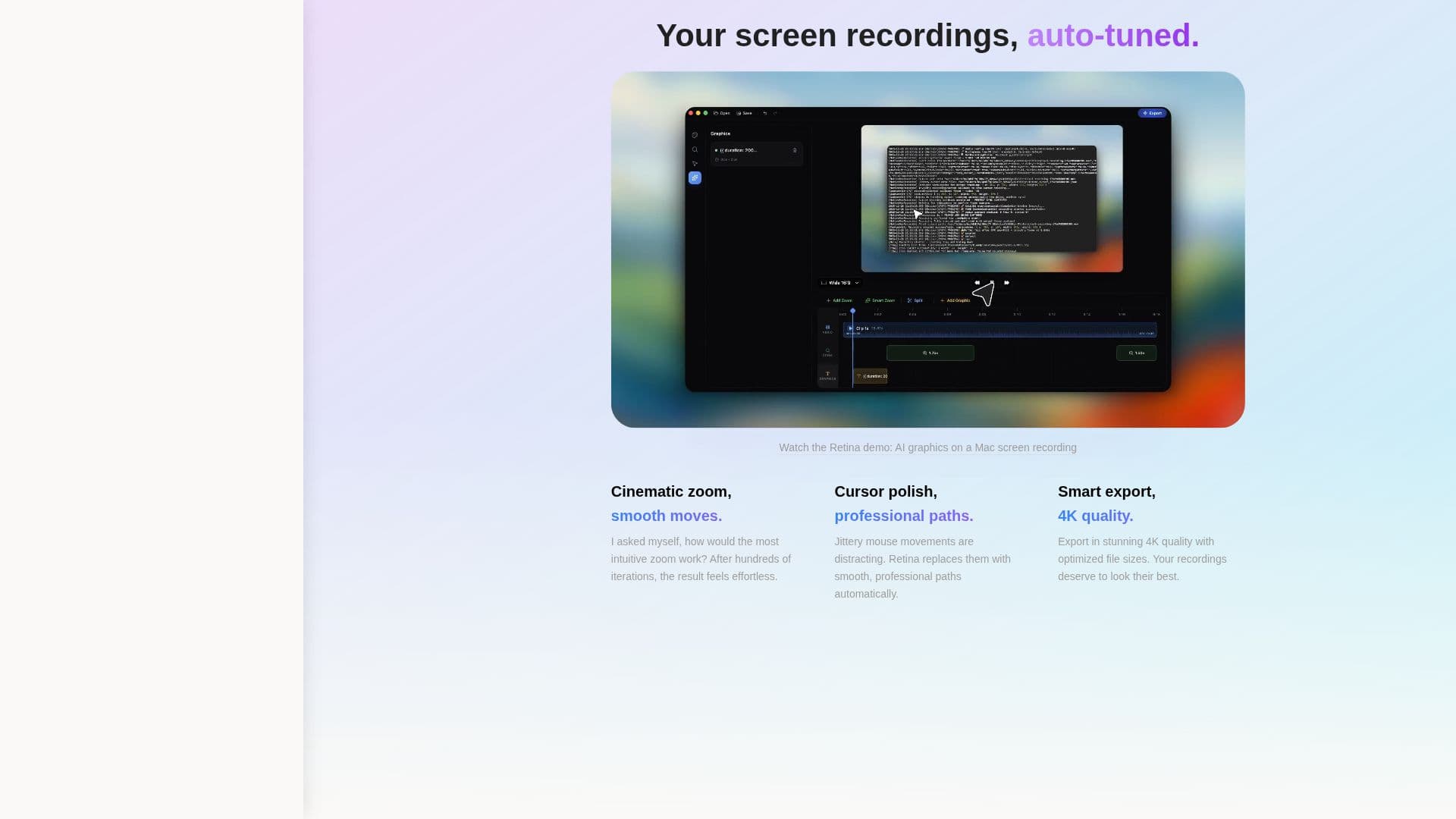
Retina is a cinematic screen recorder specifically designed for macOS users who seek clarity and polish in their screen recordings. Developed by BlendPixel, an American software company known for creating productivity and creative tools, Retina offers features like automatic zoom, smooth cursor motion, and 4K export. This tool is ideal for creating demos, tutorials, and walkthroughs with a professional touch.
Read More
The application was created by Aza Ali, the founder of BlendPixel, who aimed to transform mundane screen recordings into engaging visual content. Retina incorporates AI graphics and physics-based cursors to enhance the recording experience. While currently available for macOS, there are plans to expand its compatibility to Windows, with the core editor already being 90% cross-platform.
Retina is offered for free, making it accessible to a wide range of users, from educators and content creators to business professionals who need to produce high-quality screen recordings. The tool's focus on simplicity and effectiveness ensures that users can achieve their desired results without unnecessary complexity.
Despite its advanced features, Retina maintains a user-friendly interface, allowing users to easily navigate and utilize its capabilities. The tool's development is driven by user feedback, ensuring that it continues to evolve and meet the needs of its audience.
- CategoryVideo Generation & Editing
- Pricing ModelFree
- DeploymentCloud
- PlatformsmacOS
Retina's Core Features
Automatic zoom
Smooth cursor motion
4K export
AI graphics
Physics-based cursors
Cinematic zoom effects
Free to use
macOS compatibility
How to use Retina?
Download: Install Retina on your macOS device
Configure: Set up recording preferences
Record: Capture your screen with cinematic effects
Export: Save recordings in 4K quality
Retina's Use Cases
- Tutorial Creation
- Product Demos
- Educational Content
- Business Presentations
- Content Creation