
Description
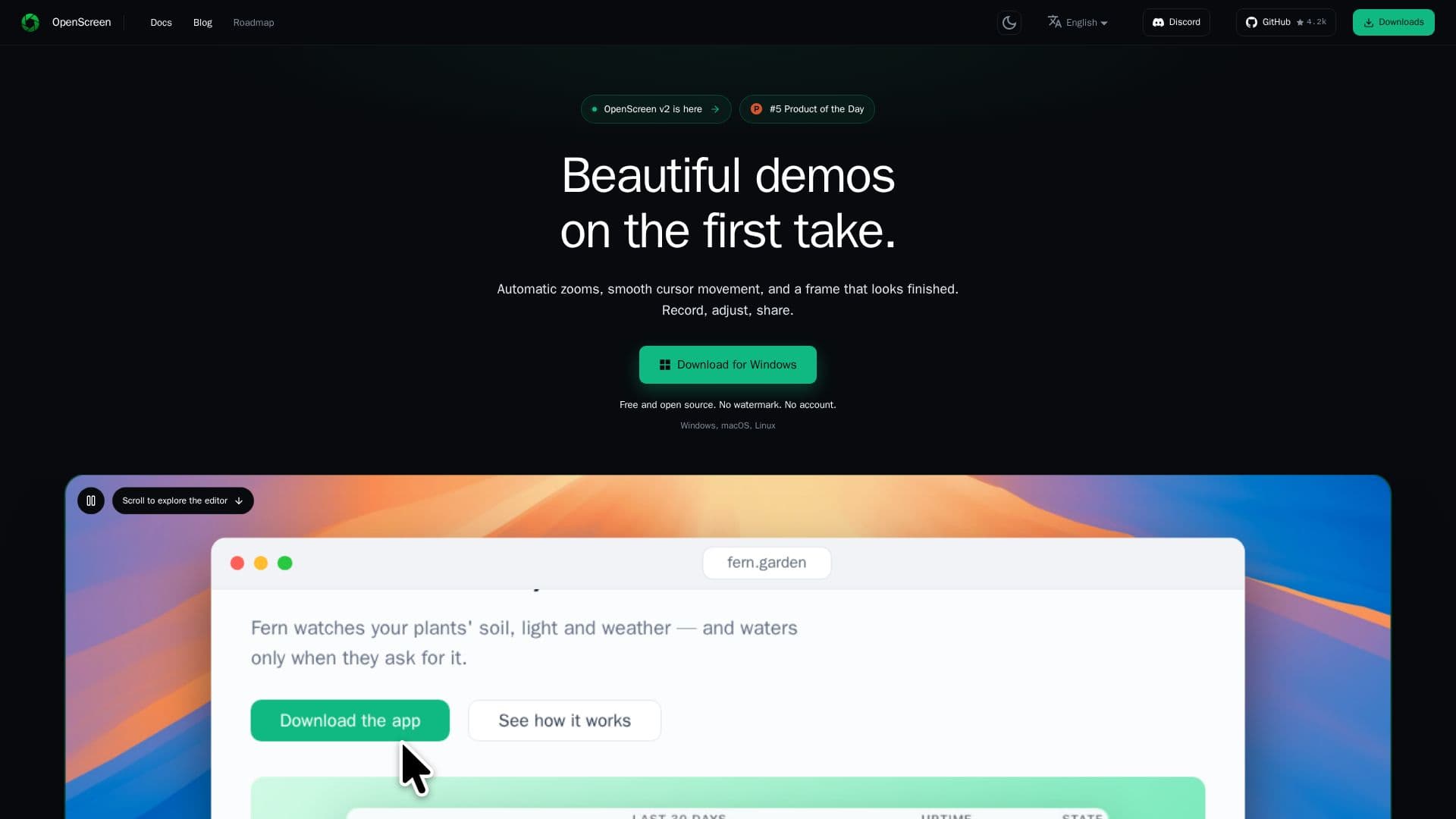
OpenScreen is a versatile, free, and open-source screen recorder and video editor available for Windows, macOS, and Linux. It provides users with the ability to turn raw screen recordings into polished demos, complete with automatic zooms, styled backgrounds, and an editable cursor. The software supports native capture on all platforms and includes features such as multi-track timeline editing, on-device Whisper transcription, and burned-in captions. Users can export their recordings in MP4 or GIF formats without any watermarks or the need for a subscription.
Read More
OpenScreen is designed to be user-friendly and accessible, offering an interface in 15 languages, including English, Arabic, Czech, German, Spanish, French, Italian, Japanese, Korean, Russian, Turkish, Vietnamese, Brazilian Portuguese, Simplified Chinese, and Traditional Chinese. The software is MIT licensed, ensuring it remains free for both personal and commercial use, with no paywalls or premium tiers.
The application allows for a variety of editing options, such as zooming, trimming, and speed adjustments, as well as the ability to add text, image, and arrow annotations. Users can also blur sensitive information and apply various webcam layouts. OpenScreen's AI capabilities include optional chat editing and caption translation through connected AI providers, allowing for seamless integration into various workflows.
OpenScreen is particularly suitable for users who require a robust screen recording solution without the need for cloud storage or hosted sharing. It ensures privacy by keeping all files on the user's disk and does not require an account for use. The software is continuously updated, with development led by Etienne Lescot, following the original project by Siddharth Vaddem.
- CategoryAI Video Editors
- Pricing ModelFree
- DeploymentDesktop app
- PlatformsWindows, macOS, Linux
OpenScreen's Core Features
Free and open-source
No watermarks or subscriptions
Multi-track timeline editing
On-device Whisper transcription
MP4 and GIF export
Interface in 15 languages
MIT licensed
Optional AI provider integration
How to use OpenScreen?
Download: Get the installer from the website
Install: Follow platform-specific installation steps
Record: Use native capture to record your screen
Edit: Utilize multi-track timeline and editing tools
Export: Save your project in MP4 or GIF format
Translate: Connect an AI provider for caption translation
OpenScreen's Use Cases
- Demo Creation
- Educational Videos
- Software Tutorials
- Product Reviews
- Webinars