
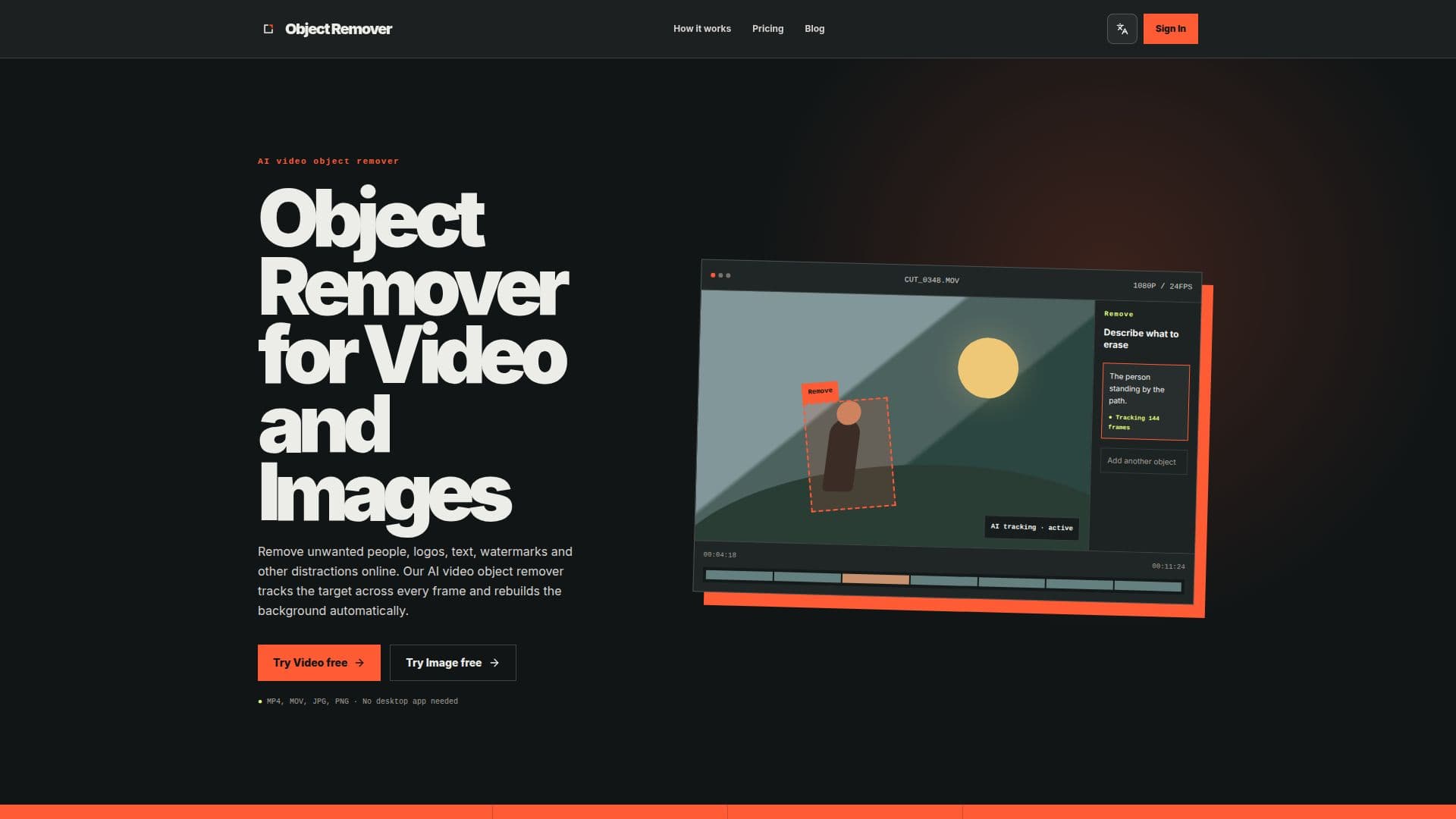
Description
Object Remover is an intuitive online AI tool that allows users to seamlessly eliminate unwanted objects, people, logos, text, and watermarks from both videos and images. This web-based solution operates entirely online, removing the need for any desktop application installations and making it accessible from any browser.
Read More
The core functionality of Object Remover relies on advanced AI that tracks target objects across every frame of a video. Users simply mark the unwanted element once, either by brushing over it or using a natural-language prompt like “the players.” The AI then intelligently follows the target through motion, turns, and camera pans, creating a precise tracking mask. After identifying the object, the tool automatically rebuilds the background pixels, ensuring a clean and natural-looking result without manual frame-by-frame masking.
This versatile tool handles various media formats, including MP4 and MOV for videos, and JPG and PNG for images. Whether cleaning a short clip, a full video, or a still photograph, the same AI technology adapts to the task. The process is streamlined into three simple steps: upload your media, select the unwanted object, and export the cleaned file. Users can review and fine-tune the mask before downloading their ready-to-use output.
Object Remover offers a flexible pricing model, starting with a free tier that provides 10 free credits upon sign-up, allowing users to try the AI object removal on short videos and images without any payment or account creation. For more extensive use, a "Pay as you go" option is available, where users can purchase credit packs (30, 50, 100, or 400 credits) valid for 12 months. Each detection costs 1 credit, and video processing costs 4 credits per second, with a minimum of 20 credits per video run. For larger needs, custom plans are available, offering bulk and long-form video processing, custom credit packs, and priority email support.
- CategoryVideo Generation & Editing
- Pricing ModelFreemium
- DeploymentCloud
- PlatformsWeb
Object Remover's Core Features
AI Video Object Removal
AI Image Object Removal
Automatic Object Tracking Across Frames
Background Reconstruction
Removes People, Logos, Text, Watermarks
Supports MP4, MOV, JPG, PNG Formats
Online Web-Based Tool (No Desktop App)
Brush or Prompt-Based Object Selection
Frame-Locked Tracking for Moving Targets
Low-Resolution Preview for Free Tier
Credit-Based Usage System
Custom Plans for Bulk Processing
Media Privacy and Automatic Deletion
Review and Fine-Tune Mask
How to use Object Remover?
Upload Media: Drop in an MP4, MOV video, or JPG/PNG photo to begin.
Identify Object: Use a natural-language prompt or brush over the unwanted object on a clear frame.
Review & Fine-Tune: Examine the AI-generated mask and adjust if necessary.
Export Result: Download the clean, ready-to-use video or image file.
Object Remover's Use Cases
- Clean Up Video Footage
- Erase Logos and Watermarks
- Enhance Product Photography
- Prepare Social Media Content
- Edit Personal Memories
- Create Marketing Assets