Description
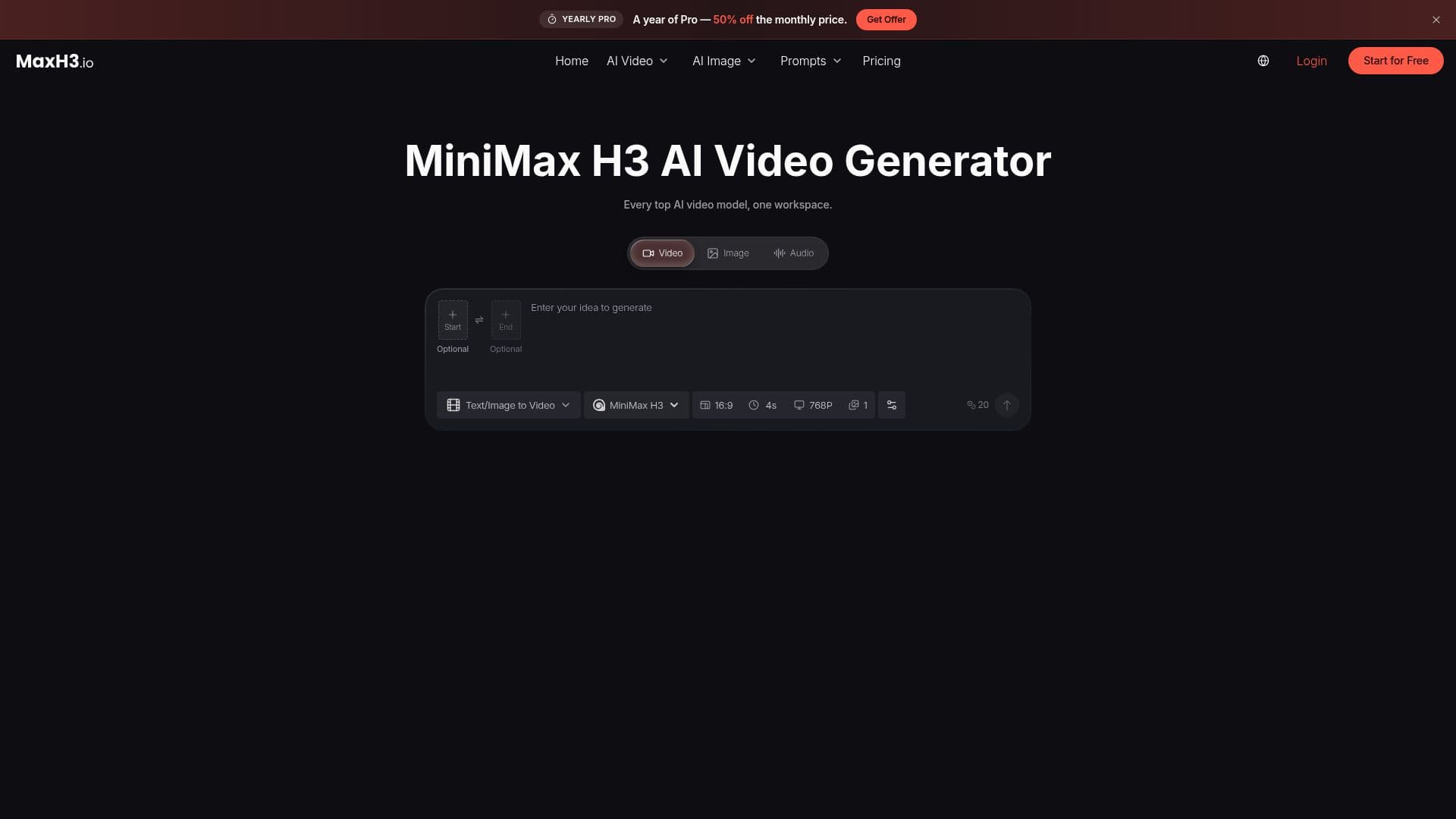
MiniMax H3, also referred to as Hailuo 3, is an advanced AI video generator powered by MiniMax's H3 video model, accessible directly in your browser via MaxH3. This tool allows users to generate short video clips, ranging from 4 to 15 seconds in length, with native 2K resolution and integrated stereo audio. It supports multimodal input, meaning a single request can combine text descriptions, images, video clips, and audio files to define the visual style, motion, camera work, and sound design of the output.
Read More
The platform offers various generation modes, including text-to-video, image-to-video, and reference-to-video, all managed within a unified workspace for credits and renders. Users can start for free, receiving initial credits upon signup without requiring a credit card, enabling them to test MiniMax H3 and its image tools. Paid subscriptions remove watermarks, add monthly credit allowances, and provide commercial licenses for generated content.
Creating a video with MiniMax H3 involves describing the desired scene or uploading reference files, selecting aspect ratio, length, and resolution, then generating the clip. The output can be downloaded or further refined with revised prompts. The generator supports lengths from 4 to 15 seconds in one-second increments, with output resolutions of 768P or 2K. A practical workflow involves drafting at 768P and rendering final takes in 2K, as higher resolutions consume more credits.
MiniMax H3 supports a wide range of aspect ratios for text-to-video, including 21:9, 16:9, 4:3, 1:1, 3:4, and 9:16, catering to various cinematic and social media formats. For image-to-video, the clip adopts the image's shape, while reference-to-video allows users to choose a ratio or use an auto setting. The tool can take up to 9 images, 3 video clips (2-15 seconds each, max 15 seconds total), and 3 audio tracks (max 15 seconds total) as references, with a total limit of 12 files per request. Supported file formats include JPG, PNG, WEBP for images (up to 30 MB), MP4 or MOV for video, and WAV or MP3 for audio.
A key feature is its ability to generate video with its own audio track, incorporating ambience, effects, music, or dialogue based on the prompt. Users can also attach audio references. MiniMax H3 facilitates turning photos into videos, either by animating a single image or building movement between two frames. Existing videos can be modified through the Reference to Video feature by attaching the clip and describing desired changes, such as outfits, backgrounds, or time of day. The platform also includes an AI image generator and photo editor, offering a comprehensive creative suite for both video and image content.
- CategoryAI Video Generators
- Pricing ModelFreemium
- DeploymentCloud
- PlatformsWeb
MiniMax H3's Core Features
Generate 4-15 second video clips with stereo audio
Native 2K resolution output option
Multimodal input: text, images, video clips, and audio references
Refine videos by describing changes to existing clips
Text-to-video, image-to-video, and reference-to-video capabilities
Supports various aspect ratios: 21:9, 16:9, 4:3, 1:1, 3:4, 9:16
Accepts up to 9 images, 3 video clips, and 3 audio tracks as references
Integrated audio generation based on prompt requests
Ability to animate still images and create consistent characters across shots
Commercial license available with paid plans
Access to multiple AI video and image models (e.g., Seedance, Veo, Wan, Sora, Kling)
AI image generator with 20+ models (e.g., GPT Image 2.5, Nano Banana, Seedream)
AI photo editor for text-based image modifications
Video Mask Generator for object isolation using Meta SAM 2
AI Video Eraser to remove masked objects from clips
How to use MiniMax H3?
Open Generator: Access the MiniMax H3 AI Video Generator on the platform.
Provide Input: Describe your desired scene with text, or attach photos, video clips, or audio files as references.
Configure Settings: Choose your preferred aspect ratio, video length (4-15 seconds), and resolution (768P or 2K).
Generate Video: Click the generate button to create your video clip.
Review & Refine: View the finished clip in your workspace, then download it or refine it further with a revised prompt.
Edit & Enhance: Utilize additional tools like the AI image generator, photo editor, or video mask generator for further modifications.
MiniMax H3's Use Cases
- Trailers & Brand Films
- Ads & E-commerce
- UI & Product Motion
- Cinematic Stories
- Game Visuals
- Social Clips
- Short Films
- Product Showcases
- Marketing Campaigns
- Educational Content