Description
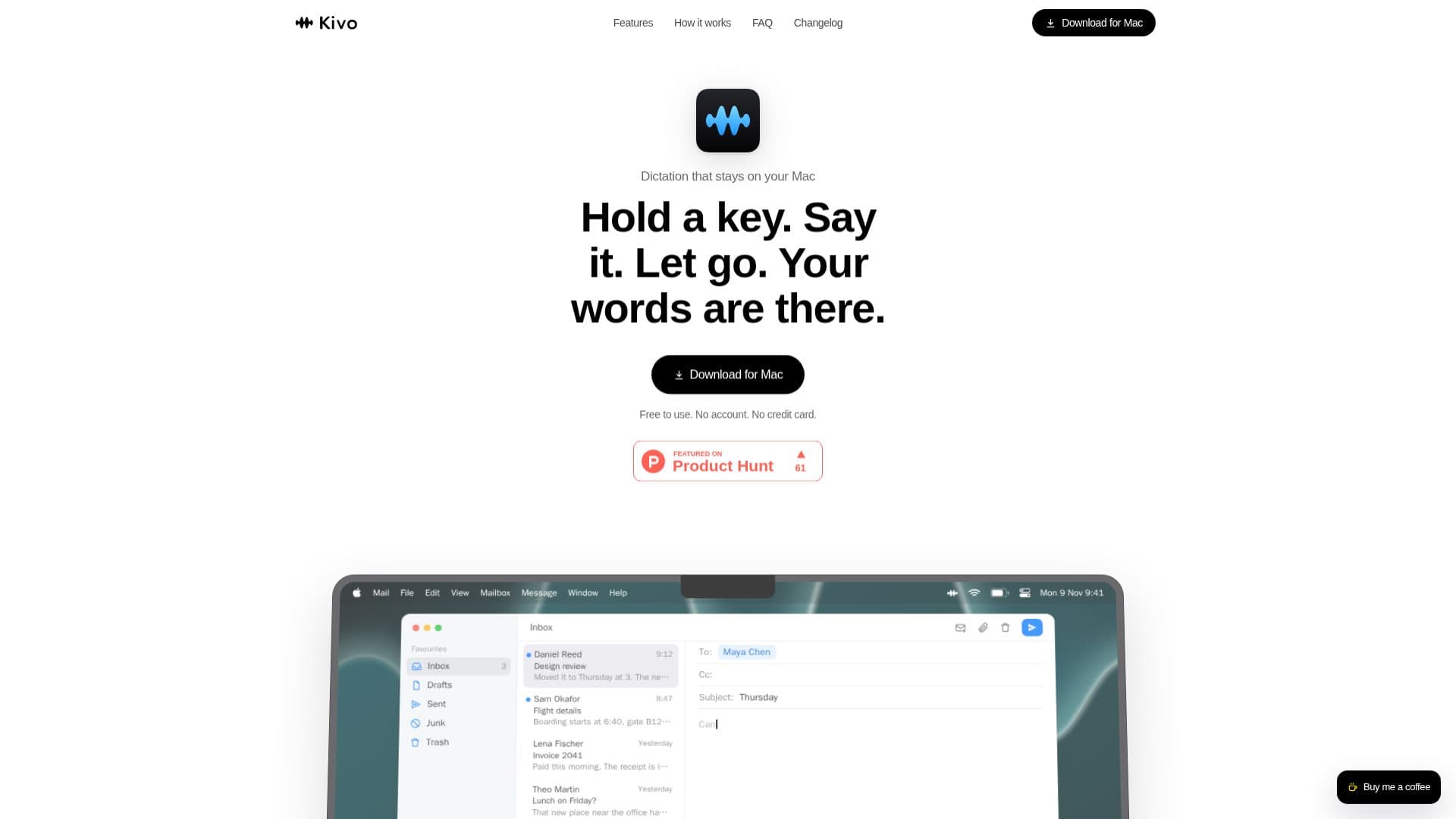
Kivo is a dedicated macOS application designed to streamline text input by converting spoken words directly into text at the cursor in any application. The core functionality revolves around a simple three-step process: hold a designated key, speak your thoughts, and then release the key. Your words, automatically transcribed and punctuated, appear instantly.
Read More
One of Kivo's most significant advantages is its commitment to privacy and offline functionality. The speech model downloads once to your Mac, after which Kivo operates entirely on-device, requiring no internet connection for dictation. This ensures that audio is never uploaded, saved, or sent anywhere, making it suitable for sensitive information like client files, medical notes, or unreleased code. The application is free to use, requires no account, and no credit card, emphasizing accessibility and user control.
Kivo is engineered for efficiency and ease of use. It removes common filler words like "um" and "uh," along with stutters and repeated words, delivering clean, polished text. Users can also add custom names and jargon to the vocabulary to improve accuracy for specific terms. The application integrates seamlessly into the macOS environment, with a menu bar icon indicating when the microphone is active. Text appears as a single edit, allowing for easy undo functionality.
While currently English-only and Mac-only, Kivo is continuously being developed, with plans for Windows support. The application is optimized for Apple silicon, though it also runs on Intel Macs with macOS 11 or later. Performance metrics show a transcription speed of approximately 660 ms for 7.4 seconds of speech, with ongoing efforts to reduce this to 300 ms. Memory usage is around 960 MB while loaded, with a target of 150 MB. Kivo offers a straightforward, private, and efficient solution for dictation, allowing users to think and speak in sentences rather than typing letter by letter.
- CategoryAI Transcription Tools
- Pricing ModelFree
- DeploymentDesktop app
- PlatformsmacOS
Kivo's Core Features
On-device dictation for macOS
No internet connection required after initial model download
Audio is never uploaded or saved, ensuring privacy
Free to use, no account or credit card needed
Dictate into any application at the cursor
Removes filler words, stutters, and repeats
Adds punctuation and capitalization automatically
Customizable vocabulary for names and jargon
Single-key activation for dictation
One-undo functionality for transcribed text
Menu bar icon indicates microphone status
Supports Apple silicon and Intel Macs (macOS 11+)
English language only (currently)
Searchable history of transcripts (stored locally)
Double-tap for hands-free dictation
How to use Kivo?
Download Kivo: Obtain the Kivo application for your Mac.
Install Speech Model: Allow Kivo to download the necessary speech model once (approx. 460 MB).
Activate Dictation: Hold down your chosen hotkey (e.g., Option key) in any application.
Speak Naturally: Dictate your thoughts; Kivo automatically filters out filler words and stutters.
Release Key: Let go of the hotkey to stop recording and have your words appear at the cursor.
Customize Vocabulary: Add specific names or jargon to Kivo's vocabulary for improved accuracy.
Kivo's Use Cases
- Email Composition
- Document Creation
- Note Taking
- Code Dictation
- Medical Transcription
- Client File Management