
Description
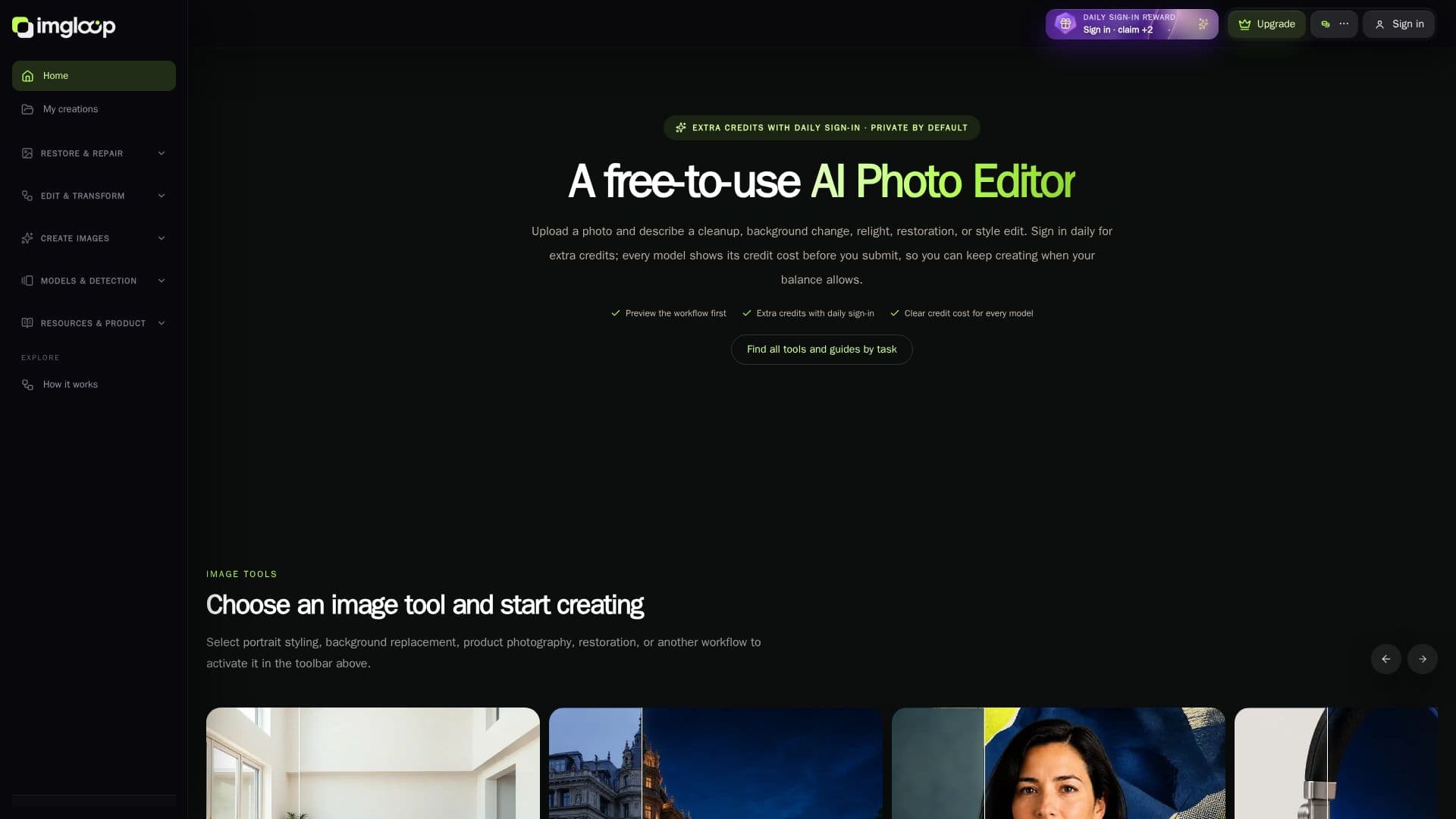
ImgLoop is a browser-based AI image editing and generation SaaS designed for creators and small businesses. It offers a comprehensive suite of tools for various image manipulation tasks, including scene cleanup, background editing, product image enhancement, photo restoration, and the creation of original fictional characters or consent-based portrait art. The platform emphasizes a focused workflow, allowing users to upload an original image, describe desired changes, and then compare the AI-generated result with the source.
Read More
The editor supports natural-language edits and provides local canvas controls for tasks like cropping, rotating, brushing, and adding text, which do not consume credits. Server-side AI processing, however, uses credits, with costs displayed before submission. Guests receive a small one-time credit allowance, while signed-in users can earn extra credits through daily sign-ins or purchase credit packs and subscriptions.
ImgLoop prioritizes user privacy, ensuring that files remain in the browser until an AI edit is requested. Uploads are never automatically made public. The platform supports JPG, PNG, and WebP formats up to 20 MB, with edited results downloadable as PNGs. Key features include the ability to combine generative edits with local controls, preview workflows, reuse editing settings, and compare outputs with the original image.
Advanced capabilities extend to specialized workflows such as photo restoration, AI interior design, AI tattoo generation, and turning photos into coloring pages. The platform also offers tools for image-to-image generation and AI character design. Pricing is structured through annual subscriptions (Creator, Pro, Studio) that provide monthly credits, with unused credits rolling over for a limited period. Credit packs are also available for one-time purchases and remain valid for 365 days. Only successfully delivered AI results are charged credits, ensuring fair usage.
- CategoryAI Photo Editors
- Pricing ModelFreemium
- DeploymentCloud
- PlatformsWeb-based
ImgLoop's Core Features
AI Photo Editor
Image Restoration
Image Generation
Natural Language Edits
Local Canvas Controls (Crop, Rotate, Brush, Text)
One-Click Effect Reuse
Privacy-First Processing (Files stay local until AI request)
Before-and-After Comparison
Credit-Based AI Processing
Daily Sign-in Credits
Supports JPG, PNG, WebP formats
Download Results as PNG
Mobile-Responsive Interface
Subscription Plans Available
One-Time Credit Packs
How to use ImgLoop?
Upload Image: Upload a JPG, PNG, or WebP file up to 20 MB.
Describe Edits: Use natural language to describe desired changes or select a focused workflow.
Apply Local Controls: Utilize local tools like crop, rotate, brush, or text without using credits.
Review Credit Cost: Check the credit cost for server-side AI processing before submission.
Generate/Restore: Submit the image for AI editing or restoration.
Compare Results: Review the AI-generated output against your original image.
Download Edited Image: Export the final edited image as a PNG file.
ImgLoop's Use Cases
- Photo Restoration
- Interior Design Visualization
- Tattoo Design Preview
- Coloring Page Creation
- Character Concept Development
- Product Relighting
- Background Removal/Replacement
- Social Media Cover Photos
- Image Format Conversion
- Image Compression and Resizing