
Description
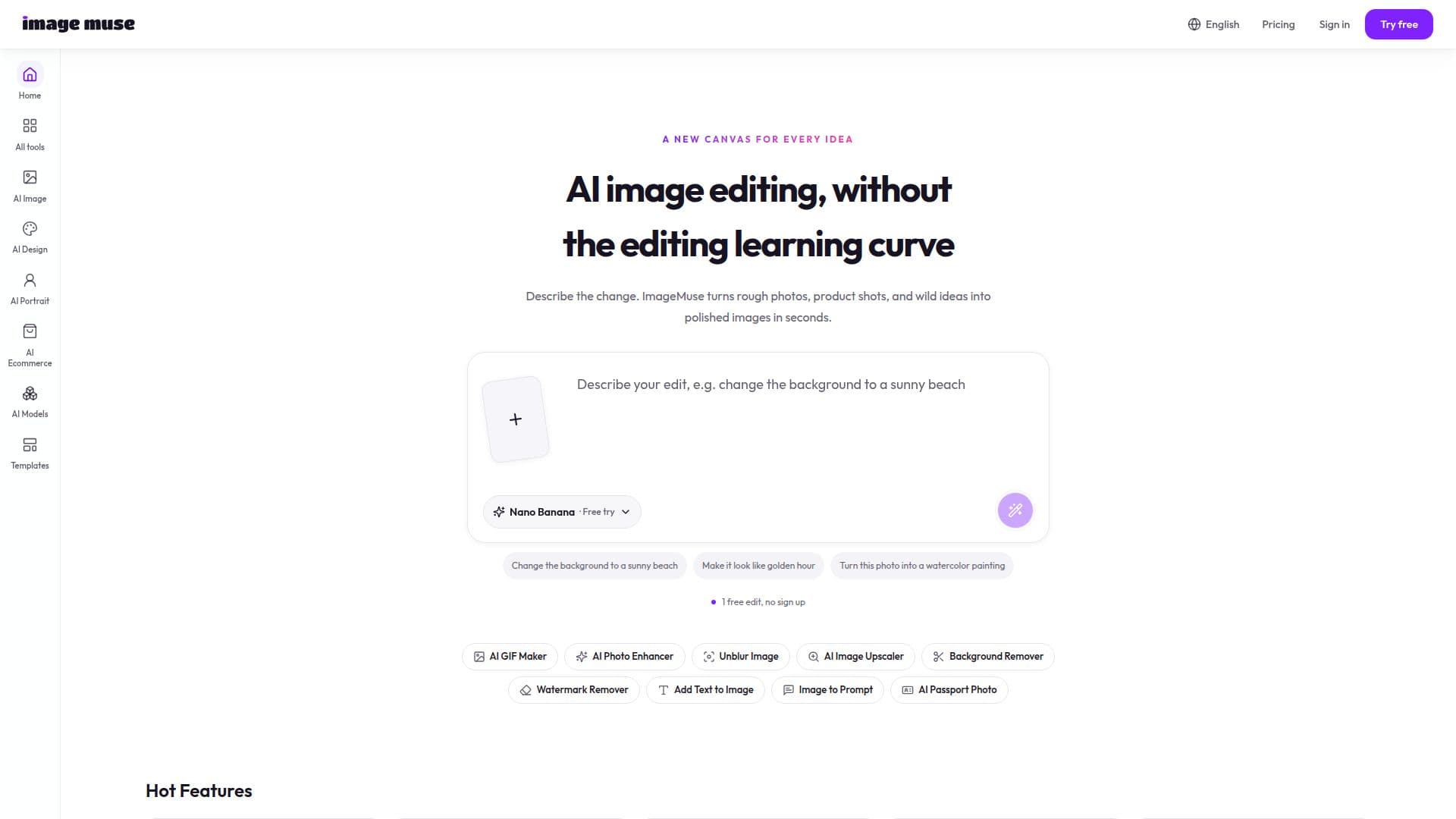
ImageMuse is an intuitive online AI photo editor designed to simplify image manipulation. Users can achieve professional-grade photo edits by describing the desired changes in plain language, eliminating the need for complex editing software or a steep learning curve. The platform allows for a wide range of modifications, from basic enhancements to intricate adjustments, making it accessible for both casual users and professionals.
Read More
The editor features several powerful tools, including a Photo Enhancer to brighten dark or noisy portraits and restore faces in group shots, and a Background Remover that can swap backdrops with a simple prompt, even accurately cutting out intricate details like fur. The Watermark Remover can clear unwanted marks, rebuilding the underlying image content. For blurry images, the Unblur Image tool brings faces and text back into focus, while the Image Upscaler enlarges photos and illustrations without introducing blur, making them suitable for print or larger screens.
ImageMuse also offers unique capabilities like Add Text to Image, which allows users to add captions that blend naturally with the photo's style, and Image to Prompt, which generates a text prompt from an image, enabling recreation or further AI-driven edits. The process is straightforward: users upload a JPG, PNG, or WebP file, describe the desired edit, and then compare and download the result. The platform emphasizes real results, showcasing before-and-after sliders for all features.
ImageMuse operates on a freemium model. Guests can use any tool once every 24 hours and download results without watermarks. Creating a free account provides sign-up credits, and the Image to Prompt tool is free several times a day. Paid plans, starting from $9.90 per month, unlock premium AI models and offer more credits. Credits from subscriptions expire at the end of the billing period, while credit packs last 365 days. All images created can be used commercially, provided the user has the rights to the original uploaded photo. The service is ideal for online shop owners, portrait photographers, illustrators, social media creators, family photo keepers, and travel bloggers looking for efficient and powerful photo editing solutions.
- CategoryAI Photo Editors
- Pricing ModelFreemium
- DeploymentCloud
- PlatformsWeb
ImageMuse's Core Features
Edit photos with text prompts
Swap backgrounds with AI
Fix lighting in photos
Enhance and upscale images
Unblur soft or out-of-focus photos
Remove watermarks and unwanted objects
Add text to images naturally
Generate prompts from images
Photo Enhancer for portraits and group shots
Background Remover for intricate cut-outs
Image Upscaler for print-ready images
Watermark Remover for date stamps and logos
Add Text to Image for custom captions
Image to Prompt for AI recreation
Supports JPG, PNG, and WebP uploads
How to use ImageMuse?
Add Photo: Drop, paste, or pick a JPG, PNG, or WebP image.
Describe Change: Type the desired edit in plain words or select a specific tool.
Compare & Download: Drag the slider to review the changes, then save the final result.
ImageMuse's Use Cases
- Product Photo Enhancement
- Portrait Background Swapping
- Artwork Upscaling for Print
- Social Media Content Creation
- Old Photo Restoration
- Removing Unwanted Elements
- Making Text Readable
- Creative Image Transformation