Description
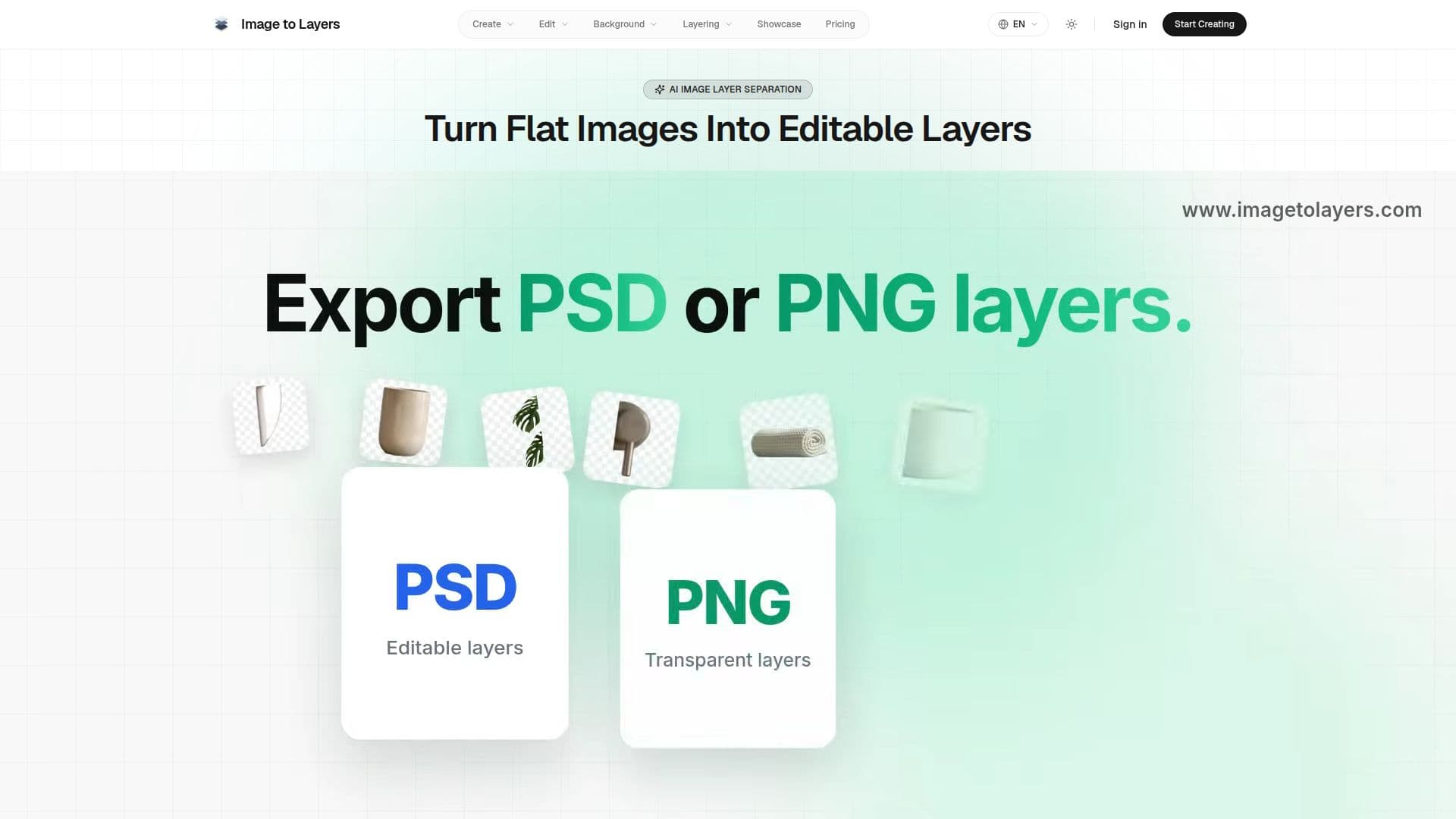
Image to Layers is a versatile online platform designed to transform flat images into editable, multi-layered compositions. Unlike traditional background removers that isolate a single foreground subject, this tool intelligently separates multiple meaningful visual regions within an image, such as subjects, backgrounds, shadows, and distinct objects. It then reconstructs plausible hidden areas behind overlaps, providing a more comprehensive and editable layered structure.
Read More
The platform supports various image types, including PNG and JPG, enabling users to create new editable layered versions even without access to original Photoshop or design files. This is particularly useful for working with flattened AI-generated images, allowing for targeted edits and variations without regenerating the entire image from scratch. Users can continue editing the separated layers directly within Image to Layers, adjusting composition, repositioning elements, and utilizing AI editing features on selected layers.
Image to Layers caters to a wide range of creative professionals, including digital artists, illustrators, character artists, animators, indie game developers, graphic designers, and content creators. It offers solutions for character production, preparing artwork for rigging, design and asset recovery, graphic design decomposition, print design separation, and logo layering. The tool aims to provide more creative control and reduce the need to start over on projects when original source files are unavailable.
While the AI separation may not be perfect for every image, the platform allows for review and further editing of individual parts. Users can export their layered results as ZIP or PSD files for use in external editing software like Photoshop, or continue refining their work within the Image to Layers environment. The service operates on a credit-based system, with a single credit balance applicable across various image and video workflows offered by the platform.
- CategoryAI Photo Editors
- Pricing ModelFreemium
- DeploymentCloud
- PlatformsWeb
Image to Layers's Core Features
Convert flat images into editable layers
Separate subjects, backgrounds, shadows, and objects
Reconstruct plausible hidden areas behind overlaps
Export layered results as ZIP or PSD files
Edit individual layers directly in the browser
Adjust composition and reposition layers
Utilize AI to edit selected layers
Support for PNG, JPG, and other image formats
Process AI-generated images into editable layers
Character artwork separation (hair, face, body, clothing)
Product photo layering for e-commerce
Text detection and editing within designs
Private file processing for security
Credit-based system for various workflows
Community support and direct assistance
How to use Image to Layers?
Upload Image: Upload a flat photo or AI-generated image in formats like PNG or JPG.
Generate Layers: The tool analyzes the image and generates semantic layers, separating visual regions.
Edit Layers: Edit individual layers directly in your browser, adjusting composition, hiding, or repositioning elements.
Refine with AI: Use AI editing features to modify selected layers or parts of the image.
Export Result: Export your layered image as a ZIP bundle or PSD file for use in other design software or save your work.
Image to Layers's Use Cases
- Character Production
- Design & Asset Recovery
- Image Composition Workflows
- Product Visual Editing
- AI-Generated Image Editing
- Animation Preparation
- Marketing & Ad Creation
- Creative Hobbyists