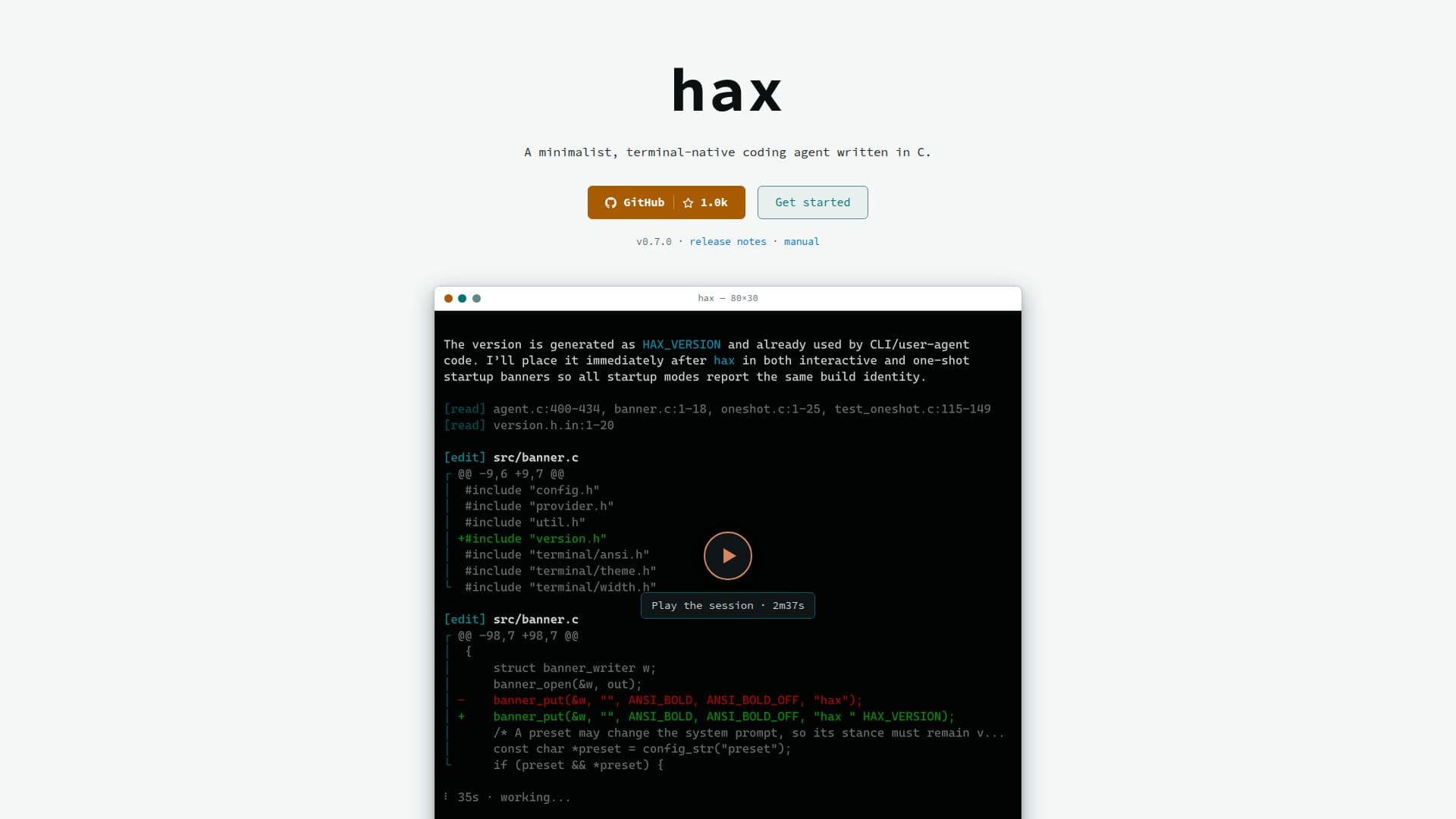
Description
hax is a minimalist, terminal-native coding agent engineered for developers who operate primarily within the command line environment. It distinguishes itself by being a single native C binary, ensuring a small footprint with minimal dependencies. This design allows hax to start instantly and use only a few megabytes of memory, thereby preserving more RAM for local AI models.
Read More
The agent offers first-class support for local models, automatically discovering model and runtime capabilities without requiring custom provider configuration for default setups. Beyond local models, hax provides broad compatibility with various AI providers, including OpenAI and compatible services, Anthropic and compatible services, Codex (via ChatGPT subscription), OpenRouter, OpenCode Zen/Go, and llama.cpp, among others.
hax is designed to respect the terminal environment, featuring streaming Markdown and live tool output that reflows for optimal display. It only redraws the current streaming line or the input area, preserving native scrollback and avoiding interference with the terminal's normal operation. Users can inspect interactions with models through a usable transcript view (Ctrl+T) and optionally collect detailed wire protocol traces.
As a well-behaved Unix tool, hax adheres to XDG paths, provides clean stdout in one-shot mode with resume hints on stderr, and uses plain-text config and session files. It supports composition via subprocesses instead of plugins, aligning with a philosophy of minimalism and auditability. The target audience includes developers who live in the terminal, run local models, audit their tools' actions, package software for distributions, or deploy agents in resource-constrained environments.
hax runs on Linux, macOS, FreeBSD, and OpenBSD, and can be used on Windows under WSL. It can be installed via Homebrew on macOS and Linux, or from the AUR on Arch Linux. Prebuilt binaries are also available for Linux (x86_64 and aarch64) and macOS (Apple Silicon), or users can build it from source. The tool comes with comprehensive man pages covering options, slash commands, keys, sessions, project instructions, provider setup, configuration, and session files.
- CategoryAI Coding Assistants
- Pricing ModelOpen source
- DeploymentLocal
- PlatformsLinux, macOS, FreeBSD, OpenBSD, WSL (Windows)
hax's Core Features
Minimalist native C binary
Low memory usage (few MB of RAM)
Instant startup
First-class local model support
Auto-discovers model and runtime capabilities
Broad AI provider support (OpenAI, Anthropic, Codex, OpenRouter, OpenCode Zen/Go, llama.cpp)
Streaming Markdown output in terminal
Live tool output reflowed for terminal display
Preserves native terminal scrollback
Inspectable transcript view (Ctrl+T)
Optional wire protocol trace collection
Adheres to XDG paths for configuration
Clean stdout in one-shot mode
Plain-text config and session files
Composition via subprocesses instead of plugins
How to use hax?
Install hax: Install via Homebrew on macOS/Linux, AUR on Arch Linux, prebuilt binaries, or build from source.
Run hax: Navigate to your project directory and execute `hax` in the terminal.
Choose a provider and model: In interactive mode, use `/provider` to view available options and select a model.
Interact with the agent: Begin coding tasks or queries, leveraging its terminal-native interface.
Inspect interactions: Use Ctrl+T to view the transcript of model communications and replies.
hax's Use Cases
- Terminal-Native Coding
- Local Model Experimentation
- Code Generation & Refactoring
- Resource-Constrained Agent Deployment
- Auditing AI Tool Interactions
- Software Packaging for Distros