Description
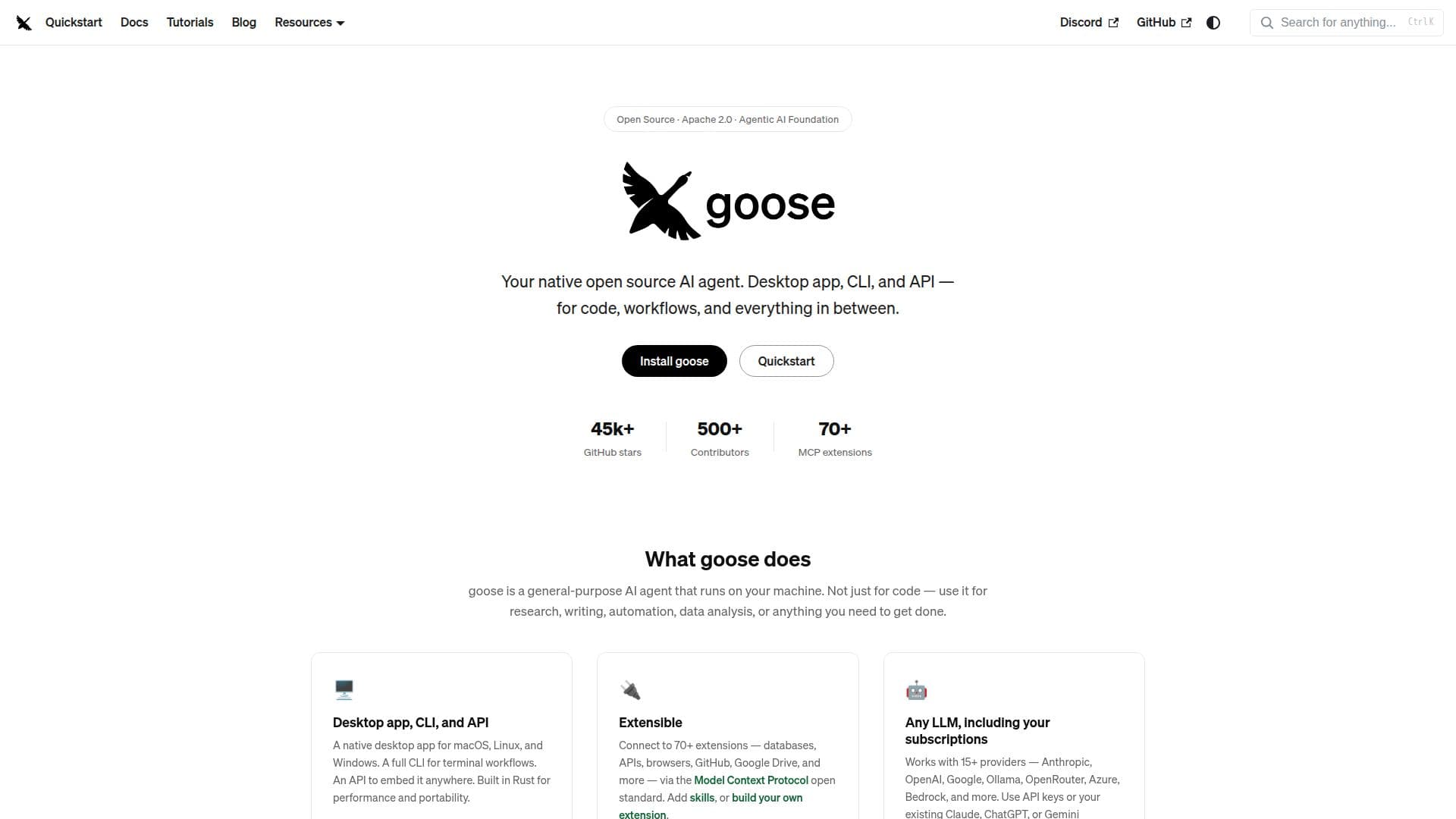
Goose is a general-purpose AI agent designed to run directly on your machine, offering a versatile solution for a wide range of tasks. Whether you need assistance with coding, research, writing, automation, or data analysis, Goose is equipped to help you accomplish your goals efficiently.
Read More
The application is available as a native desktop app for macOS, Linux, and Windows, and it also provides a full command-line interface (CLI) for terminal workflows. Additionally, Goose features an API that allows you to embed its capabilities into other applications. Built using Rust, Goose ensures high performance and portability across different operating systems.
One of Goose's standout features is its extensibility. It connects to over 70 extensions, including databases, APIs, browsers, GitHub, Google Drive, and more, through the Model Context Protocol (MCP) open standard. Users can add skills or even build their own extensions to tailor the application to their specific needs.
Goose supports more than 15 language model providers, including Anthropic, OpenAI, Google, and Azure, allowing users to utilize their existing subscriptions seamlessly. The application also enables users to capture workflows as portable YAML configurations, making it easy to share with teams or run in continuous integration environments.
Security is a priority for Goose, which includes features such as prompt injection detection, tool permission controls, and a sandbox mode to ensure safe operations. The application is part of the Agentic AI Foundation at the Linux Foundation, promoting a vendor-neutral and community-governed approach to AI development.
With an active community of developers and users, Goose encourages collaboration through platforms like Discord and GitHub, where users can share extensions, recipes, and contribute to the project. The application is continuously updated to enhance its functionality and user experience, making it a reliable tool for anyone looking to leverage AI in their workflows.
- CategoryAI Coding Assistants
- Pricing ModelOpen Source
- DeploymentDesktop and CLI
- PlatformsmacOS, Linux, Windows
goose's Core Features
Native desktop app for macOS, Linux, Windows
Full CLI for terminal workflows
API available for embedding
Extensible with 70+ extensions
Supports 15+ LLM providers
YAML configuration for workflows
Security features including sandbox mode
Community-driven development
How to use goose?
Install Goose: Download the desktop app or CLI for your operating system.
Configure your provider: Set up your preferred LLM provider using API keys.
Use the desktop app or CLI: Start a session and input your tasks or questions.
Explore extensions: Browse and add extensions to enhance Goose's capabilities.
goose's Use Cases
- Coding Assistance
- Research Support
- Writing Aid
- Automation Tasks
- Data Analysis