Description
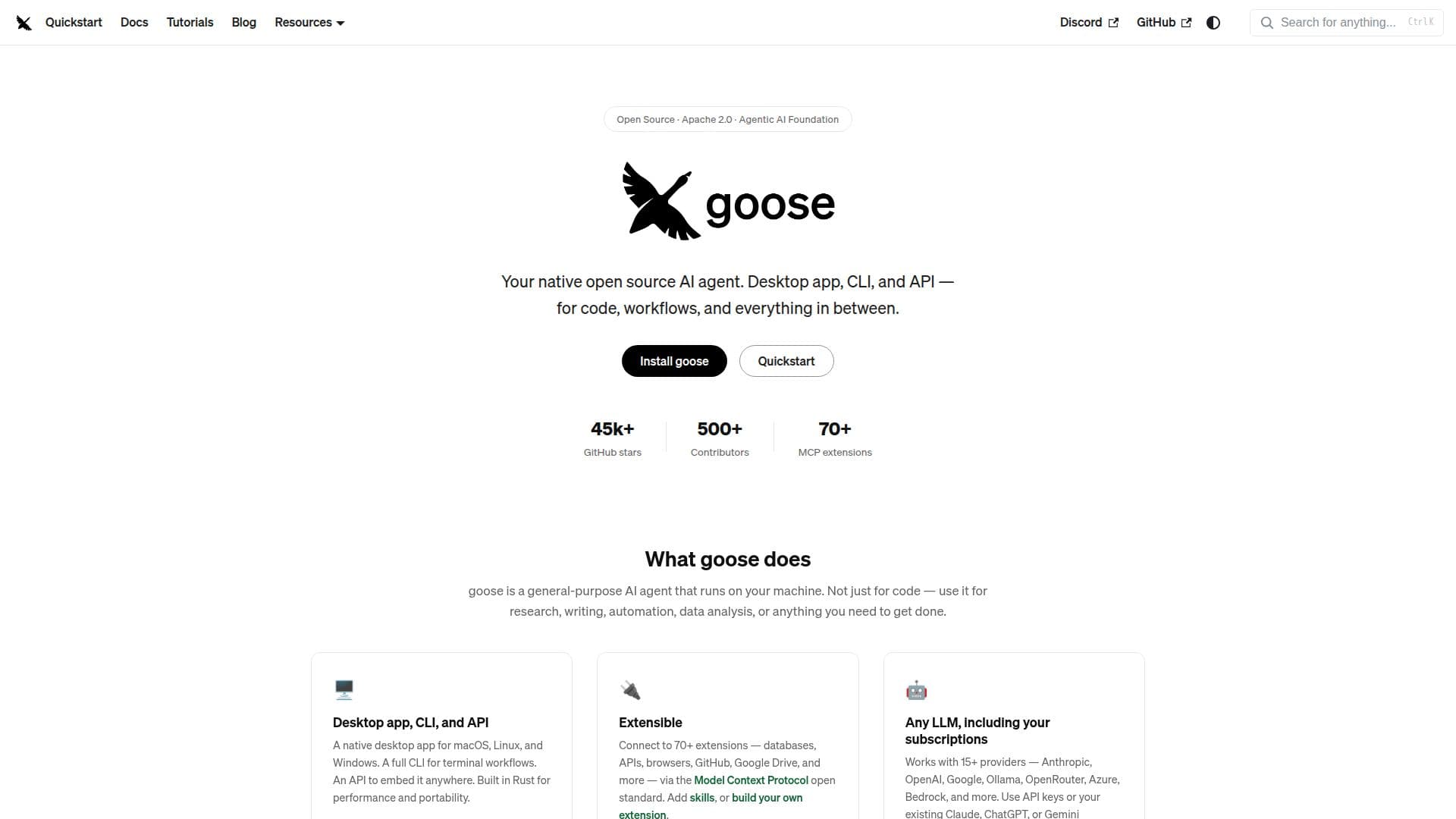
Goose is a versatile open-source AI agent designed to run directly on your machine. It offers a native desktop application compatible with macOS, Linux, and Windows, a comprehensive command-line interface for terminal workflows, and an API for embedding Goose into various environments. Built in Rust, Goose ensures high performance and portability.
Read More
The agent is not limited to coding tasks; it can be used for research, writing, automation, data analysis, and more. Goose supports over 70 extensions, connecting to databases, APIs, browsers, GitHub, Google Drive, and more through the Model Context Protocol (MCP) open standard. Users can add skills or create their own extensions.
Goose works with more than 15 language model providers, including Anthropic, OpenAI, Google, Ollama, OpenRouter, Azure, and Bedrock. It allows the use of API keys or existing subscriptions like Claude, ChatGPT, or Gemini via the Agent Client Protocol (ACP).
The platform supports capturing workflows as portable YAML configurations, known as recipes, which can be shared, run in CI, and include instructions, extensions, parameters, and subrecipes. Goose also allows for the creation of interactive UIs within its desktop app through MCP Apps.
Security is a priority, with features like prompt injection detection, tool permission controls, sandbox mode, and an adversary reviewer to monitor for unsafe actions. Goose is part of the Agentic AI Foundation at the Linux Foundation, ensuring it remains vendor-neutral and community-governed.
- CategoryAI Coding Assistants
- Pricing ModelOpen Source
- DeploymentSelf-hosted
- PlatformsmacOS, Linux, Windows
Goose AI Agent's Core Features
Open-source AI agent
Desktop app for macOS, Linux, Windows
Command-line interface
API for embedding
Supports 70+ extensions
Integrates with 15+ LLM providers
Portable YAML recipes
Interactive UIs with MCP Apps
Security features including prompt injection detection
Part of the Agentic AI Foundation
How to use Goose AI Agent?
Download: Get the desktop app for your OS
Install: Follow installation instructions for setup
Configure: Set up extensions and integrations
Use: Execute tasks via desktop app, CLI, or API
Optimize: Share and refine workflows with recipes
Goose AI Agent's Use Cases
- Code Automation
- Data Analysis
- Research Assistance
- Writing Support
- Workflow Management