Description
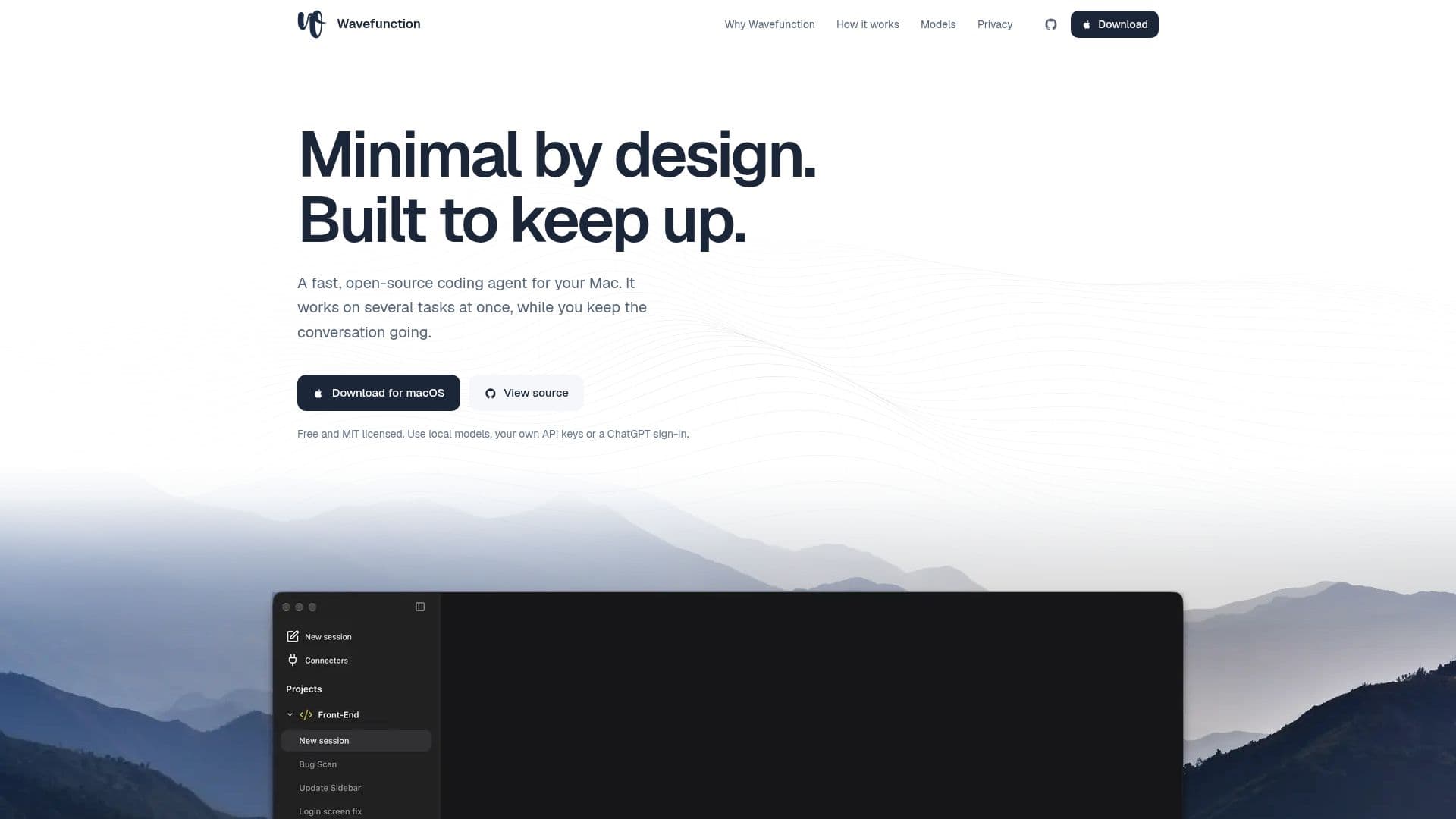
Wavefunction is an open-source desktop coding agent specifically built for macOS, prioritizing a minimal design and efficient performance. Unlike many agent applications that continuously add features, Wavefunction focuses on a 'less is more' philosophy, aiming for simplicity and speed to enhance the coding experience.
Read More
The agent offers significant flexibility in model choice, allowing users to select and switch between various models as needed. It supports running models locally, utilizing personal API keys from providers like OpenAI, Anthropic, Google Gemini, OpenRouter, or Vercel AI Gateway, or signing in with ChatGPT Plus or Pro. This approach ensures users are not locked into a single provider's plans or limits, and can maintain zero data retention for privacy-sensitive work.
Designed as a native desktop application, Wavefunction provides a clean, uncluttered interface with fewer sidebars and tabs, keeping the conversation central to the workflow. It avoids built-in browsers or extraneous features, instead integrating with the user's default browser for external links. A key innovation is its approach to computer use: the agent operates within its own isolated desktop environment, a local Docker container. This means Wavefunction never takes control of the user's mouse, keyboard, or screen, allowing developers to continue working on their Mac uninterrupted while the agent performs its tasks.
Wavefunction excels in parallel workflows. Users can assign multiple tasks sequentially, and the agent intelligently splits the work across subagents. These subagents can operate on separate branches and worktrees, preventing file collisions and allowing for dynamic steering. If plans change mid-task, messages reach the relevant subagent, enabling adjustments without restarting the entire process. The application also includes features like 'fork or rewind' to start new chats from any message or revert code and conversations to previous states.
Security and privacy are core tenets. Wavefunction stores conversations and settings locally on the user's computer. It supports local models for entirely local inference and allows configuration of providers with zero data retention. For tasks requiring desktop interaction, the agent's isolated Docker container ensures the user's Mac remains secure. File transfers are explicit, with downloads going to user-chosen folders and uploads requiring user approval. Secure sign-ins for external services pause the agent, ensuring it never sees login credentials. The platform also offers robust token and cost tracking, providing transparency into usage and expenditure.
- CategoryAI Coding Assistants
- Pricing ModelFree
- DeploymentDesktop app
- PlatformsmacOS
Wavefunction's Core Features
Open-source coding agent for macOS
Supports local models (Ollama, LM Studio)
Integrates with various API keys (OpenAI, Anthropic, Google Gemini, OpenRouter, Vercel AI Gateway)
ChatGPT Plus or Pro sign-in support
Minimal and clean desktop interface
Optimized for parallel workflows with subagents
Dynamic task steering and adjustments
Fork or rewind chat history and code
Isolated desktop environment in Docker container
Never takes control of user's mouse, keyboard, or screen
Secure sign-ins for external services
Local storage of conversations and settings
Zero data retention options with providers
Token usage and cost tracking dashboard
70+ ready-made MCP connectors and custom MCP server support
How to use Wavefunction?
Download App: Obtain the Wavefunction application for macOS from the official website.
Install Docker Desktop: Ensure Docker Desktop is installed and running on your Mac, as it's required for the agent's isolated environment.
Connect a Model: Choose your preferred model by signing in with ChatGPT, adding API keys from supported providers, or setting up local models via Ollama or LM Studio.
Start a Conversation: Initiate a new chat and provide your first coding task or instruction to the agent.
Assign Parallel Tasks: Continue sending new tasks; Wavefunction will automatically split work across subagents for parallel execution.
Monitor and Steer: Observe the agent's progress and send follow-up instructions or changes mid-task to guide its work.
Review and Integrate: Review the code and changes made by subagents, then integrate them into your project.
Wavefunction's Use Cases
- Parallel Code Development
- Automated Documentation Updates
- API Integration Testing
- Interface Development
- Code Refactoring
- Debugging and Error Resolution
- Custom Tool Automation
- Secure Development Environment
- Model Experimentation