
Description
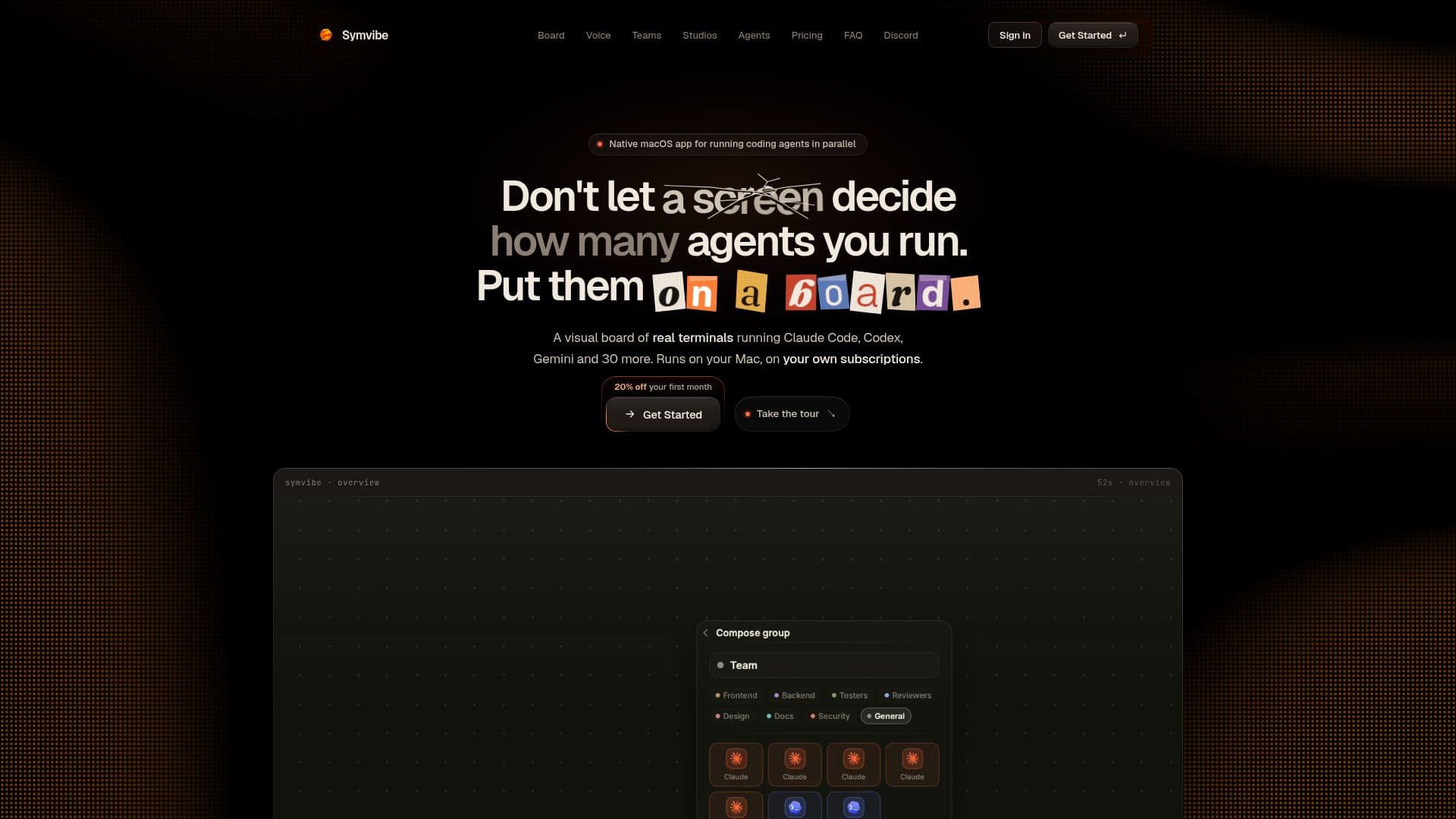
Symvibe is a native macOS application that transforms how developers interact with AI coding agents. It provides a visual board where users can run multiple command-line interface (CLI) agents, such as Claude Code, Codex, Gemini CLI, Grok, and OpenCode, side by side in real PTY terminals. This approach allows for efficient parallel execution and orchestration of various coding tasks, moving beyond the limitations of traditional terminal tabs.
Read More
The application is designed for local-first operation, meaning that user code, microphone audio, and workspace state are stored directly on the user's Mac. This commitment to privacy ensures that sensitive data remains on the local machine. While core operations are local, certain features like the voice planner and spoken replies utilize Symvibe's hosted services, sharing a monthly credit allowance.
Key capabilities include voice orchestration and dictation, powered by on-device speech recognition, allowing users to direct agents and input commands naturally. Agent teams can be configured with specific roles and handoffs, complete with a live mission map to track progress. Loops can be set to trigger agents on a schedule, when idle, or based on output, with defined goals that automatically stop them once met.
Symvibe also offers a suite of "Studios" that enhance productivity: a Document Studio for generating and exporting paginated PDFs from repositories, a Diagram Studio for creating visual representations of codebases, a Code Studio for browsing file trees and pinning code views, and a Markdown Studio for an Obsidian-style vault experience. Additional features include session resume, usage analytics for tracking token consumption per agent, support for multiple accounts of the same CLI, and project memory.
The application runs agents under the user's existing subscriptions, eliminating the need for separate API keys within Symvibe. It requires macOS 14 or later and Apple Silicon, and is distributed as a direct download rather than through the Mac App Store due to the need for real process spawning. Symvibe Pro is available via subscription, offering all features and updates, with a 14-day refund policy on first purchases.
- CategoryAI Coding Assistants
- Pricing ModelSubscription
- DeploymentRuns locally
- PlatformsmacOS
Symvibe's Core Features
Run Claude Code, Codex, Gemini CLI, Grok, OpenCode, and 30+ other CLI agents
Visual board for managing multiple real PTY terminals side by side
Voice orchestration and dictation with on-device speech recognition
Agent teams with roles, handoffs, and a live mission map
Automated loops triggered by schedule, idle state, or output, with goal-based stopping
Document Studio for generating and exporting PDFs from repositories
Diagram Studio for creating visual representations of codebases
Code Studio for browsing file trees, previewing code, and pinning files
Markdown Studio for an Obsidian-style vault with editor and link graph
Session resume and project memory for persistent workspaces
Usage analytics and token tracking per agent from local session logs
Support for multiple accounts of the same CLI (e.g., two Claude Code accounts)
Local-first operation for code, microphone audio, and state privacy
Direct download for macOS 14+ on Apple Silicon (not Mac App Store)
10,000 monthly credits for voice planner and spoken replies included with subscription
How to use Symvibe?
Install the App: Download the signed, notarized Mac installer from your account dashboard after subscribing to Symvibe Pro.
Install CLIs: Install your preferred coding agents (e.g., Claude Code, Codex, Gemini CLI) and log in to them as you normally would.
Open a Repo: Point Symvibe at a folder to turn it into a visual board, with workspaces and presets.
Spawn Consoles: Add agent consoles as nodes on the board, directing them via voice or keyboard.
Organize Work: Group agents into teams, set up automated loops, and utilize studios for document, diagram, code, and markdown tasks.
Monitor Usage: Track token consumption per agent and overall usage from local session logs to manage your subscriptions.
Symvibe's Use Cases
- Parallel Agent Execution
- Voice-Controlled Development
- Team-Based Coding Projects
- Automated Task Workflows
- Codebase Documentation
- Project Memory Management
- Token Usage Monitoring
- Multi-Account Agent Use
- Visual Code Exploration
- Markdown-Based Note Taking