
Description
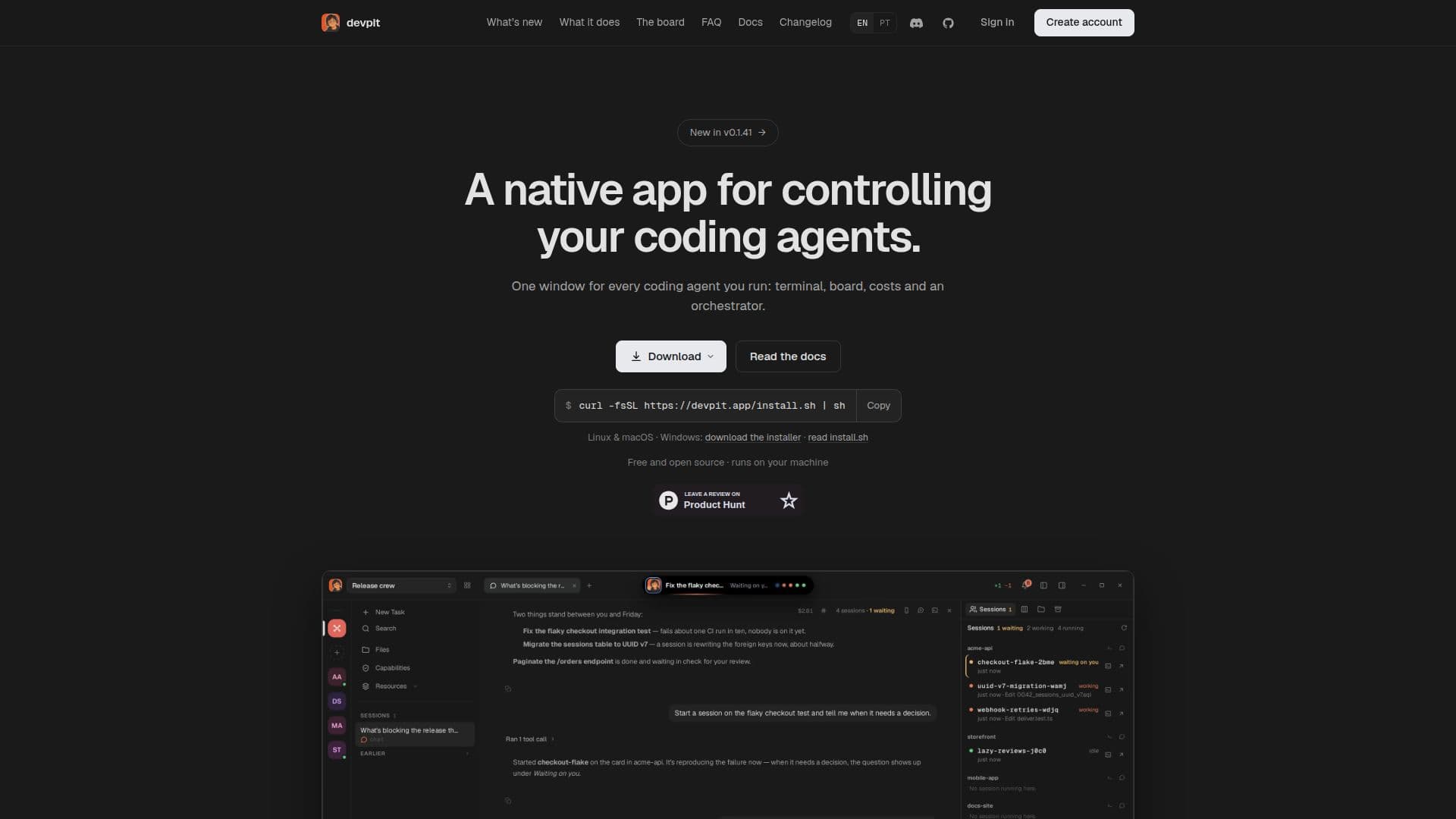
devpit is a native desktop application that provides a comprehensive environment for managing coding agents. It is designed to streamline the workflow of developers by offering a terminal for each project, a board for task management, and an orchestrator that coordinates activities across multiple projects. The application is compatible with Linux, macOS, and Windows, making it accessible to a wide range of users.
Read More
One of the key features of devpit is its ability to manage several agents simultaneously without losing track of any. The orchestrator ensures that every session is accounted for and that tasks are organized efficiently. Users can monitor the cost of every call and set spending caps to manage resources effectively.
devpit is built using Rust and Tauri, ensuring that it is not another Electron app. This choice of technology allows for a more efficient and responsive user experience. The application runs on your machine, keeping all data local and secure. It does not require an account for use, although future updates may include optional sync features.
The application supports integration with Claude Code through the claude CLI, and other agents can report their status using the devpit-agent hook. This flexibility allows users to incorporate devpit into their existing workflows without needing to change their current setup.
devpit is free and open source, licensed under Apache 2.0. It uses your existing Claude Code plan, meaning no new API keys are required. The application is designed to be lightweight and efficient, with features like psmux for Windows, which acts as the tmux equivalent for that platform.
Overall, devpit is a powerful tool for developers looking to manage their coding agents effectively. Its open-source nature and compatibility with major operating systems make it an attractive option for developers seeking a robust and flexible solution.
- CategoryAI Coding Assistants
- Pricing ModelOpen Source
- DeploymentDesktop
- PlatformsLinux, macOS, Windows
devpit's Core Features
Terminal per project
Task management board
Project orchestrator
Integration with Claude Code
Spending caps on calls
Free and open source
Runs on Linux, macOS, Windows
No account required
How to use devpit?
Install: Download and install devpit on your machine
Configure: Set up your coding agents and projects
Use: Manage tasks and monitor sessions through the interface
Optimize: Adjust settings and spending caps as needed
devpit's Use Cases
- Project Management
- Agent Coordination
- Cost Management
- Cross-Platform Development
- Local Data Storage