Description
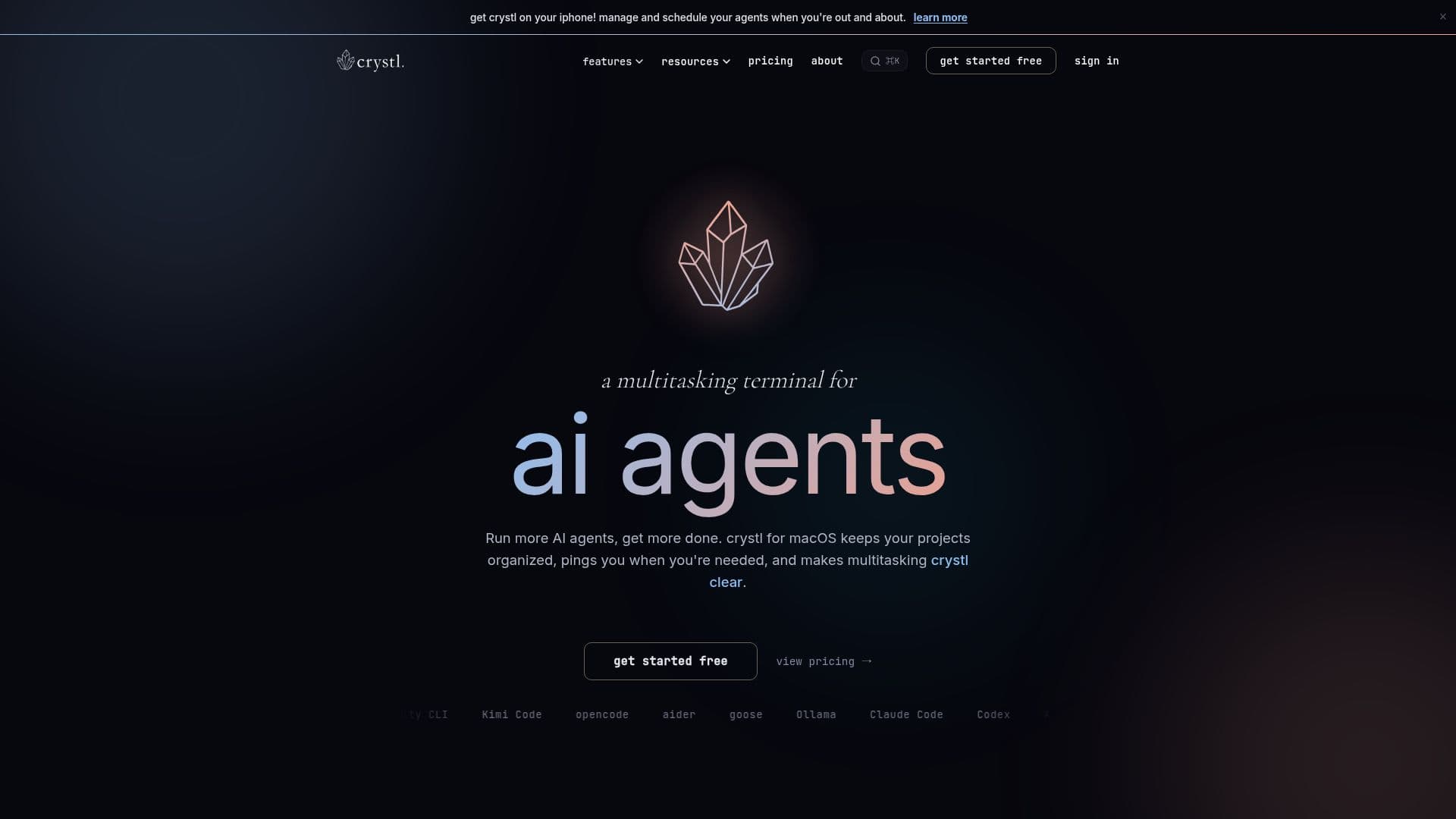
crystl is a macOS terminal specifically built for multitasking with AI coding agents, including Claude Code, Codex, and Antigravity CLI. It allows users to organize projects into gems, run parallel sessions in separate worktrees, and monitor the activities of each agent through a visually appealing frosted-glass interface.
Read More
The terminal is designed to handle multiple tasks and agents simultaneously, preventing users from getting lost in numerous tabs and windows. Each project is easily discoverable by name and a custom colored icon, while a dockside rail keeps all projects organized. Users can click on an icon to bring a project to the forefront, and agentic hooks provide action panels for approvals, questions, and notifications, allowing users to respond without switching contexts.
One of the standout features of crystl is its orchestration capabilities. Users can assign an orchestrator agent to manage subagents or launch a crystl quest to create a collaborative environment where agents work together on tasks. Each project has a dedicated workbench that maintains a shared task list, ensuring that nothing falls through the cracks.
Crystl is not limited to Claude Code; it supports any CLI agent, with Claude Code having the deepest integration. Users can also utilize crystl for regular terminal work, making it versatile for various command-line tasks. The CLAUDE.md manager allows users to store and name different starter files, streamlining project setup.
Crystl offers a free plan that includes essential features like isolated shards, action panels, and remote development over SSH. For more advanced functionalities, users can opt for the Guild plan, which includes agent orchestration, custom heroes, and priority support. Overall, crystl is an innovative solution for managing AI coding agents efficiently, making it an essential tool for developers and agencies alike.
- CategoryAI Coding Assistants
- Pricing ModelFreemium
- DeploymentmacOS
- PlatformsmacOS
crystl: a multitasking terminal for AI coding agents's Core Features
Multi-agent orchestration
Isolated shards for parallel sessions
Custom project organization into gems
Action panels for notifications and approvals
Shared task list in workbench
Support for multiple CLI agents
CLAUDE.md manager for starter files
Remote development over SSH
How to use crystl: a multitasking terminal for AI coding agents?
Organize projects: Create gems for each project.
Run agents: Spawn multiple agents in isolated shards.
Monitor activities: Use the frosted-glass interface to track agent status.
Respond to notifications: Use action panels to approve requests without switching contexts.
Collaborate: Launch a crystl quest to have agents work together.
Manage tasks: Utilize the shared workbench to keep track of project tasks.
Integrate CLI: Use crystl as a regular terminal for command-line tasks.
Access on mobile: Monitor agents and approve tasks via the crystl iPhone app.
crystl: a multitasking terminal for AI coding agents's Use Cases
- Project Management
- Agent Collaboration
- Task Tracking
- CLI Development
- Remote Development