Description
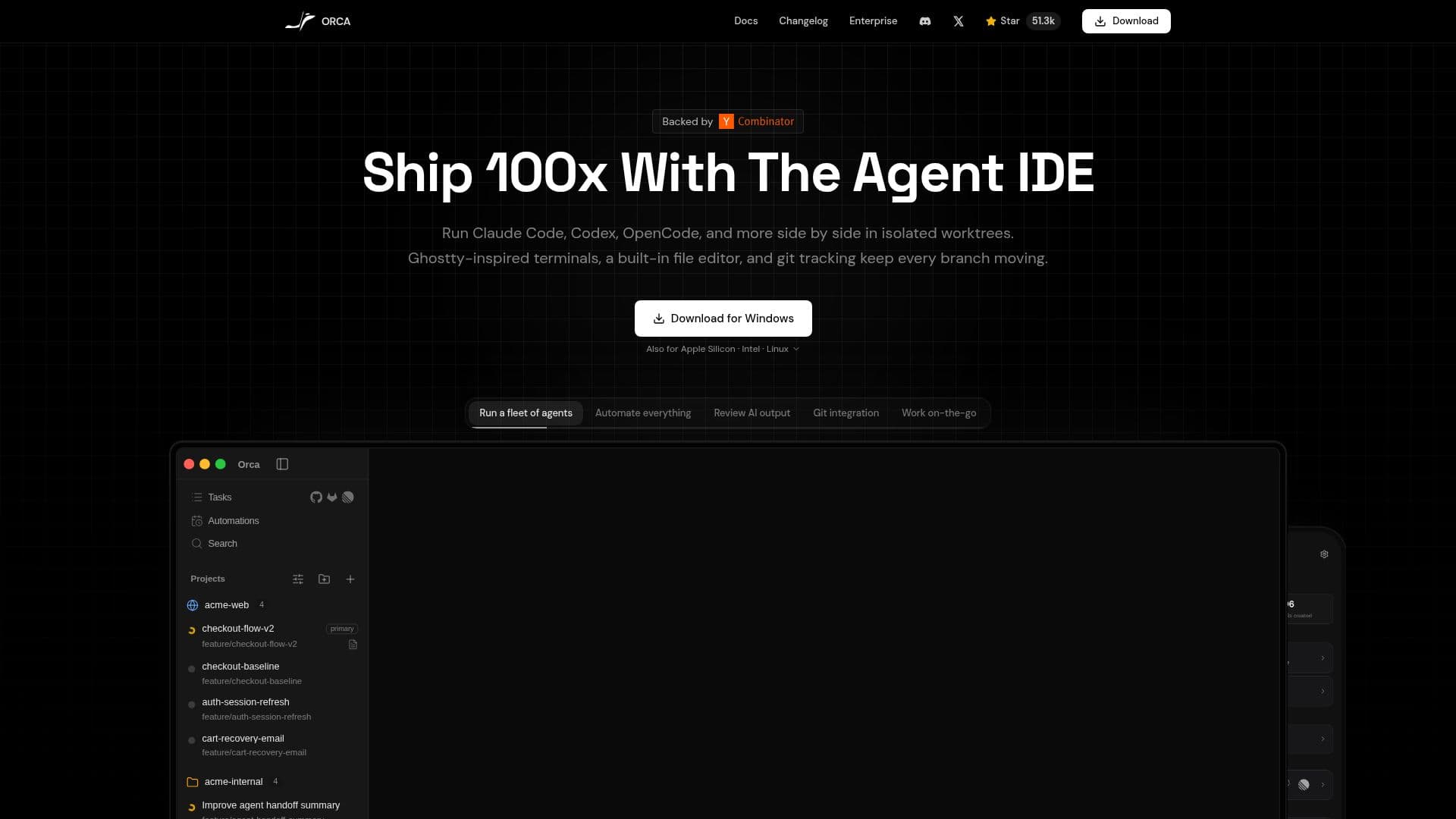
Orca is an Agent Development Environment (ADE), a free, open-source, cross-platform desktop app for shipping with coding agents. It runs Claude Code, Codex, Gemini, Cursor CLI, and every other CLI agent in parallel across isolated git worktrees, so developers can get work done dramatically faster than in a traditional IDE.
Read More
Orca is worktree-first: each AI agent runs in its own isolated git worktree, so one agent can work on authentication while another handles the API and a third builds the frontend, all in parallel without conflicts. It includes a Ghostty-inspired terminal with infinite horizontal, vertical, and nested splits, in-app diff review, an embedded browser, and remote SSH development.
Built specifically to manage multiple coding agents, Orca lets developers run multiple Claude Code instances across different worktrees with full terminal control, status tracking, and notifications. It serves as a terminal-first alternative to IDEs like Cursor and a Ghostty terminal alternative for Windows and Linux, and ships new features frequently.
- CategoryAI Coding Assistants
- Pricing ModelOpen source
- DeploymentDesktop app
- PlatformsmacOS, Windows, Linux
Orca's Core Features
Free, open-source, cross-platform Agent Development Environment
Runs Claude Code, Codex, Gemini, Cursor CLI, and other CLI agents
Parallel agents across isolated git worktrees
Ghostty-inspired terminal with infinite and nested splits
In-app diff review with jump-to-file actions
Embedded browser and remote SSH development
Status tracking and notifications for multiple agents
Frequent releases with new features
How to use Orca?
Install Orca: Download the free, open-source desktop app for your platform.
Add your project: Open a repository to start managing agents.
Launch agents: Run Claude Code, Codex, Gemini, or other CLI agents in isolated worktrees.
Work in parallel: Assign different tasks to different agents across worktrees.
Review and merge: Use in-app diff review and terminal control to inspect and ship changes.
Orca's Use Cases
- Parallel AI coding
- Worktree management
- Agent-driven development
- Terminal-first workflow