Description
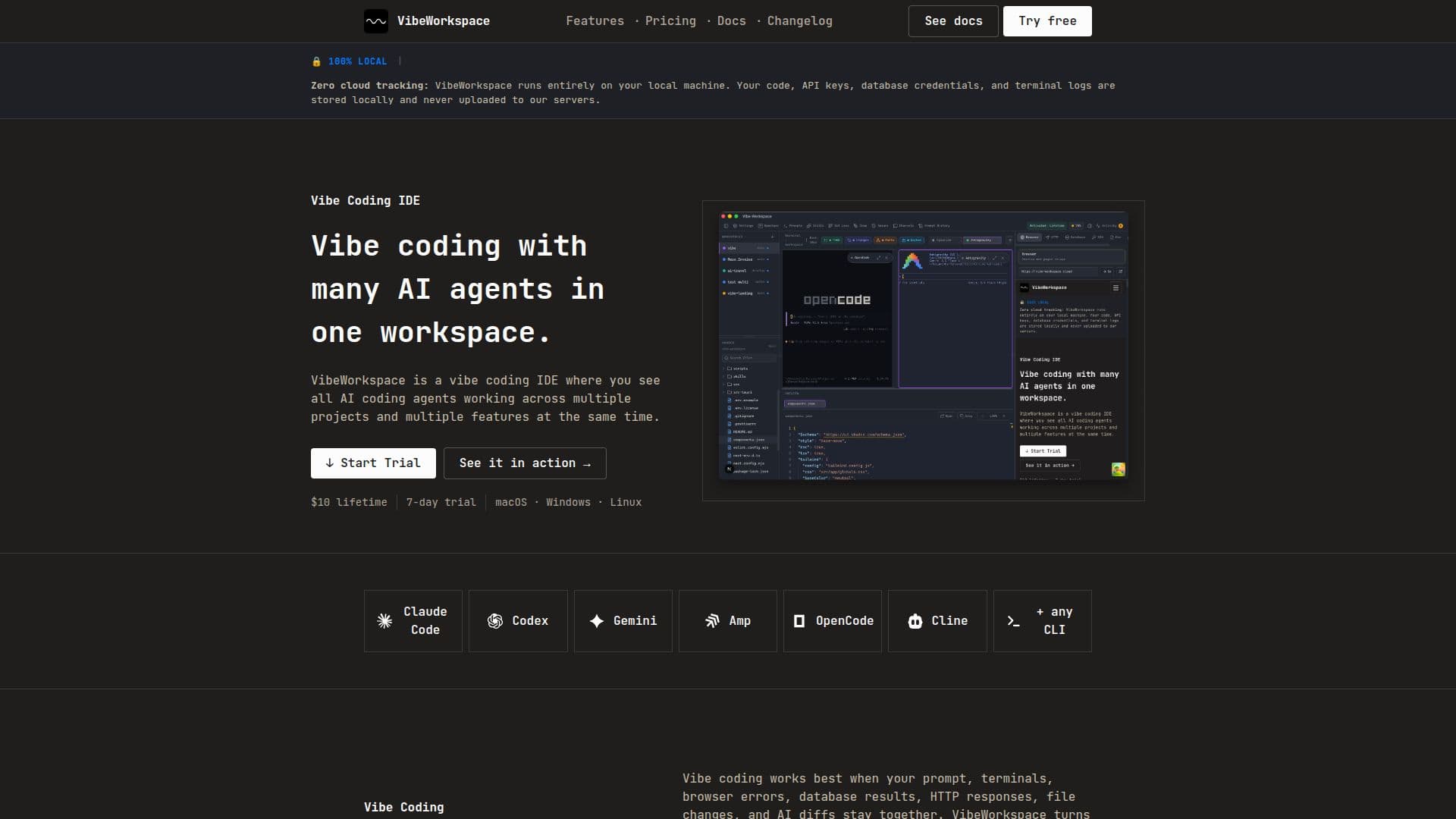
VibeWorkspace is a vibe coding IDE that consolidates various AI coding agents into a single workspace, allowing developers to run Claude Code, Codex, Gemini, and other tools seamlessly. This integrated environment supports a fast AI-assisted development workflow where developers can describe their intent, run AI agents, and review generated changes without the hassle of switching between multiple tools.
Read More
The platform is designed to cater to the needs of developers who frequently utilize AI agents in their coding processes. VibeWorkspace allows users to create named workspaces for their projects, enabling the configuration and parallel launching of multiple AI agents. This feature is particularly beneficial for managing complex projects that require the use of various AI tools simultaneously.
VibeWorkspace supports a wide range of AI agents, including Claude Code, Codex, Gemini CLI, and others. If an agent runs in a terminal, it can be integrated into VibeWorkspace. The IDE is compatible with Windows and Linux, with plans for macOS support in the future. Users can also utilize local AI models if they have a command-line interface.
The workspace is versatile, supporting SQL, NoSQL, cache, vector, and specialized database engines, which allows for schema browsing and query results to be integrated into the AI context. This capability enhances the developer's ability to manage data effectively while working on their projects.
VibeWorkspace offers a unique pricing model with a one-time fee of $10 for lifetime access, along with a 7-day free trial that provides full feature access. This model eliminates the need for subscriptions, making it an attractive option for developers looking for a cost-effective solution to streamline their coding processes.
In summary, VibeWorkspace is an innovative IDE that brings together multiple AI coding agents and project management tools into a single, cohesive environment, significantly improving the coding workflow for developers.
- CategoryAI Coding Assistants
- Pricing ModelOne-time fee
- DeploymentDesktop app
- PlatformsWindows, Linux
Vibe Workspace's Core Features
Multiple terminals at once
Persistent terminals (survive restart)
Flexible terminal layouts (split, grid, tabs)
Parallel multi-CLI agents (Claude, Codex, Gemini)
Smart notifications when agent finishes
AI session continuity (resume across restarts)
Activity feed across all projects
Real-time file tree with type icons
Visual Git changes
Drag-and-drop file support
How to use Vibe Workspace?
Create a workspace: Set up a named workspace for your project.
Configure agents: Launch multiple AI agents in parallel within the workspace.
Run commands: Execute commands in the integrated terminal for each agent.
Review changes: Inspect AI-generated changes and approve diffs before committing.
Manage databases: Connect to various databases and run queries directly from the IDE.
Utilize local models: Run local AI models as terminal commands if available.
Monitor activity: Use the activity feed to track AI agent tasks and results.
Switch projects: Instantly switch between multiple projects while preserving workspace state.
Vibe Workspace's Use Cases
- AI-assisted development
- Project management
- Database integration
- Real-time collaboration
- Local model usage