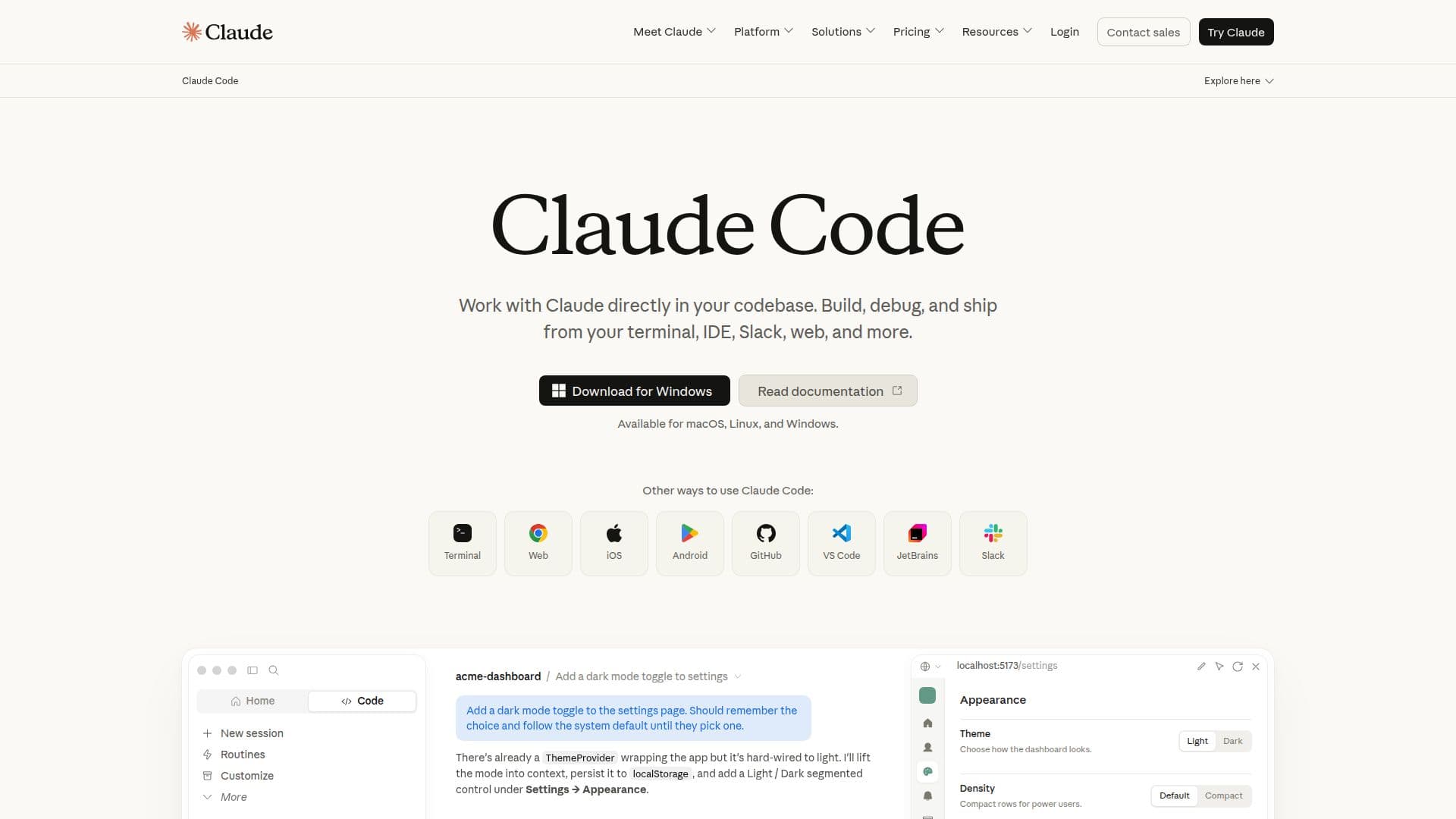
Description
Claude Code by Anthropic is an innovative AI coding agent tailored for developers. This tool enhances coding efficiency by understanding your codebase, editing files, and executing commands directly from your terminal or integrated development environment (IDE). With Claude Code, developers can streamline their workflow, allowing them to focus on building and shipping software faster than ever before.
Read More
Getting started with Claude Code is straightforward. Users can access it through a Claude Pro or Max plan, a Team or Enterprise plan premium seat, or a Claude Console account. Once downloaded, users simply sign in with their respective credentials. Claude Code excels at handling both routine development tasks, such as bug fixes and testing, as well as more transformative work like refactoring and implementing new features that require a deep understanding of the codebase.
One of the standout features of Claude Code is its ability to integrate seamlessly with existing tools. It operates within your terminal and works alongside your preferred IDE without requiring any changes to your workflow. Claude Code can utilize command line tools, such as Git, and connect with MCP servers like GitHub to enhance its capabilities. Security is also a priority; Claude Code runs locally in your terminal and communicates directly with model APIs, ensuring that sensitive data remains protected.
Claude Code is compatible with macOS, Linux, and Windows, making it accessible to a wide range of developers. The tool also offers a fast mode, which is a high-speed configuration that makes the model 2.5 times faster, albeit at a higher cost per token. This mode is available in research preview and is priced based on usage.
In addition to its core functionalities, Claude Code supports various workflows, allowing developers to manage their coding tasks efficiently. It integrates with popular platforms like GitHub and GitLab, enabling users to read issues, write code, run tests, and submit pull requests—all from the terminal. With Claude Code, developers can make powerful, multi-file edits that are contextually aware of their codebase and dependencies, significantly reducing the time spent on routine tasks.
- CategoryAI Coding Assistants
- Pricing ModelUsage-based
- DeploymentLocal
- PlatformsmacOS, Linux, Windows
Claude Code by Anthropic's Core Features
Local execution
Terminal integration
IDE compatibility
Multi-file editing
Command line tool support
Fast mode available
Security-focused design
Dynamic workflows
How to use Claude Code by Anthropic?
Access: Obtain a Claude Pro, Max, Team, or Enterprise plan.
Download: Install Claude Code on your device.
Sign in: Use your Claude or Console credentials to log in.
Integrate: Set up Claude Code to work with your existing IDE and tools.
Utilize: Start coding, debugging, and shipping software using Claude Code.
Claude Code by Anthropic's Use Cases
- Bug Fixing
- Feature Implementation
- Code Refactoring
- Testing Automation
- Workflow Management