
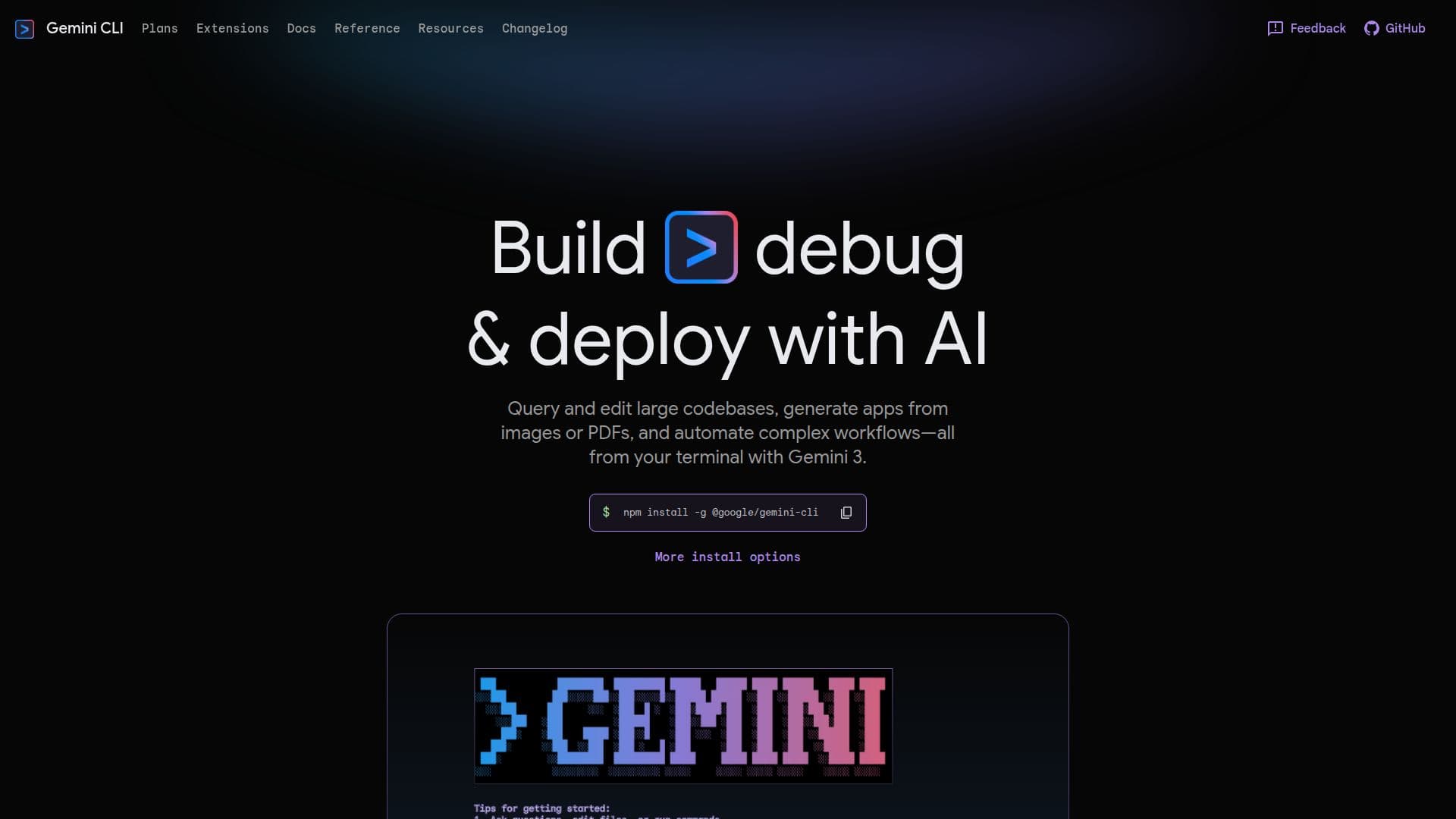
Description
Gemini CLI is a versatile command-line interface designed to enhance the development process through AI capabilities. It allows developers to build, debug, and deploy applications efficiently. One of its key features is the ability to query and edit large codebases, making it easier for developers to manage and navigate complex projects. Additionally, Gemini CLI can generate applications from images or PDFs, streamlining the development process by reducing the need for manual coding. This feature is particularly useful for developers looking to quickly prototype or create applications from existing designs or documents.
Another significant capability of Gemini CLI is its ability to automate complex workflows. By leveraging AI, it can handle repetitive tasks and processes, allowing developers to focus on more critical aspects of their projects. This automation not only saves time but also reduces the likelihood of human error, leading to more reliable and efficient development cycles.
Gemini CLI is designed for developers who prefer working within a terminal environment. Its integration into the terminal allows for seamless interaction with existing development tools and workflows. This makes it an ideal choice for developers who are comfortable with command-line interfaces and are looking to enhance their productivity with AI-driven features.
Overall, Gemini CLI offers a comprehensive set of tools for developers looking to leverage AI in their development processes. Its ability to handle large codebases, generate applications from various sources, and automate workflows makes it a valuable asset for any development team.
Gemini CLI's Core Features
Query and edit large codebases
Generate apps from images or PDFs
Automate complex workflows
Terminal-based interface
AI-driven development tools
Seamless integration with existing workflows
Enhances productivity
Reduces human error
How to use Gemini CLI?
Configure: Set up Gemini CLI in your terminal
Use: Query and edit codebases
Use: Generate apps from images or PDFs
Optimise: Automate workflows for efficiency
Gemini CLI's Use Cases
- Codebase Management
- App Generation
- Workflow Automation
- Terminal Development
- AI-Driven Development